Video tutorials
111 short walkthroughs, one per feature, from your first ten minutes of setup to running a route on the phone app. Start with Onboarding, or search for the thing you're stuck on.
Onboarding
12 videos, about 16 min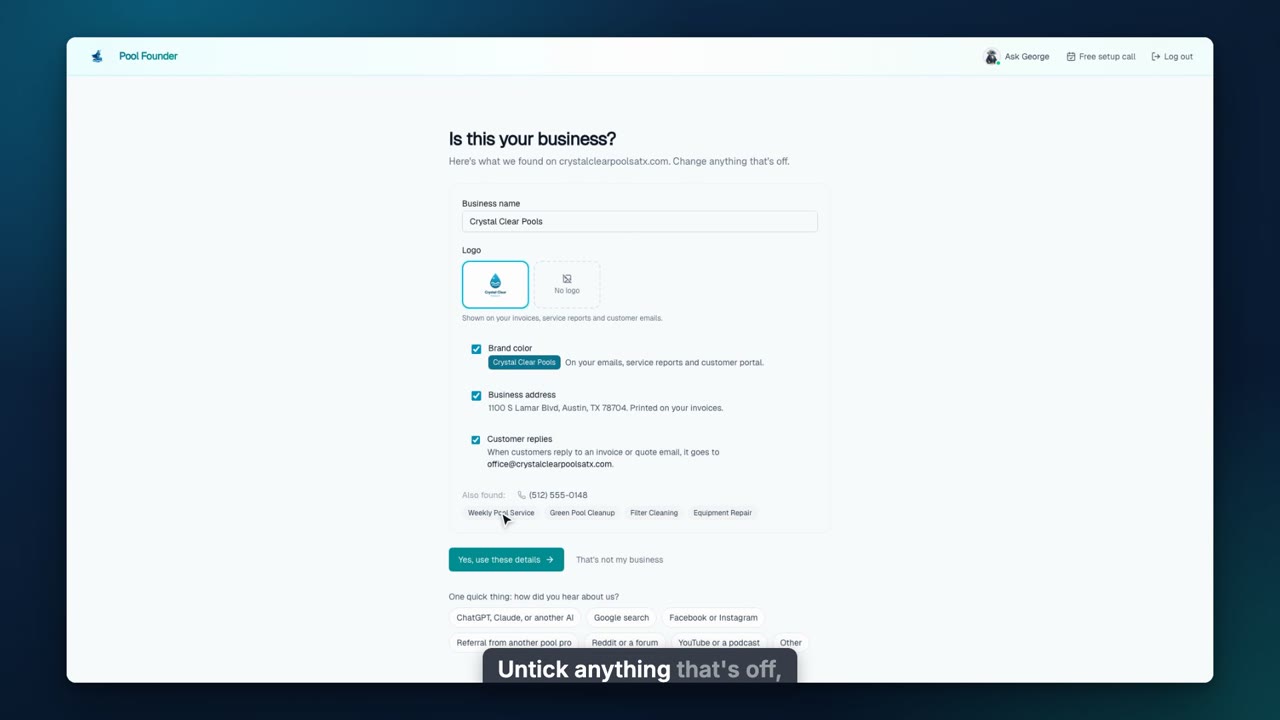
Getting Set Up
How a new account gets set up: type your website and Pool Founder fills in your business, then the setup guide takes you through five steps on the real pages (what you sell, customers and pools, each pool's service, your team, routes). Plus a setup call or done-for-you setup whenever you want help.
Web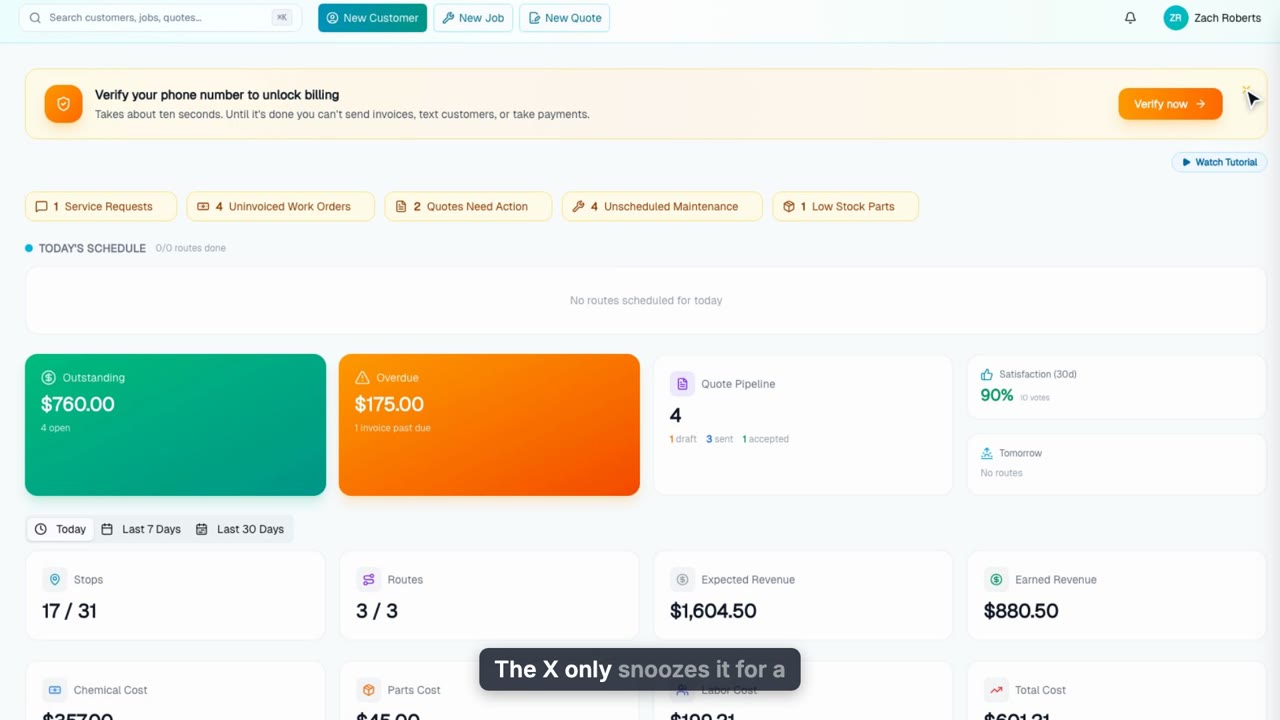
Verify Your Phone or Email
Verify your phone or email with one 6-digit code to unlock sending invoices and quotes, texting customers, taking payments, and inviting teammates.
Web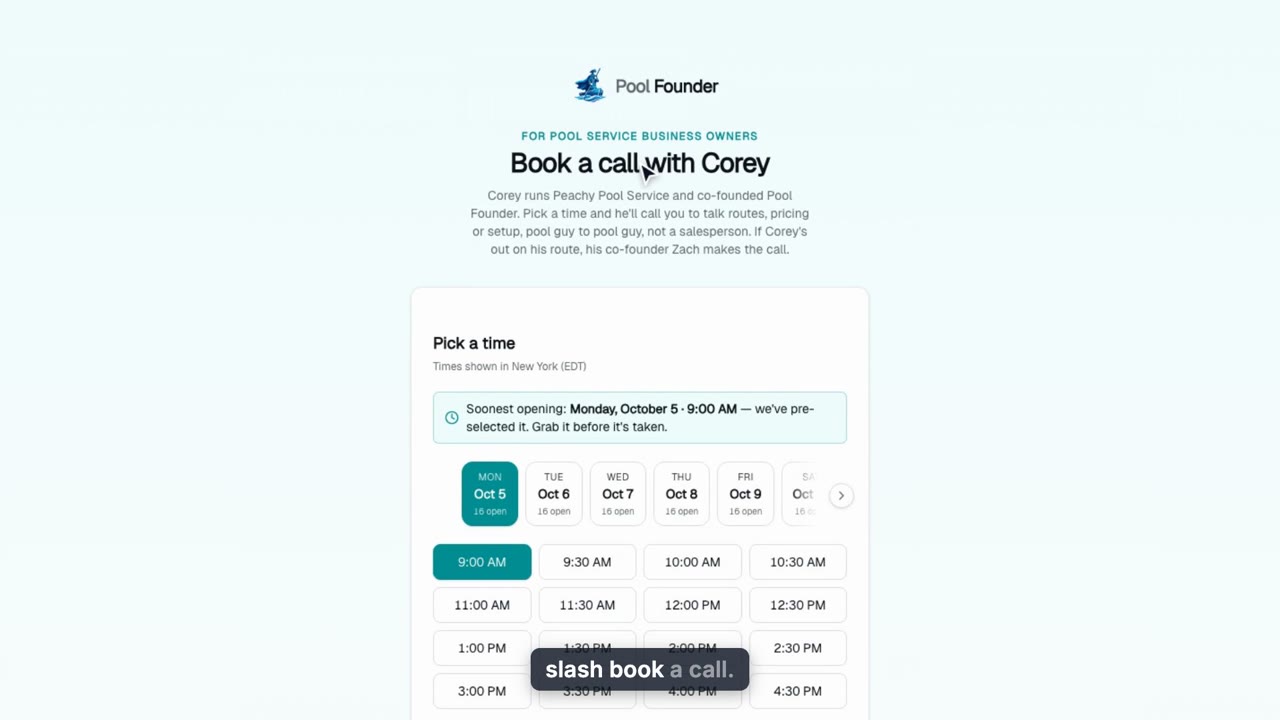
Book a Free Setup Call
Book a free setup phone call with Corey, Pool Founder’s co-founder: where to find it, picking a time in your time zone, what to fill in, and what arrives after you confirm.
Web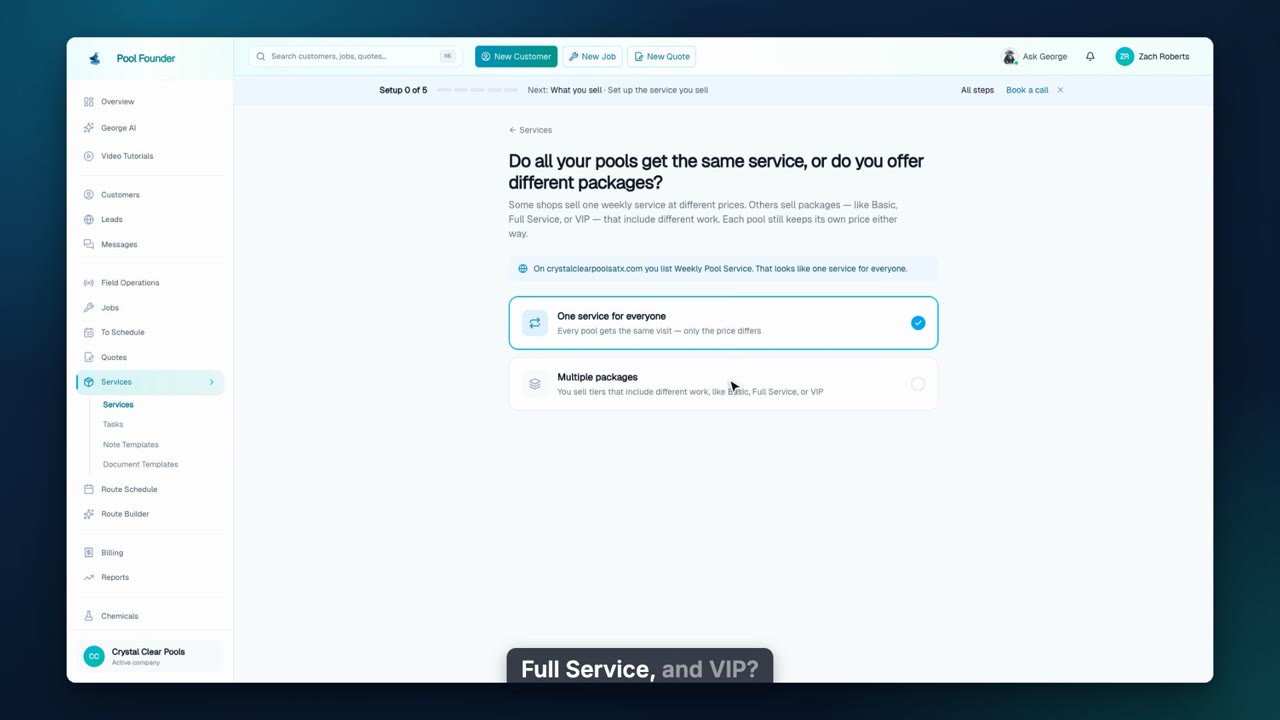
Setup: What You Sell
Step one of the setup guide: one service for everyone or packages, suggested from your website, then how you charge, when invoices go out, how chemicals are billed, and the visit checklist your techs see at every stop. Prices are set per pool later.
Web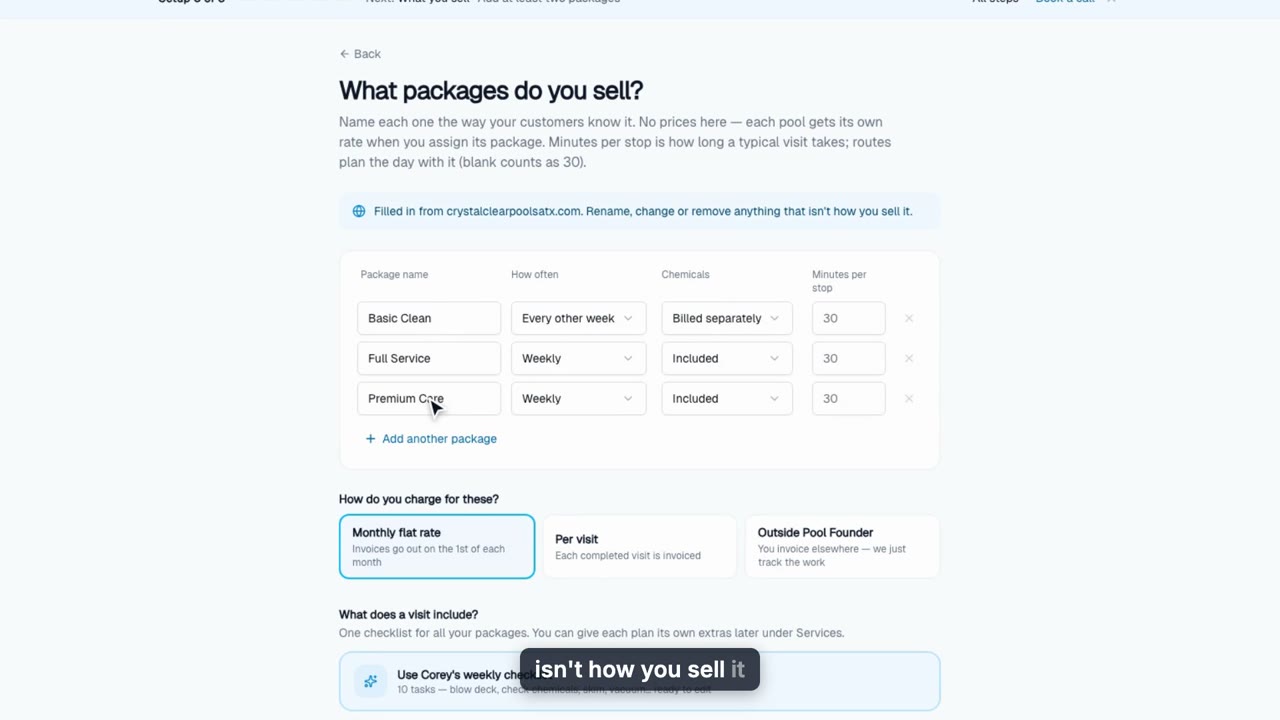
Setup: Service Packages
For shops that sell tiers like Basic, Full Service and Premium: in step one of the setup guide, create every package in one pass, filled in from your website, with how often, chemicals and minutes per stop for each, one billing choice and one visit checklist. Prices are set per pool later.
Web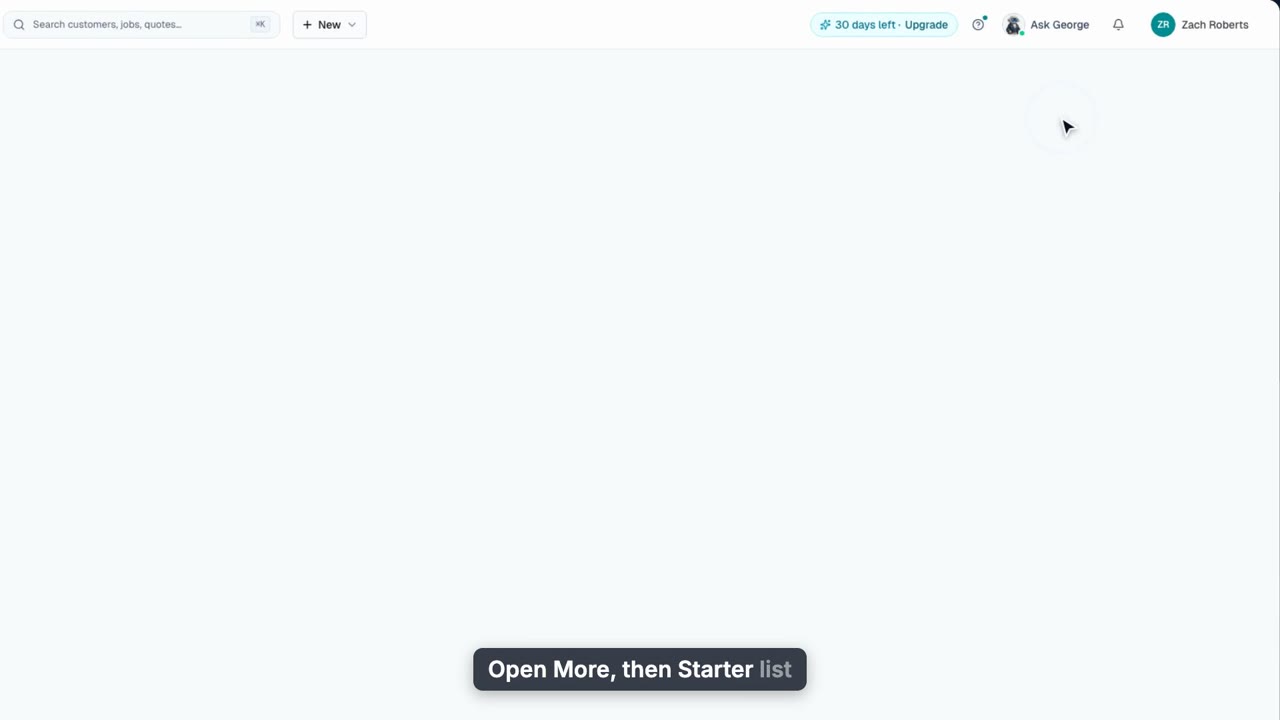
Setup: Your Starter Chemicals
The Starter list on the Chemicals page: set what you charge and what you pay for the 13 chemicals every account starts with, switch off what you do not carry, and see how those prices feed invoices, profitability and your techs.
Web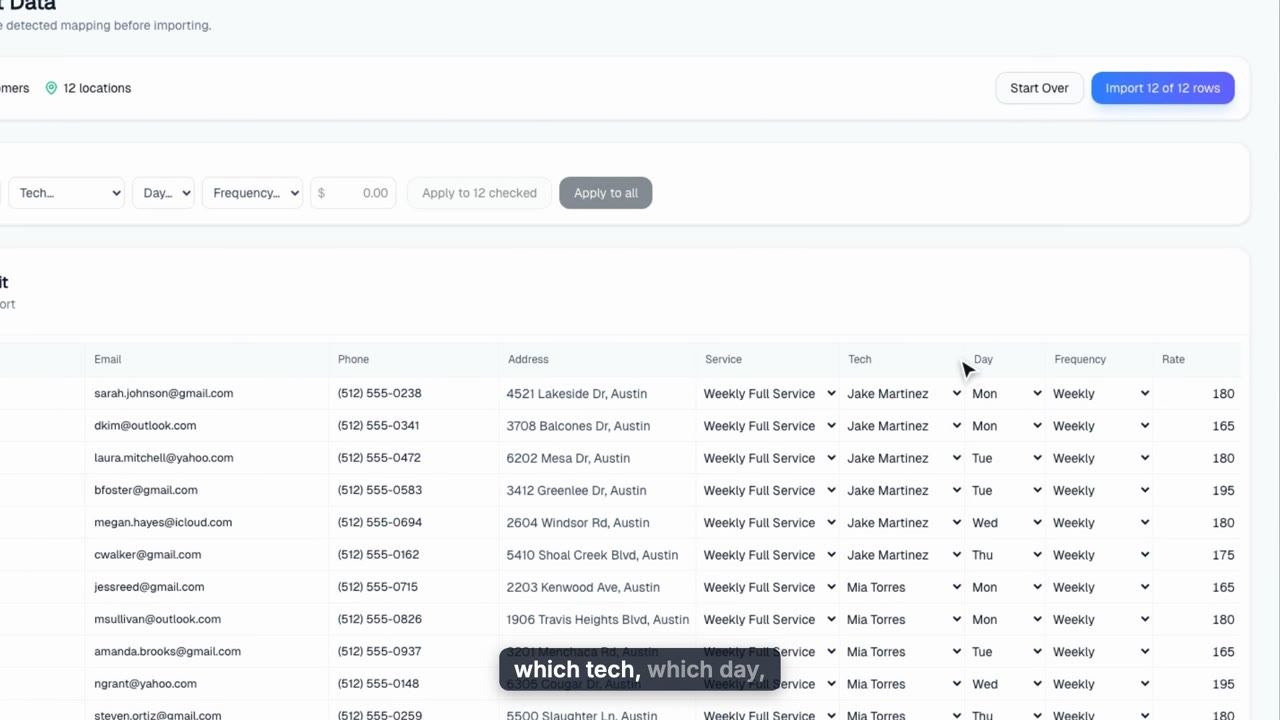
Setup: Bring In Your Customers
Steps two and three of the setup guide: import your customer spreadsheet (customers, pools and recurring service jobs in one pass), add anyone missing by hand with their price, confirm that's everyone, then give every remaining pool its service and price on Add service in bulk.
Web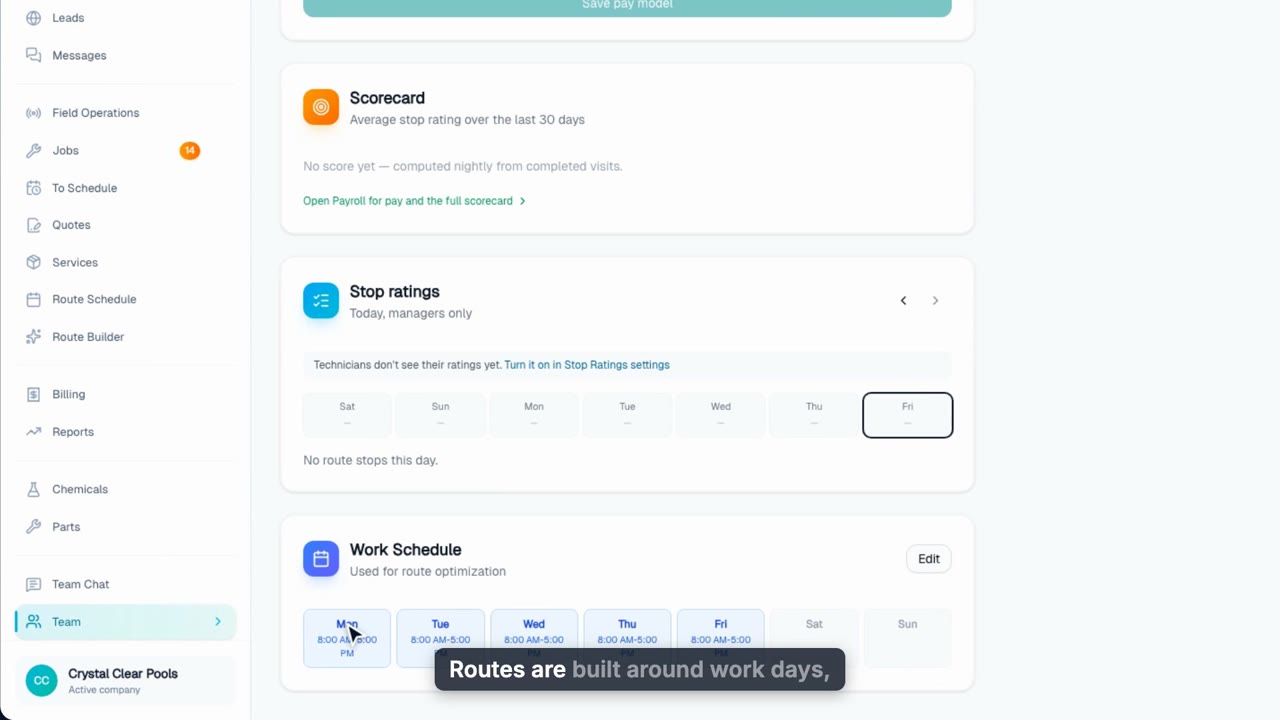
Setup: Your Team
Step four of the setup guide on the Employees page: give yourself work days if you run routes, add each tech with their work days, and send their technician app invite now or later. Work days are what routes are built around.
Web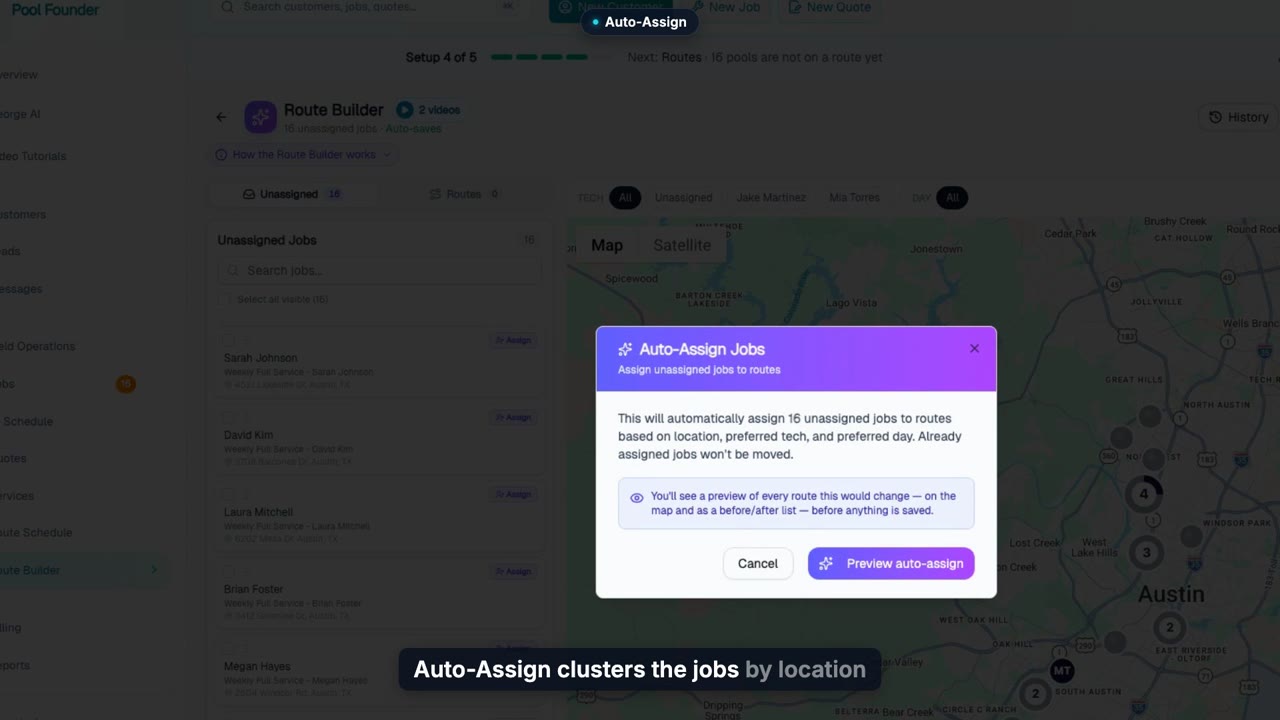
Setup: Build Your Routes
Finish the setup guide by building your routes: Auto-Assign clusters every pool onto your team’s work days, you preview and apply, drag stops to fine-tune, and the guide says you’re set up.
Web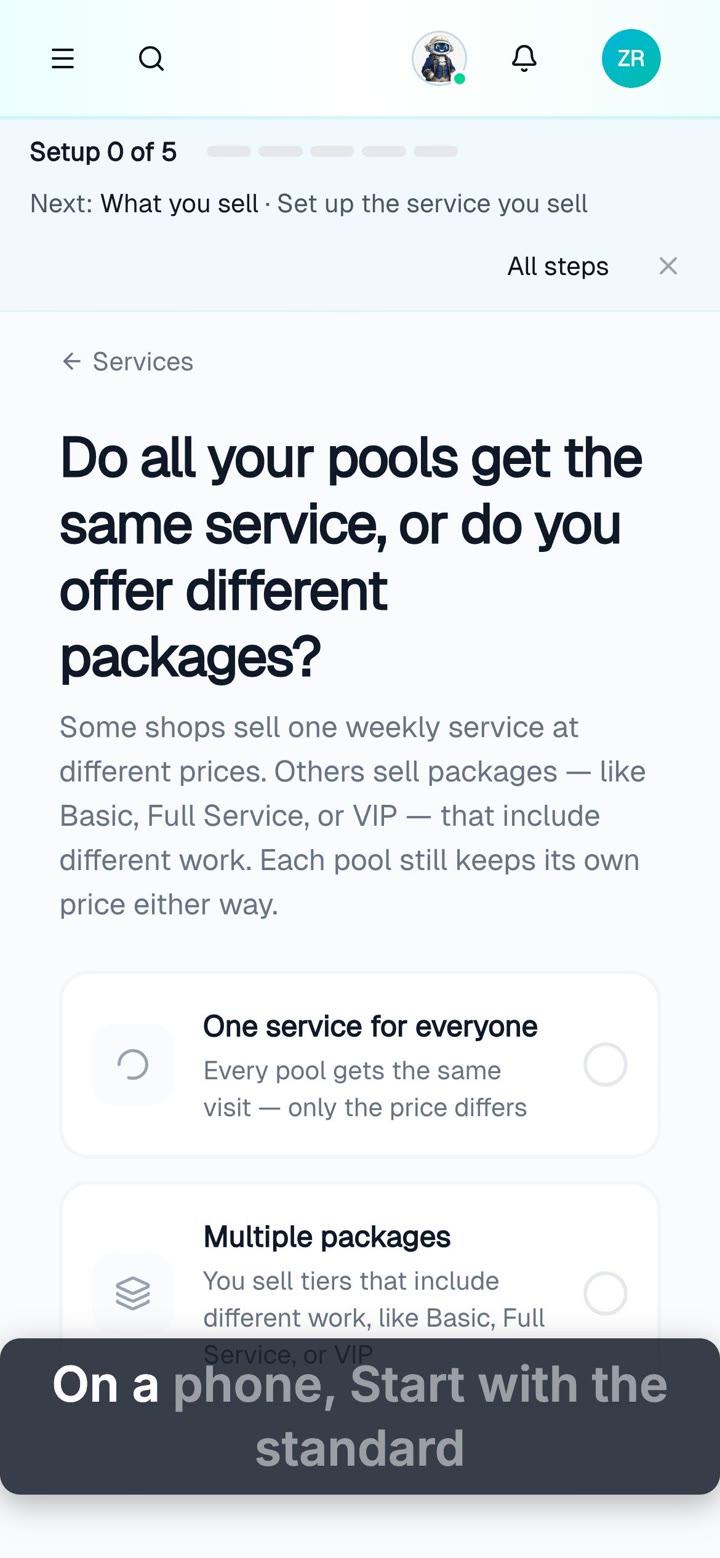
Setup: Do It All from Your Phone
Set up Pool Founder from your phone: name your business, start with the standard service, add customers with their price, set your work days, and auto-build your routes.
Web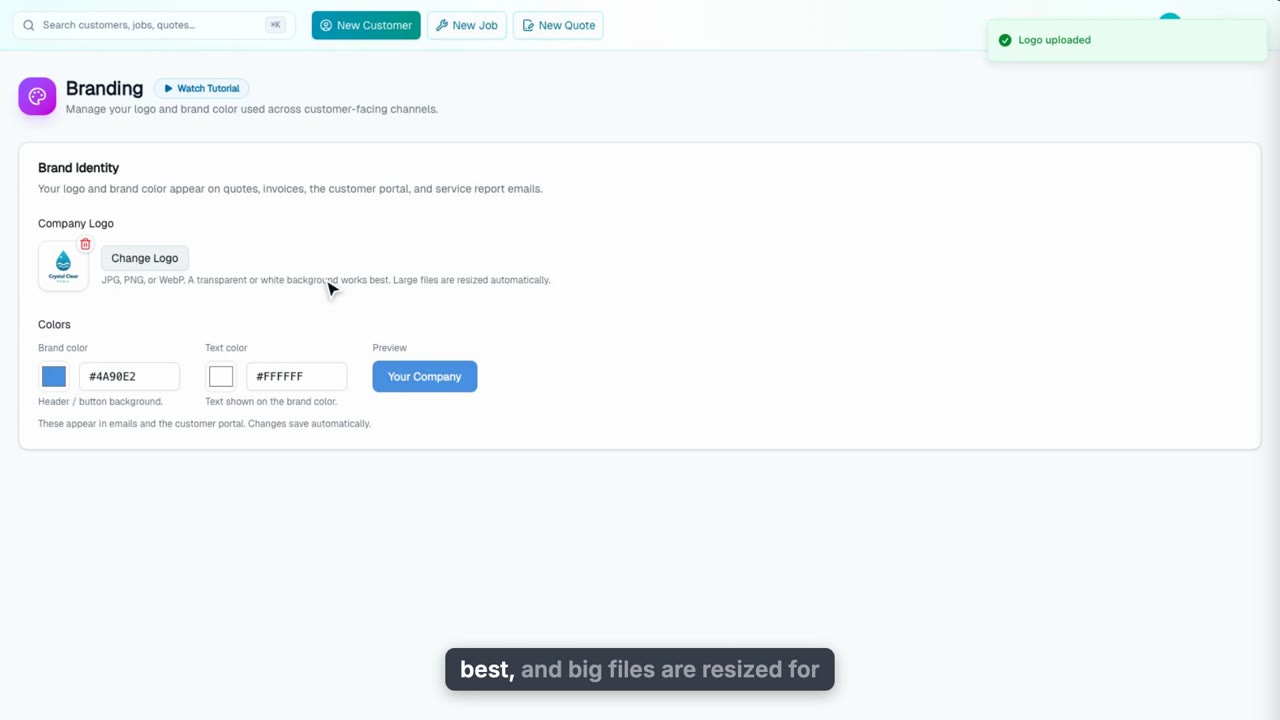
Add Your Branding
Upload your logo and pick your brand colors once. They show up on service report emails, invoices, quotes, the customer portal and pay pages.
Web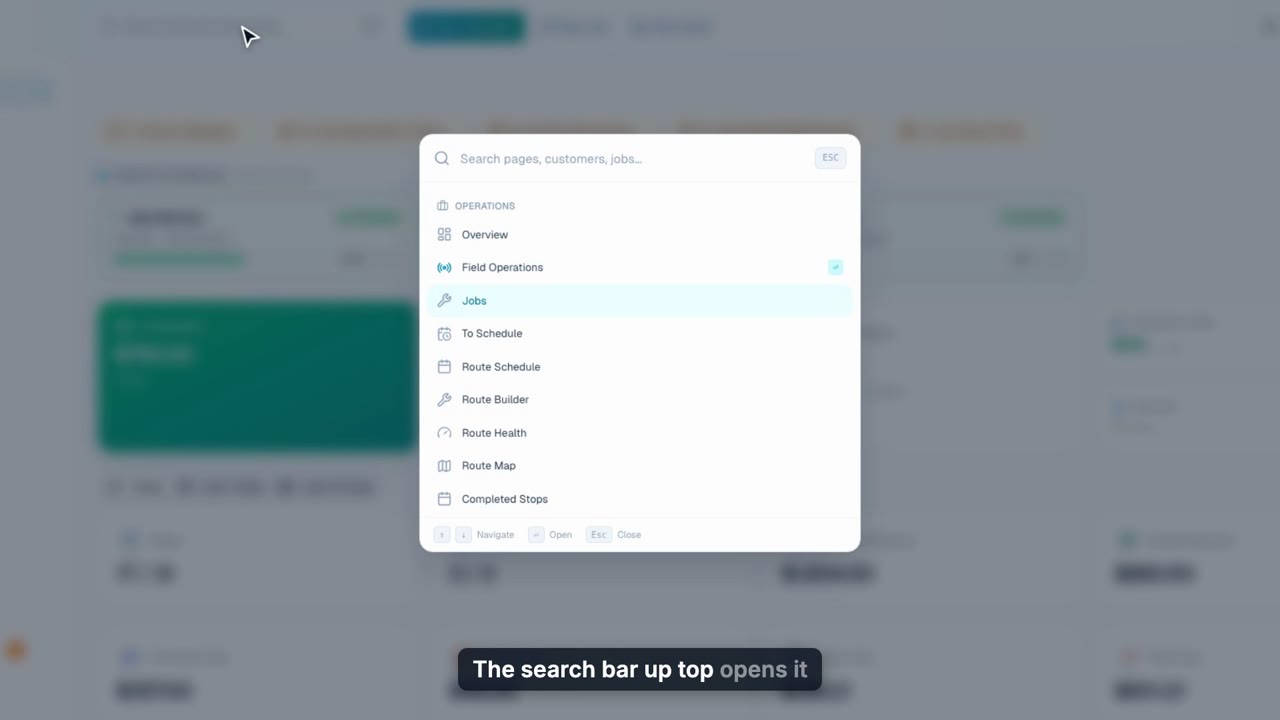
Jump Anywhere with Command K
Press Command K to jump to any page, find any customer, job or invoice, and start new work without touching the sidebar.
WebGeorge
4 videos, about 5 min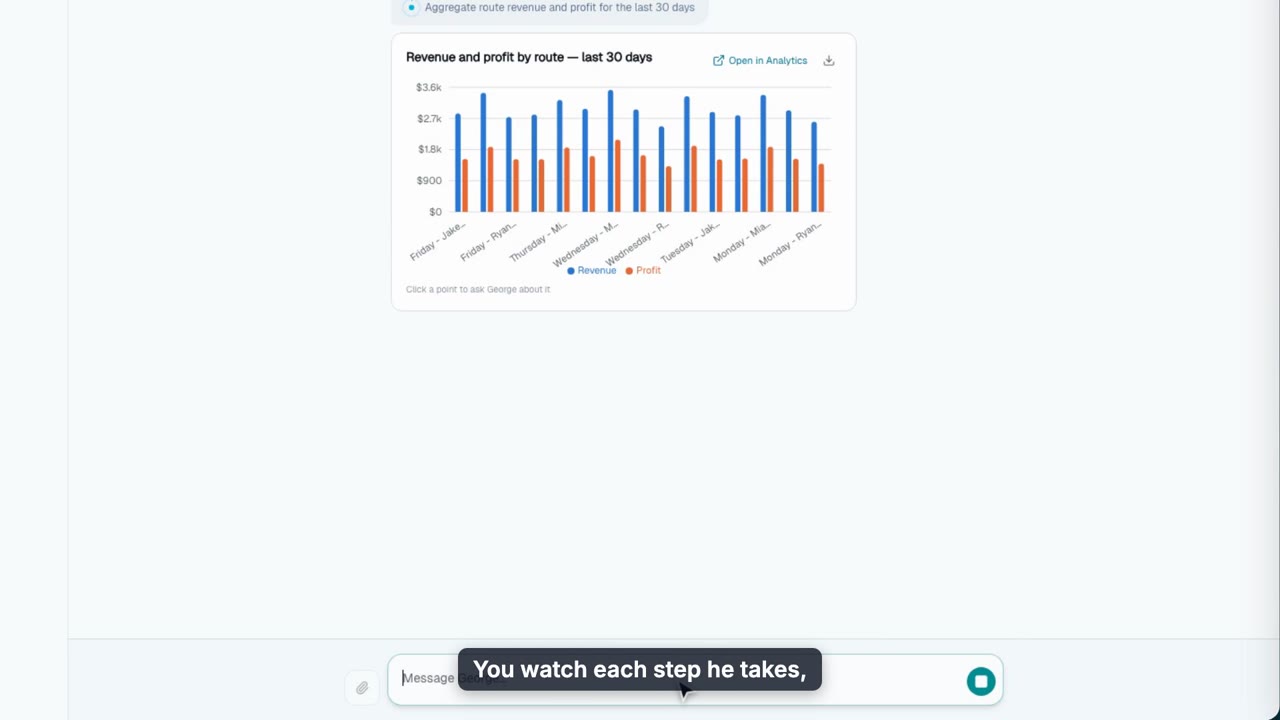
Meet George, Your AI Assistant
Meet George, the AI assistant in Pool Founder: ask about your business and get charted answers from your real numbers, have him make changes behind an approval card, say "take me to" any page, and ask about the page you are on.
Web
Import Customers by Handing George a Spreadsheet
Drop a customer spreadsheet into the George chat: he matches the columns, previews every pool with its service plan, tech, day and rate, and imports it all once you approve.
Web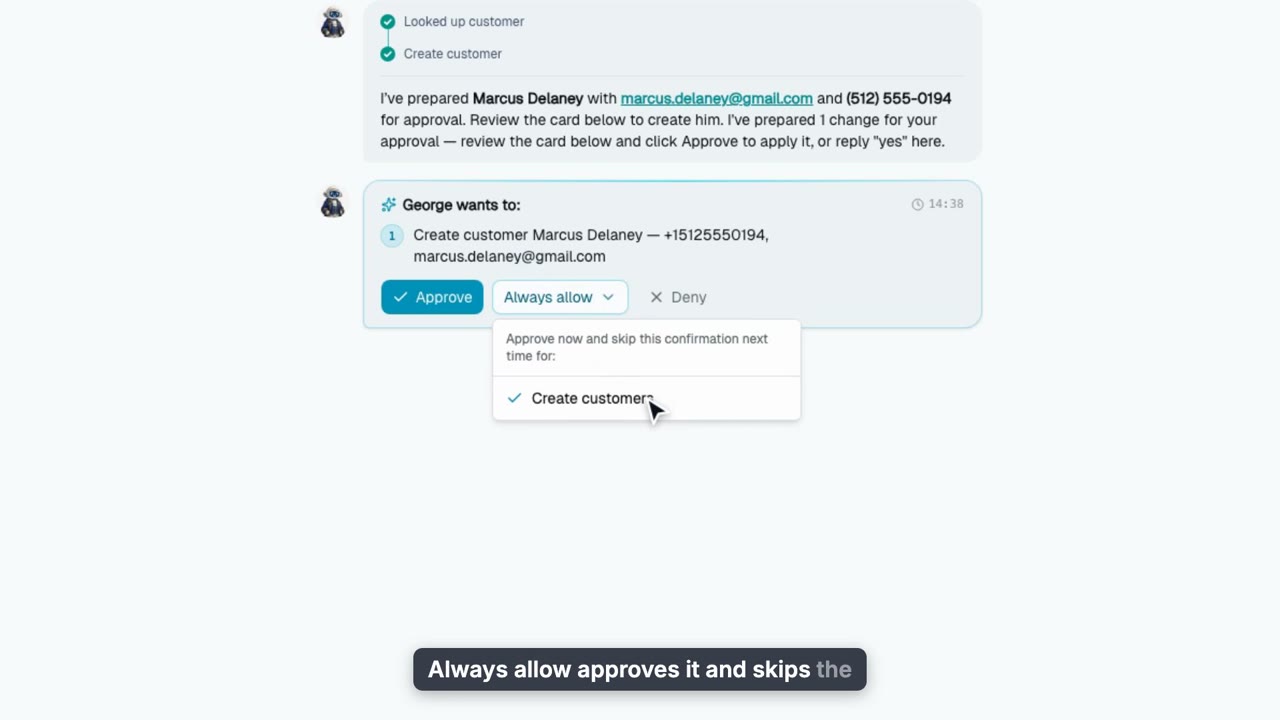
George Approvals and Permissions
Let George make changes for you behind an approval card you control: Approve, Always allow, Deny, Undo, bulk changes on one card, the George Permissions page by app area, what George remembers, and the same cards on your phone.
Web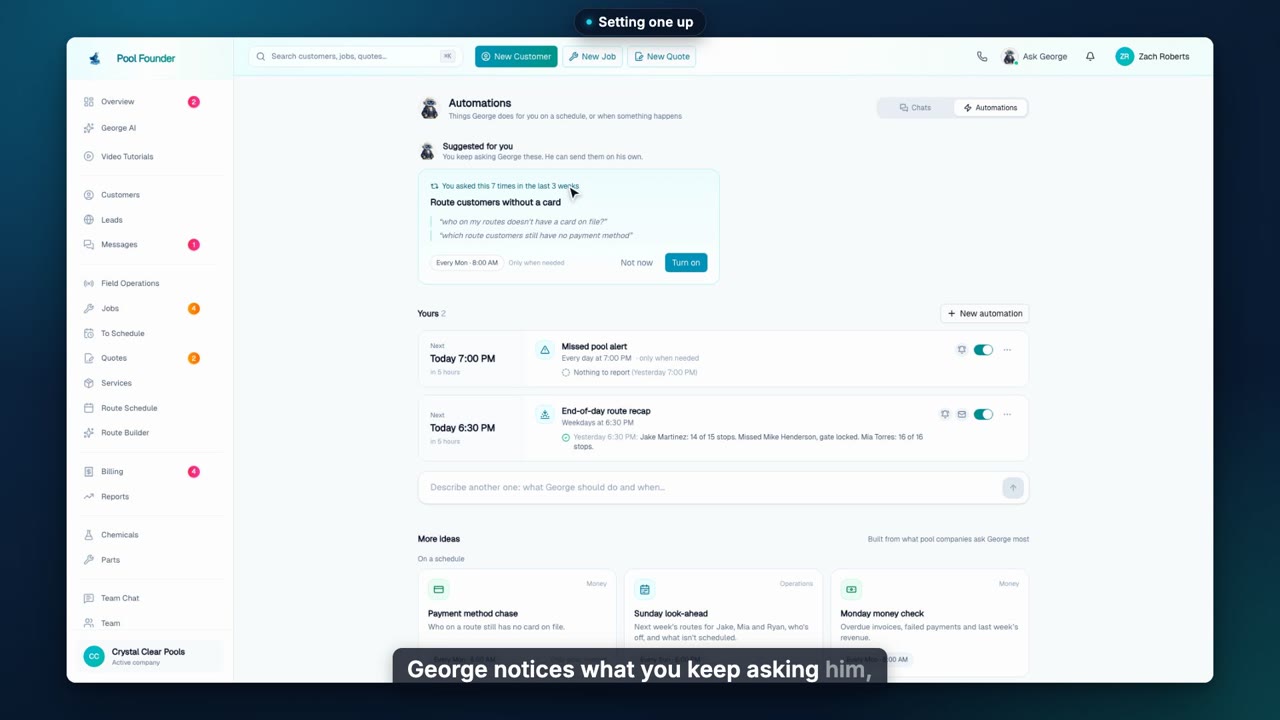
George Automations and Documents
Have George run the questions you ask every week on a schedule, or the moment something happens, and send you what he finds. Plus the documents and spreadsheets he writes beside the chat, and the same automations on your phone.
Web + phoneCustomers & Growth
14 videos, about 20 min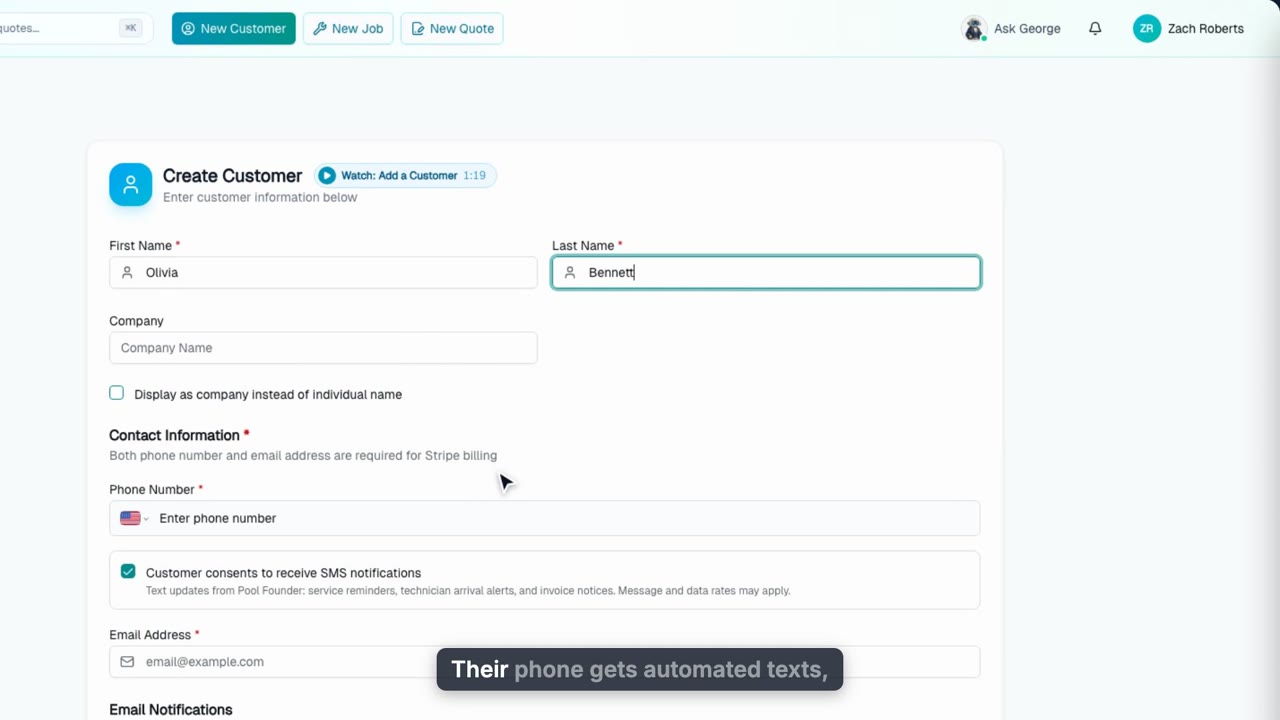
Add a Customer
Add a customer by hand: contacts, text consent, who gets service reports, invoices and quotes, and their service address with gate notes for your techs.
Web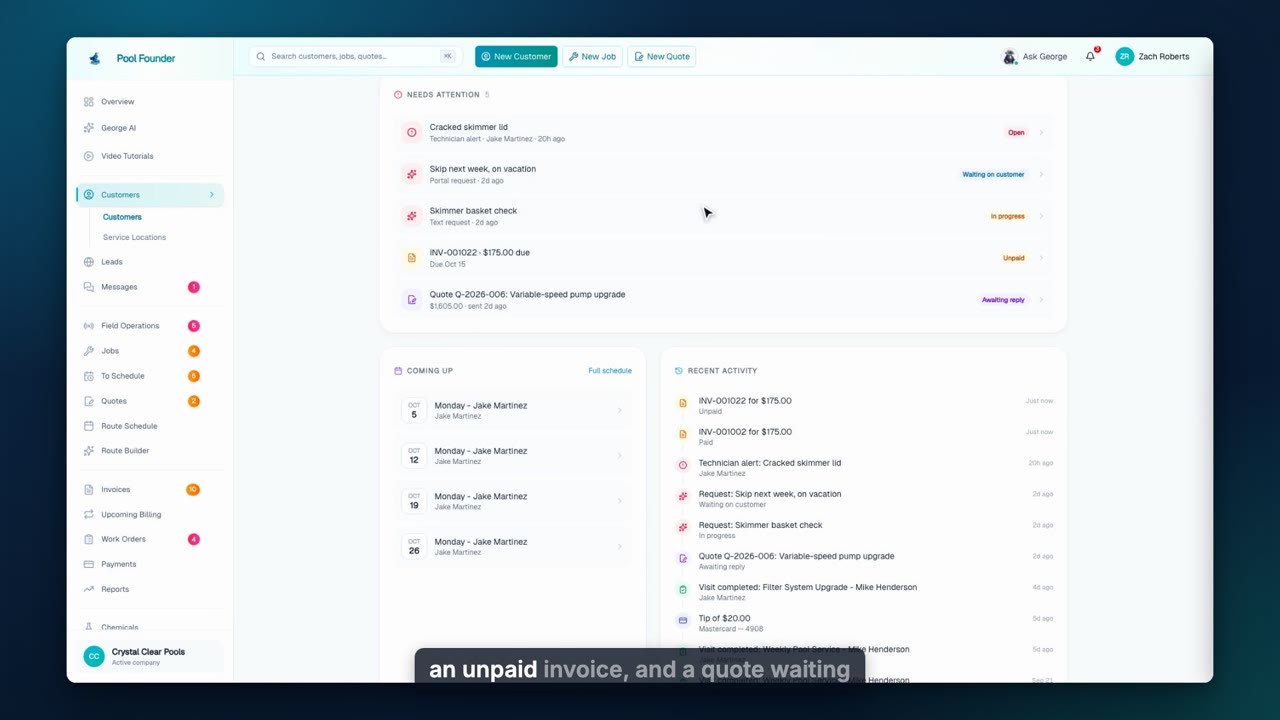
The Customer Profile
A tour of the customer page: contacts and text preferences, at-a-glance tiles, then the tabs. What needs attention, quick-create buttons and one timeline, their properties and equipment, jobs, quotes, billing with AutoPay and accepted payment methods, every conversation, and their history and profit.
Web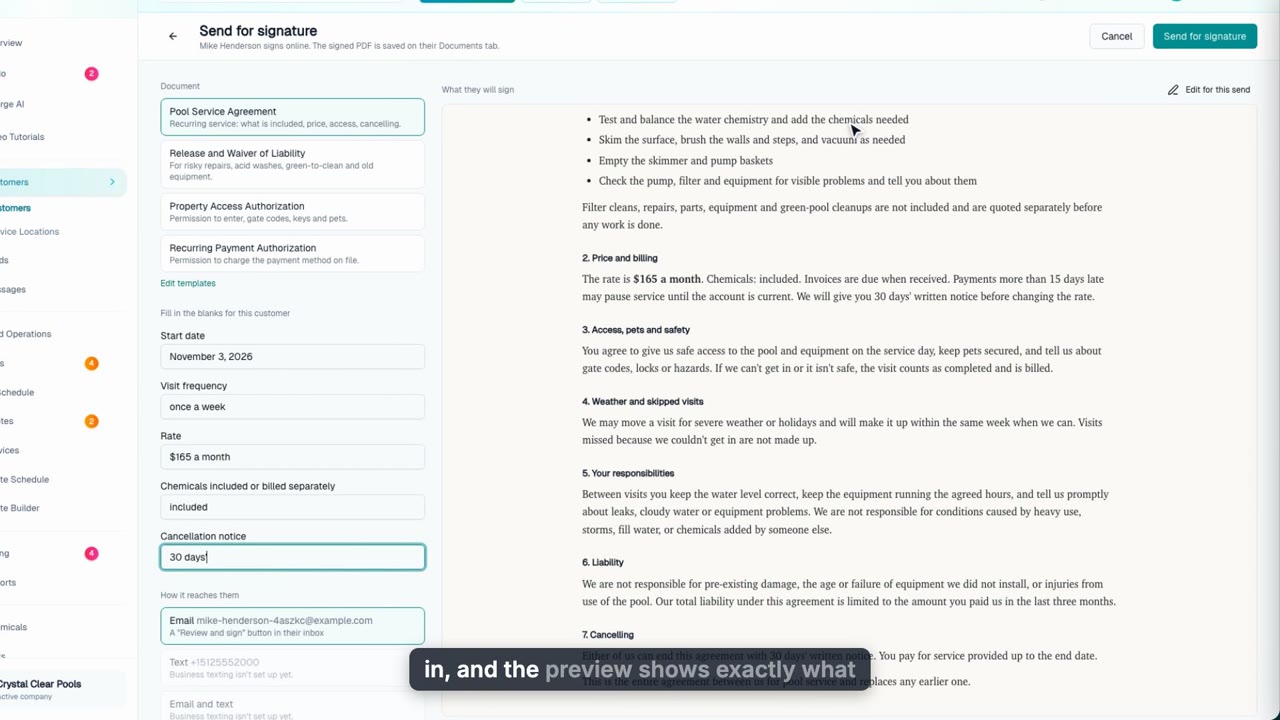
Get an Agreement Signed Online
Send a customer your service agreement to e-sign by email, text or link. They sign on their phone with no account, and the signed PDF with a full record of every step is saved on their page.
Web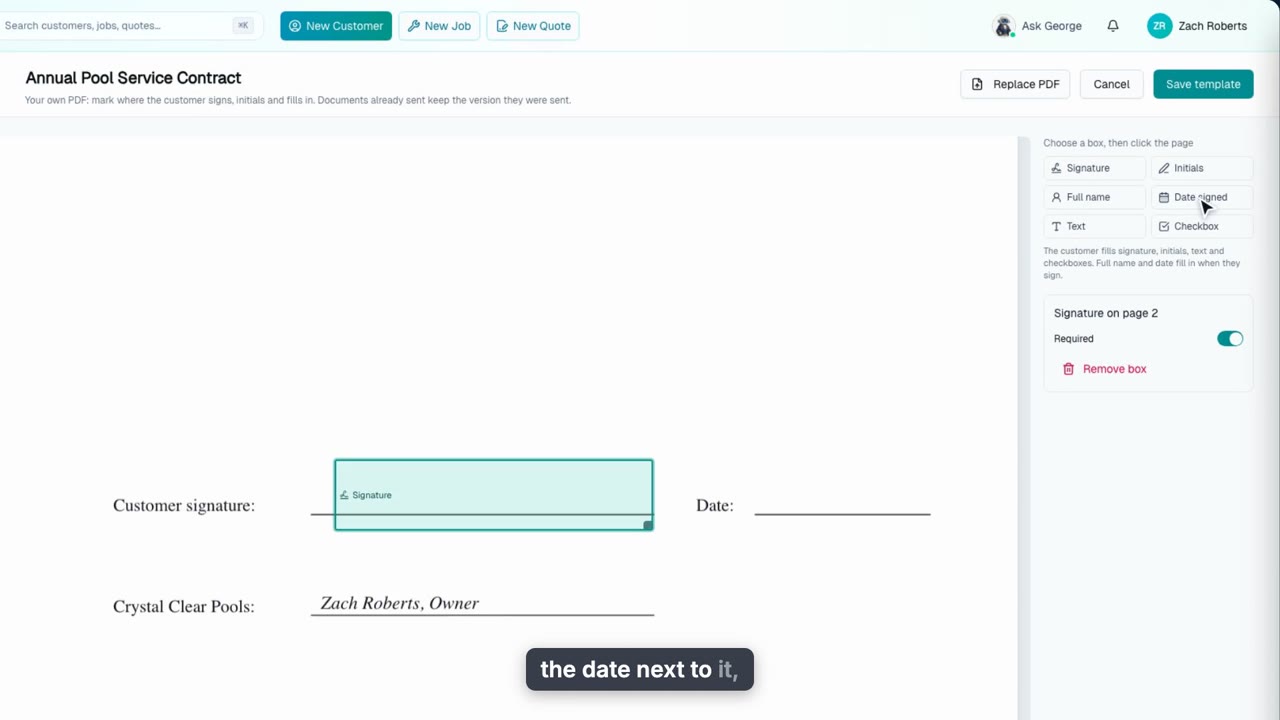
Use Your Own Contract for E-Signatures
Upload the contract you already use, mark where customers sign, initial and fill in, and send it to e-sign. Plus how to keep contracts customers signed on paper.
Web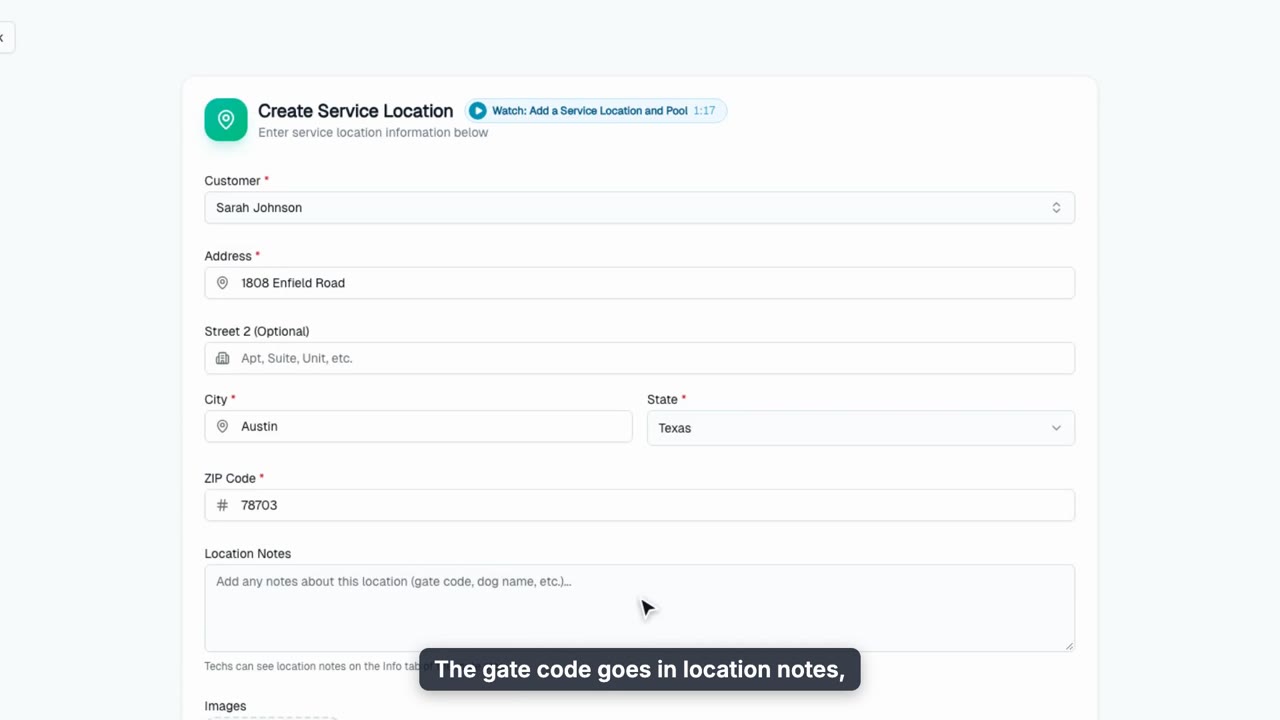
Add a Service Location and Pool
Add a service address with gate notes, the pool with its gallons (or estimate them), equipment, sanitizer and surface, and on-site contacts who get service reports and on the way texts.
Web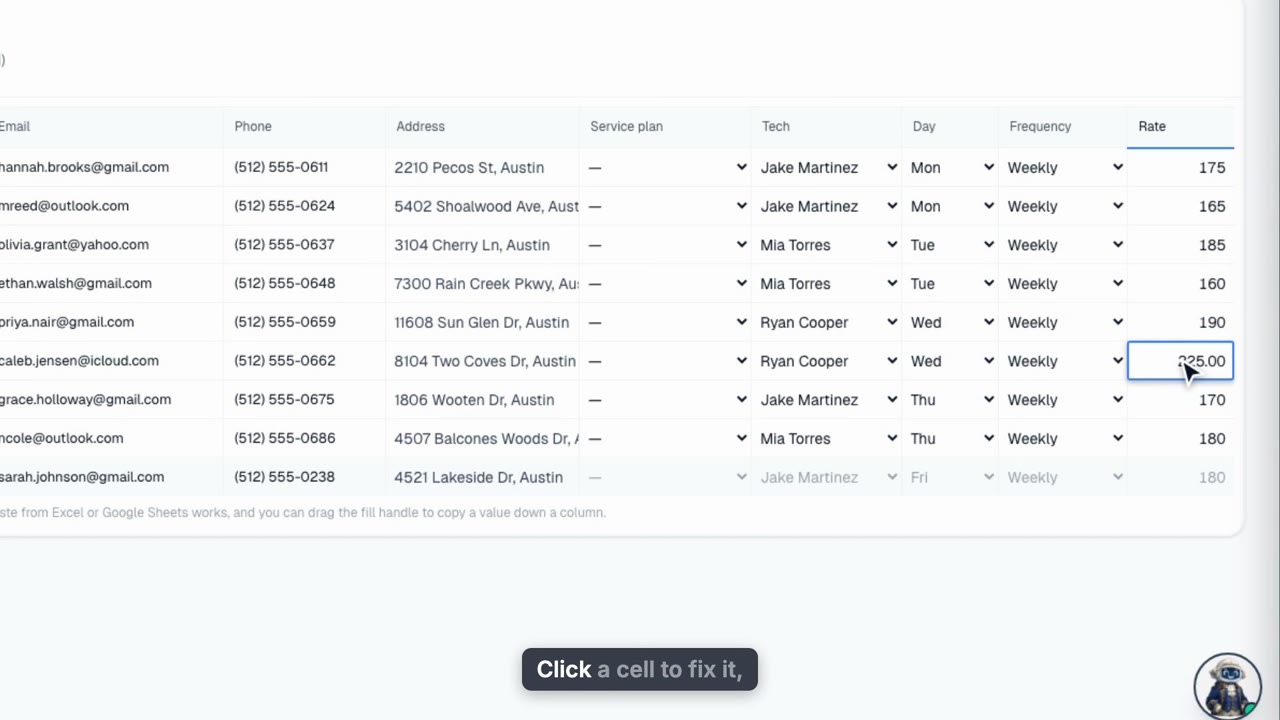
Import Your Customers
Bring your customer book in from a C S V, Excel file, or screenshot: customers, pools and recurring jobs in one pass.
Web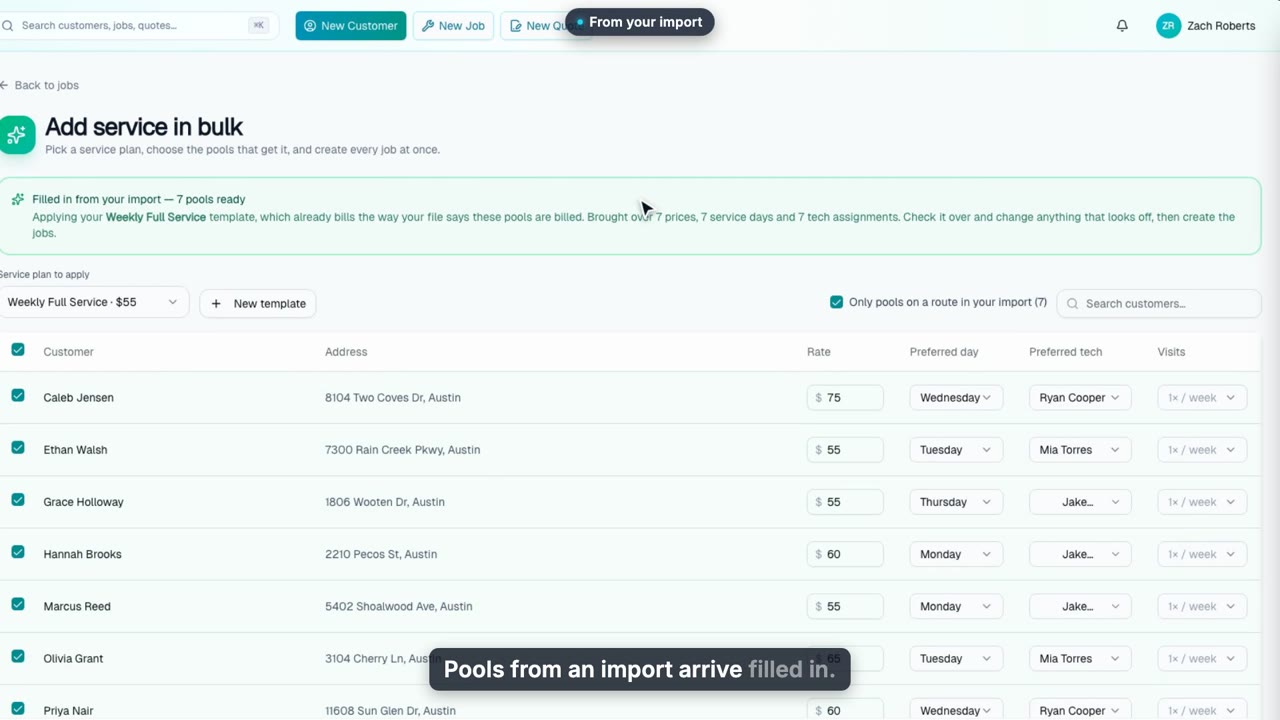
Set Up Service in Bulk
Put a whole batch of pools on a service at once, with each pool keeping its own rate, day and tech.
Web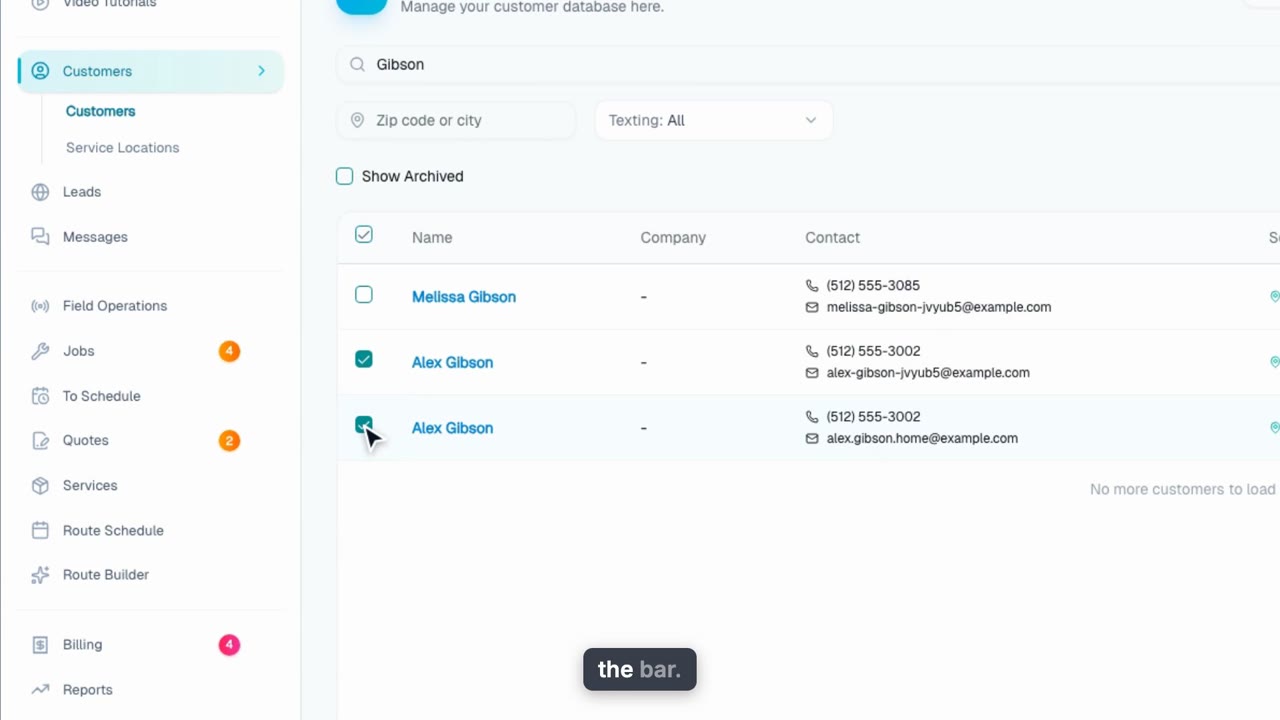
Merge Duplicate Customers
Fold duplicate customer records into one: pick the record to keep, and every pool, visit, invoice and message moves onto it.
Web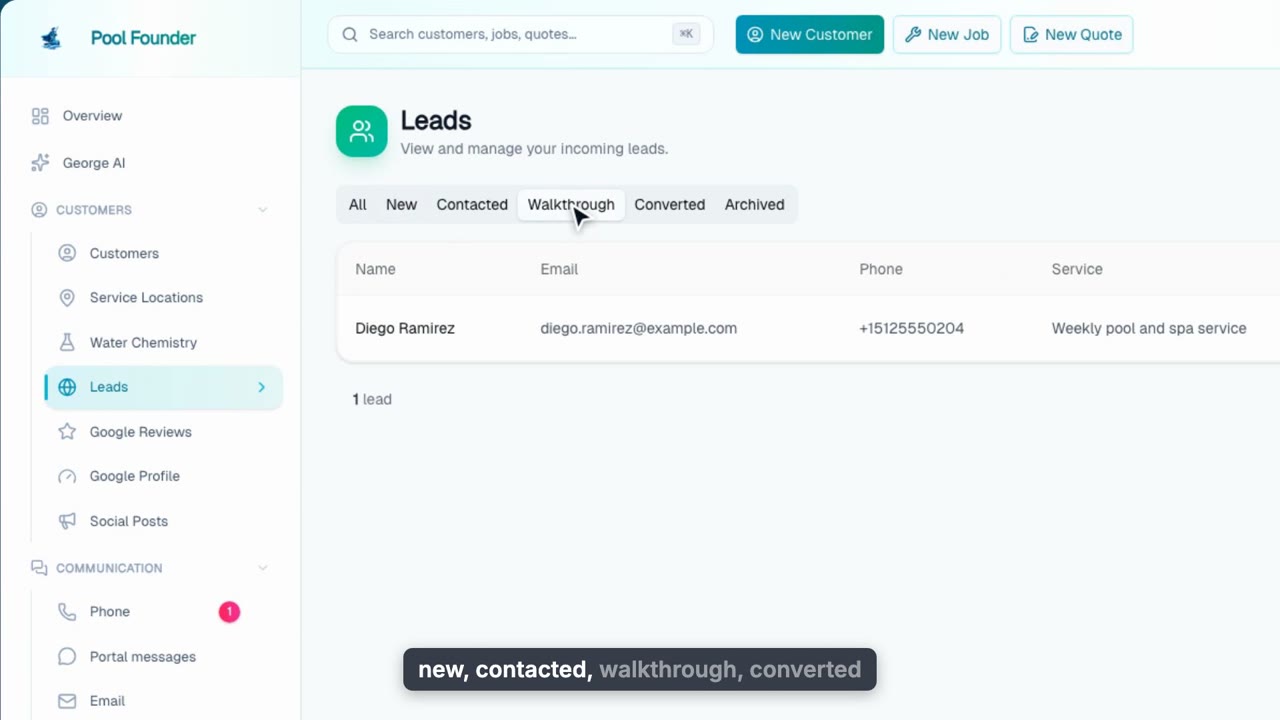
Leads
Every prospect in one table: website forms, calls and texts your assistant answers, and leads your techs add at the curb, with automatic follow-up texts until they become customers.
Web + phone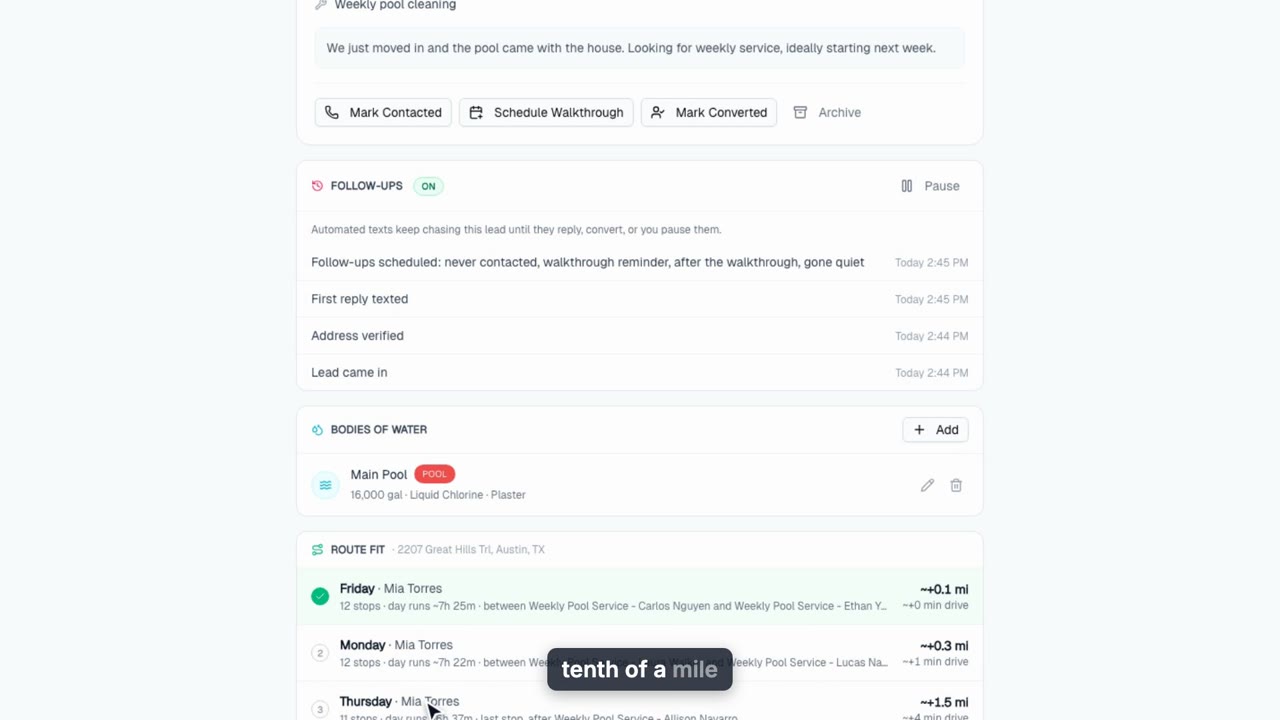
Route Fit
On every new lead: which route the stop fits best, what to charge for it with the math shown, and one button that creates the customer, the job and the route stop.
Web + phone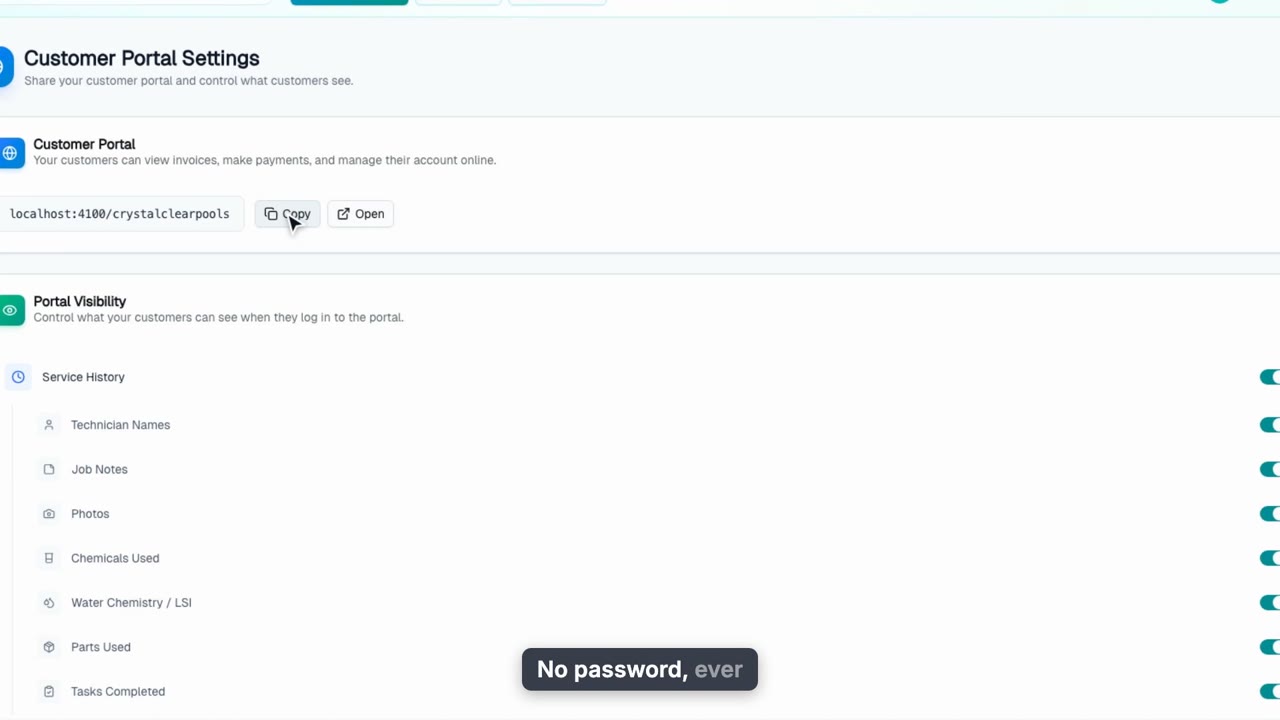
The Customer Portal
Give customers their own branded portal with no password: what they can see, self-service billing, and the toggles you control from Customer Portal Settings.
Web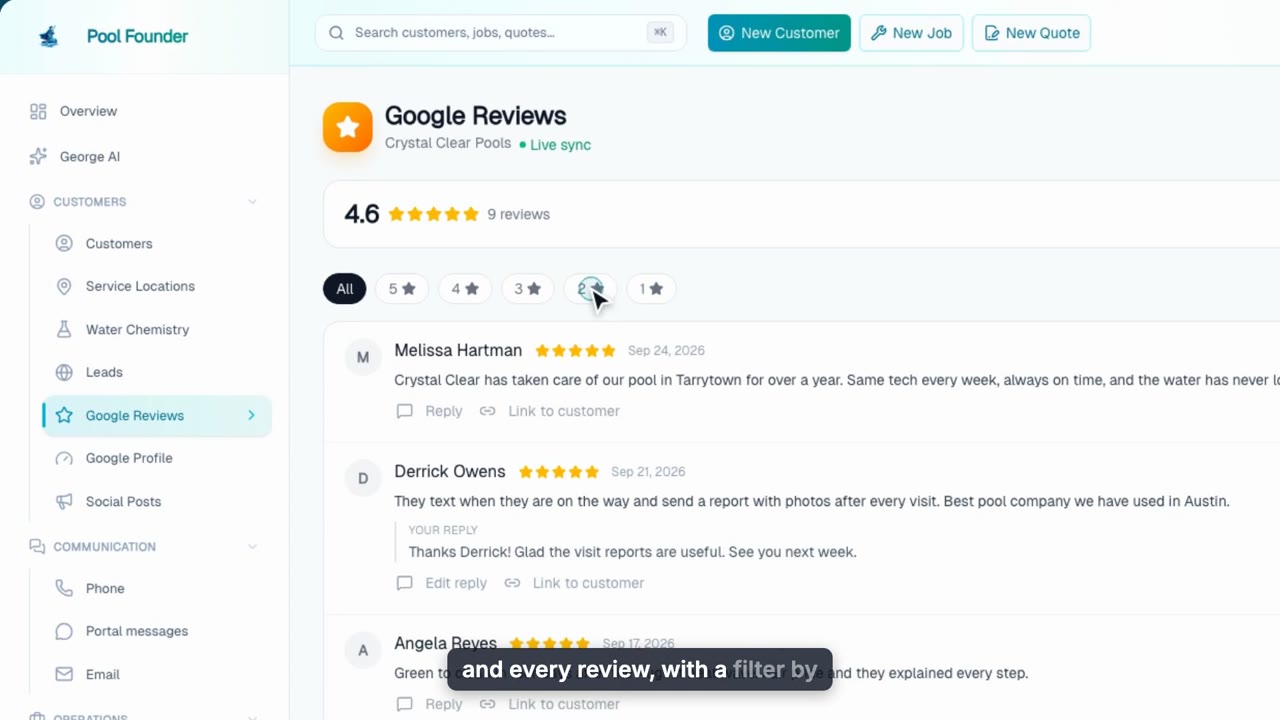
Google Reviews & Profile
See and answer every Google review from Pool Founder, send review-request texts after happy visits, and work through weekly tasks that strengthen your Google listing.
Web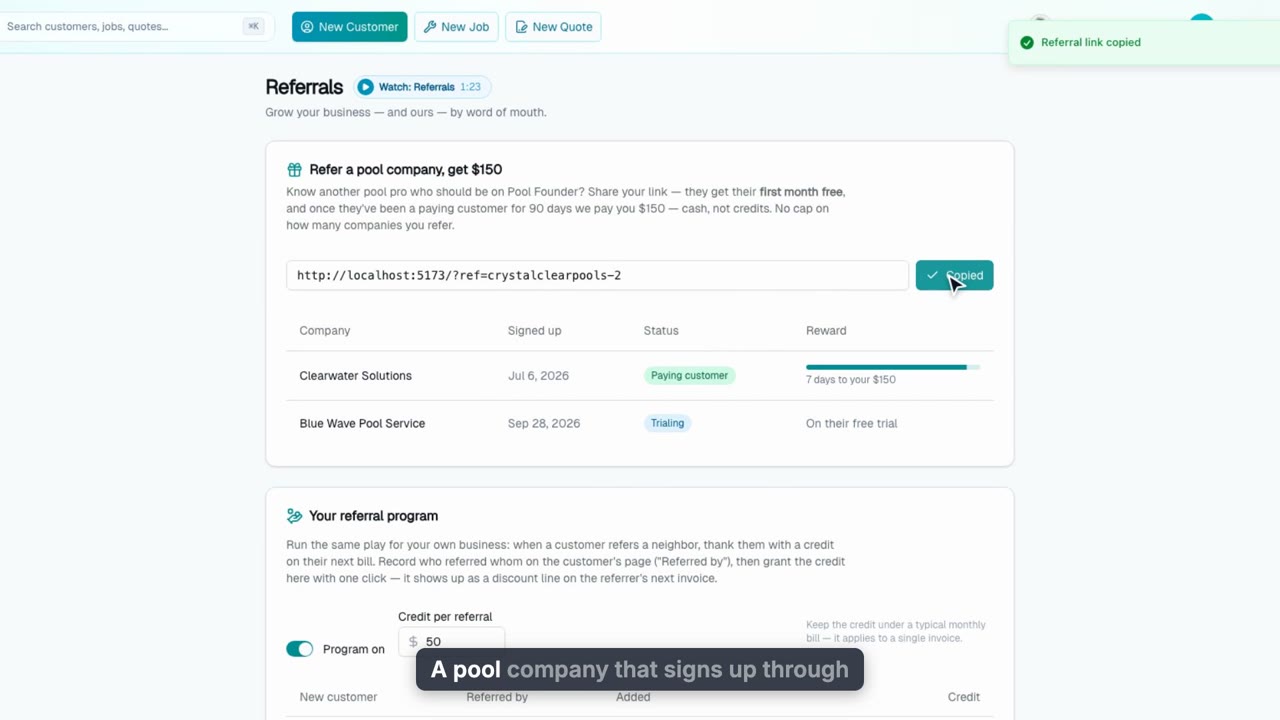
Referrals
Two referral programs on one page: refer another pool company and earn $150 cash, or run your own "refer a neighbor" program that credits customers on their next invoice.
Web
Your Website, Built From Your Account
Answer five questions out loud and Pool Founder builds your website in your own words, with your photos and a page for each town you serve. Quote requests go straight to Leads.
WebScheduling
15 videos, about 23 min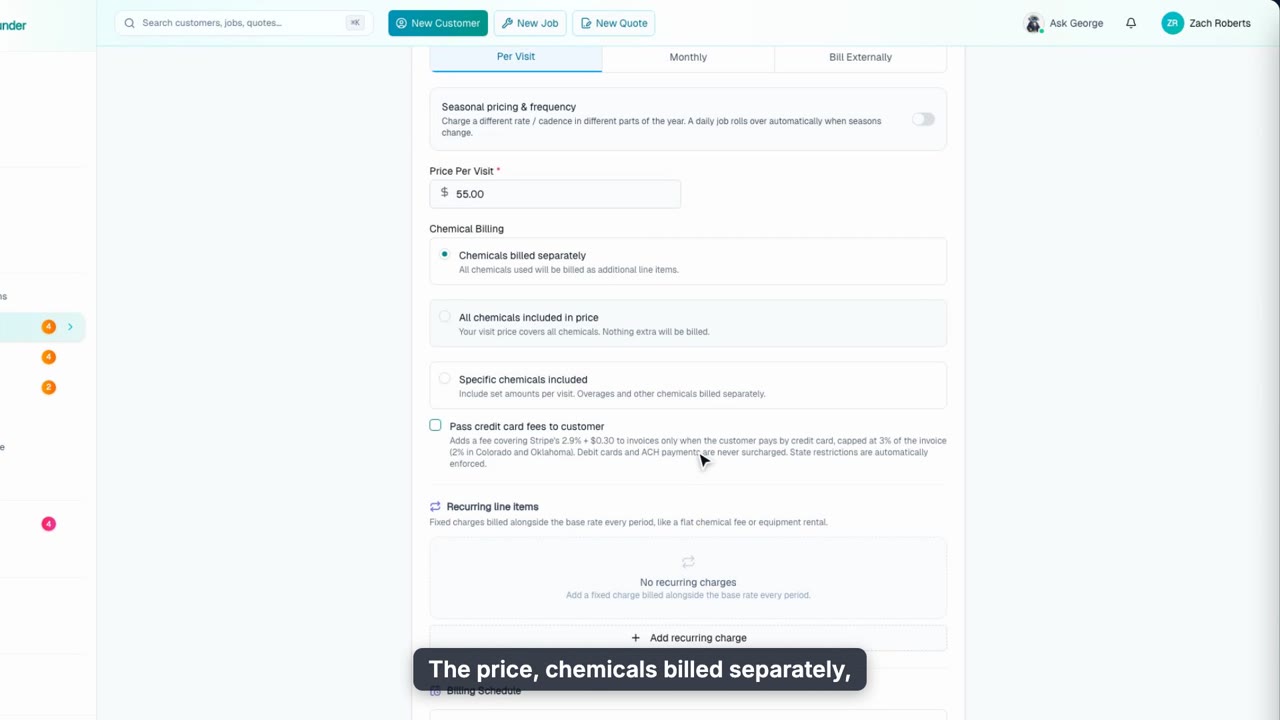
Create a Job
Create both kinds of jobs from one screen: start from a service you sell, put a weekly pool on a suggested route, and create and schedule a one-time work order.
Web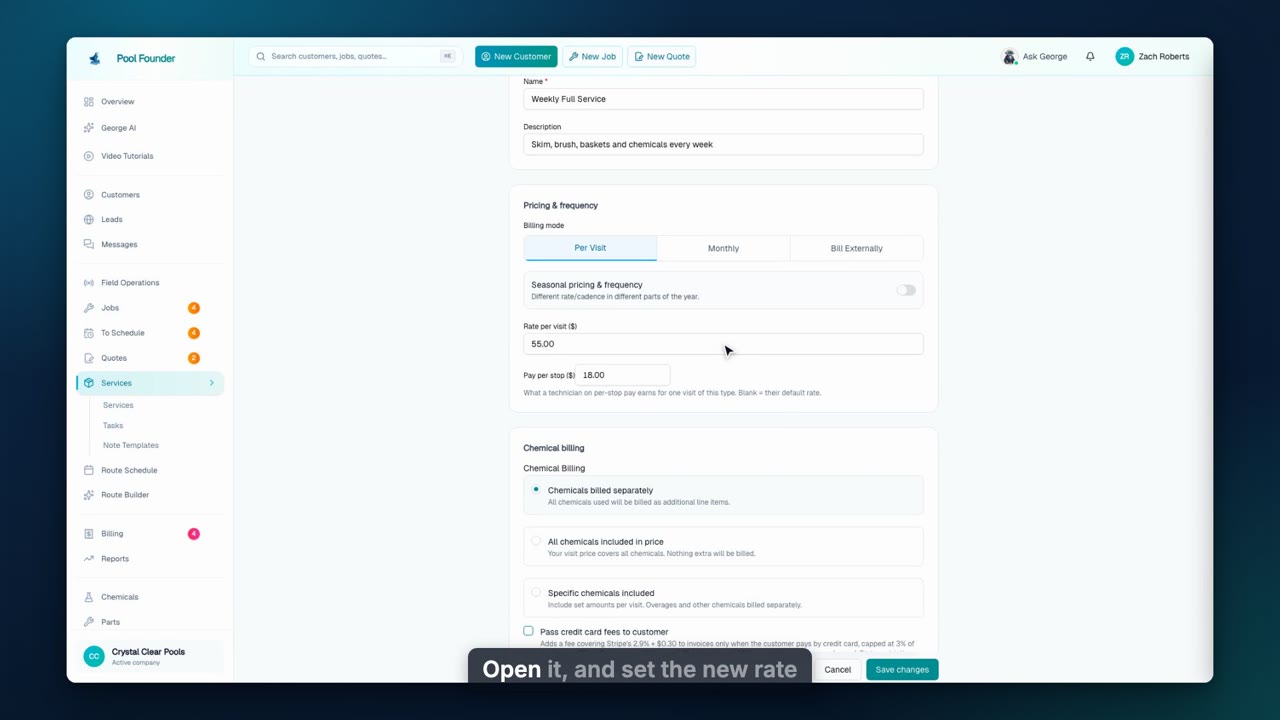
Services
Everything you sell on one Services page: ongoing service, one-visit jobs and several-visit programs. Set the price and task list once, push changes to open jobs, add starter services, and start jobs and quotes from a service.
Web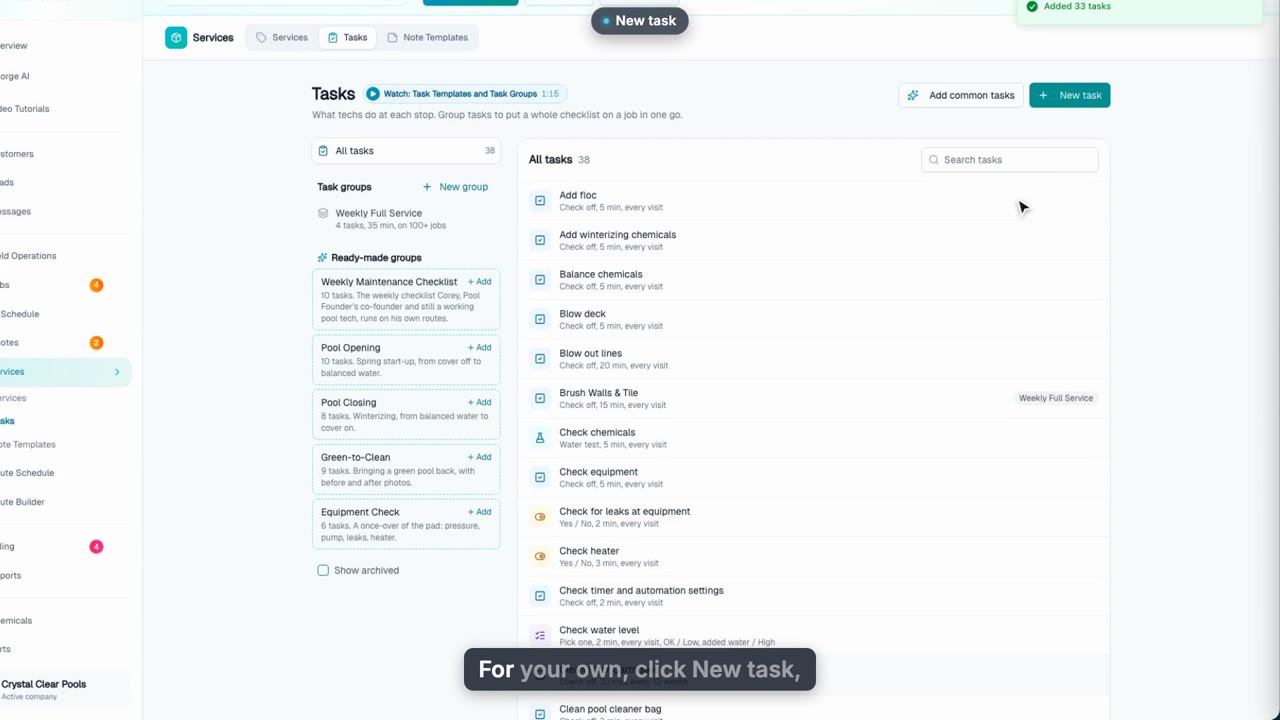
Tasks and Task Groups
Build the checklist your techs follow on the Tasks page: add common pool tasks in one go, create your own with answer types, photo rules and how often they repeat, then group them and push the group to every matching job.
Web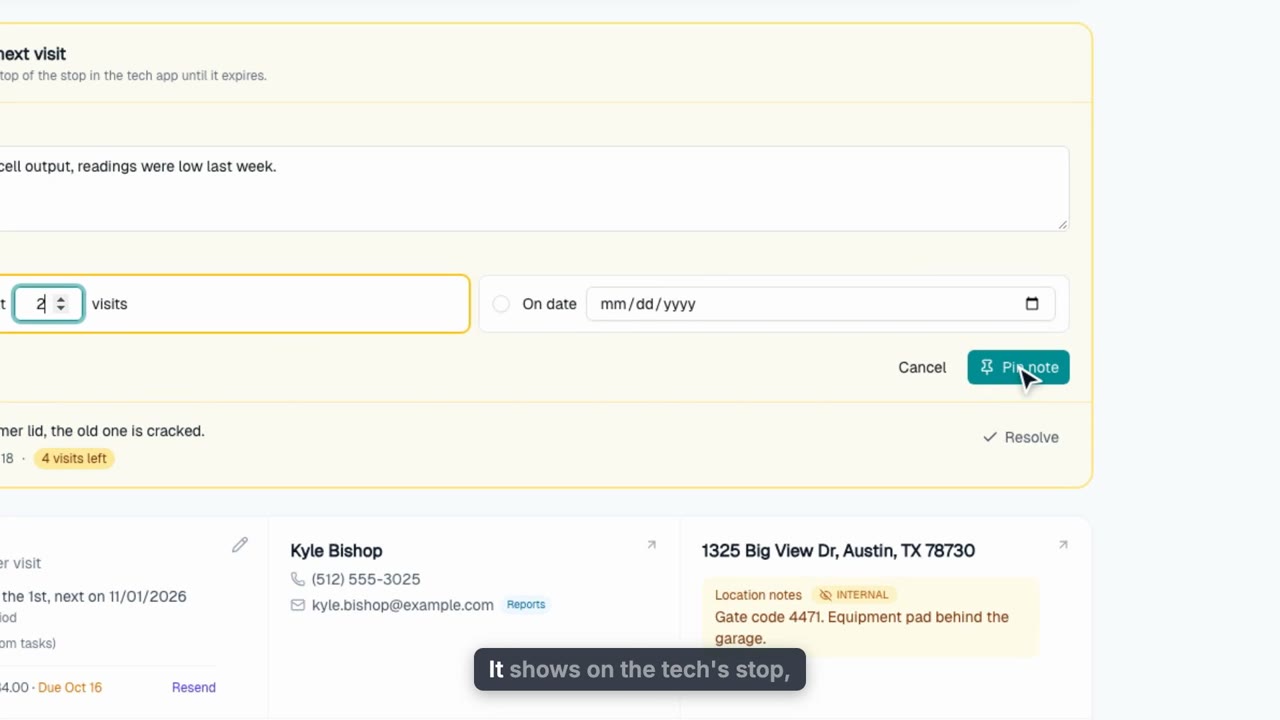
The Job Page
A tour of a maintenance job's page: the header actions and More actions, the tiles, notes for the tech's next visit, the checklist and its history, the schedule and calendar, every past visit, how the job bills with one-time discounts, the Activity history, and insights on time, chemicals and profit.
Web + phone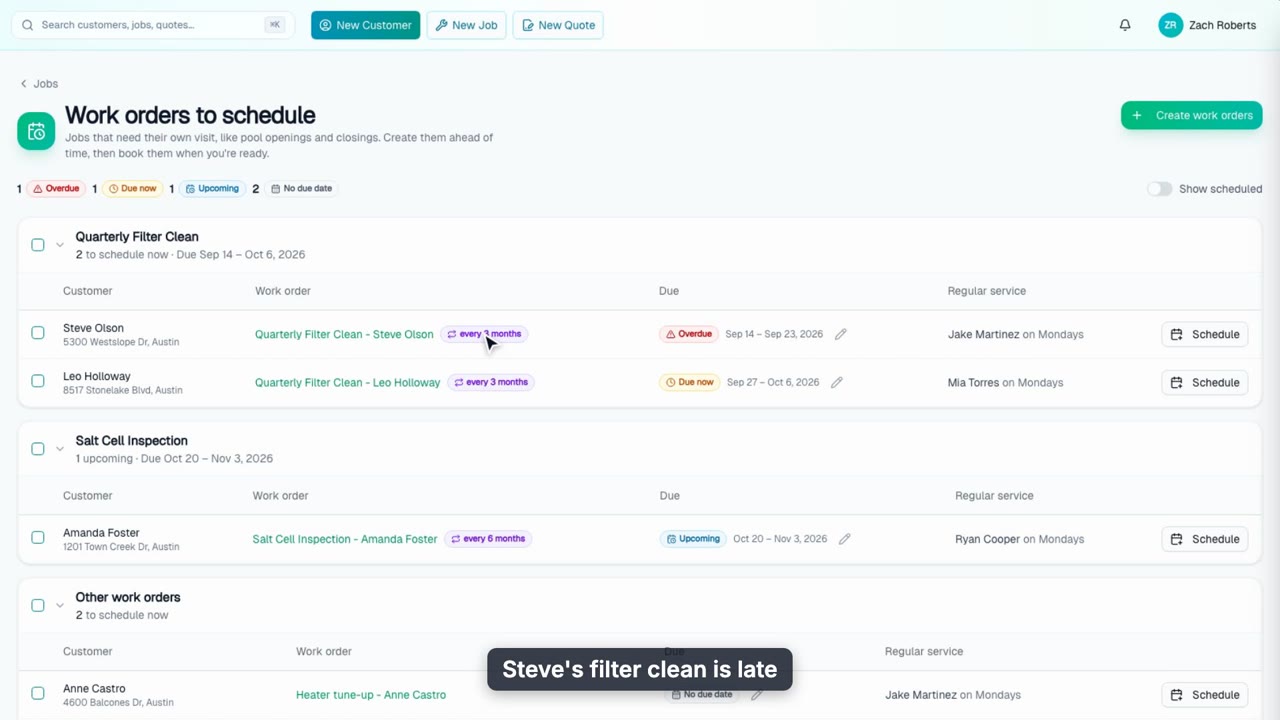
To Schedule: Book Work Orders
Every one-off visit waits in To Schedule until you book it. See what is overdue, schedule a batch onto the right routes in one go, and let recurring work orders come back on their own.
Web + phone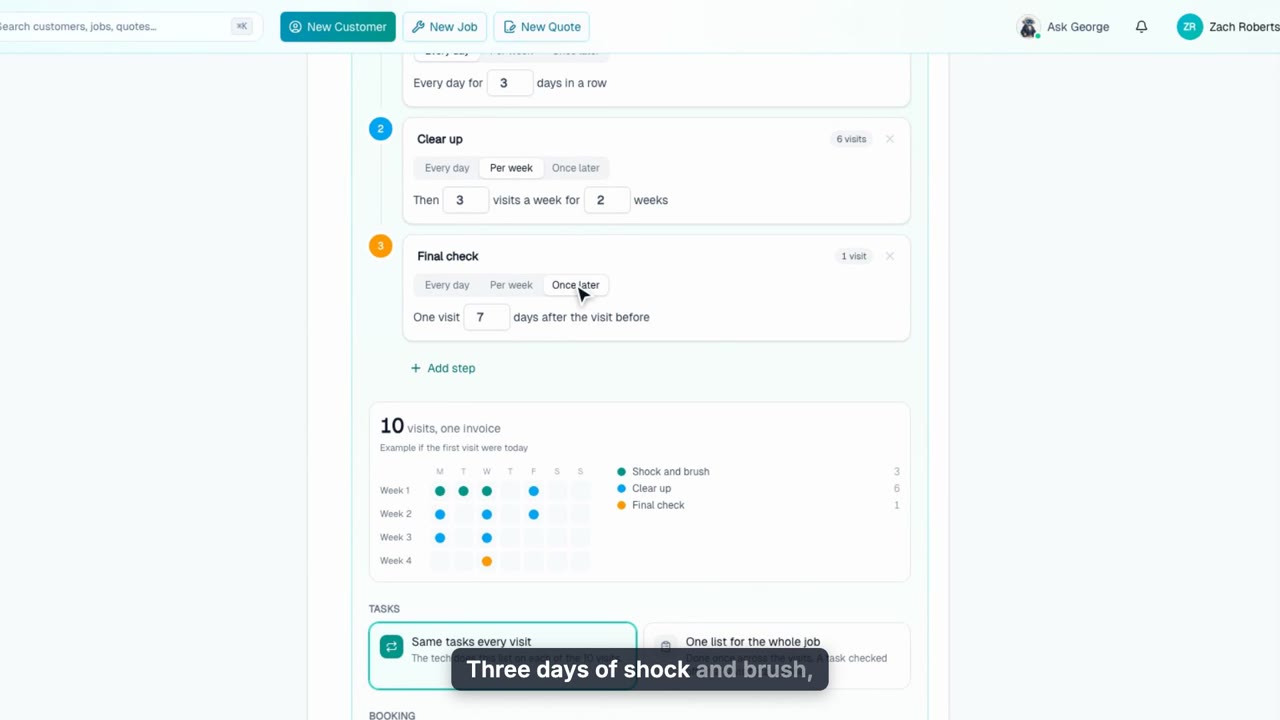
Visit Plans
Run a green-to-clean, plaster startup or opening as one work order with several visits: build the plan, schedule just the first visit, follow it visit by visit, finish early, and offer weekly service when it is done.
Web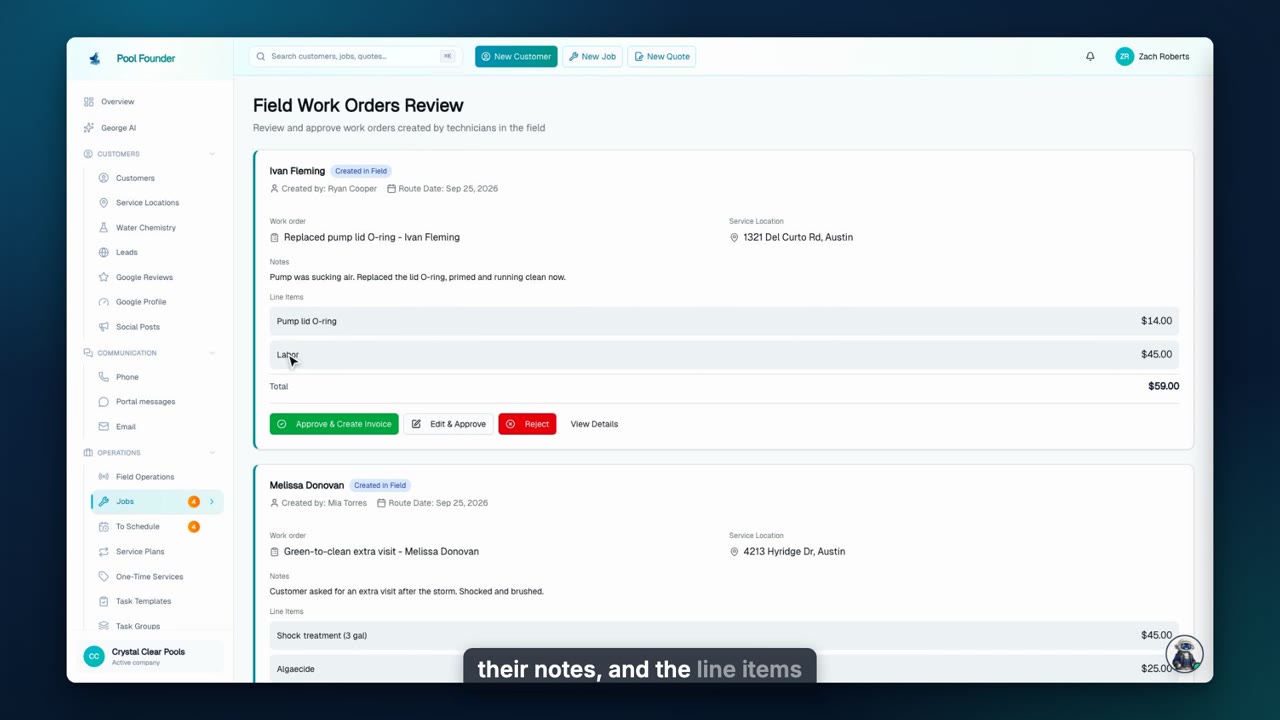
Review Field Work Orders
Work your techs add in the field, and problems customers report to the AI Front Desk, wait for your review. Approve, price, or reject each one before it is billed.
Web
Parts Orders on a Work Order
Record the parts you ordered on the work order, bill them at your markup, and book the repair with a pickup stop at the store right before it.
Web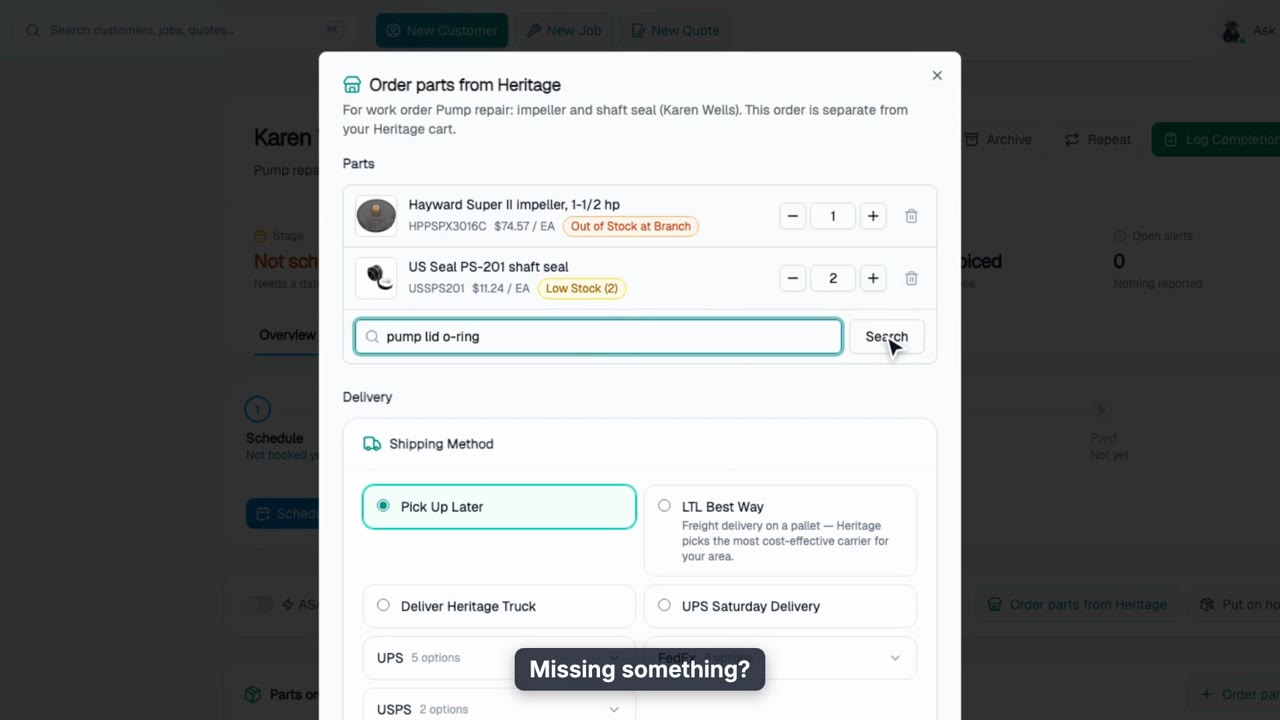
Order Heritage Parts for a Work Order
Order a repair's parts from Heritage Pool Supply right on the work order or its accepted quote: delivered to the job site, with the work order waiting on parts until Heritage ships them.
Web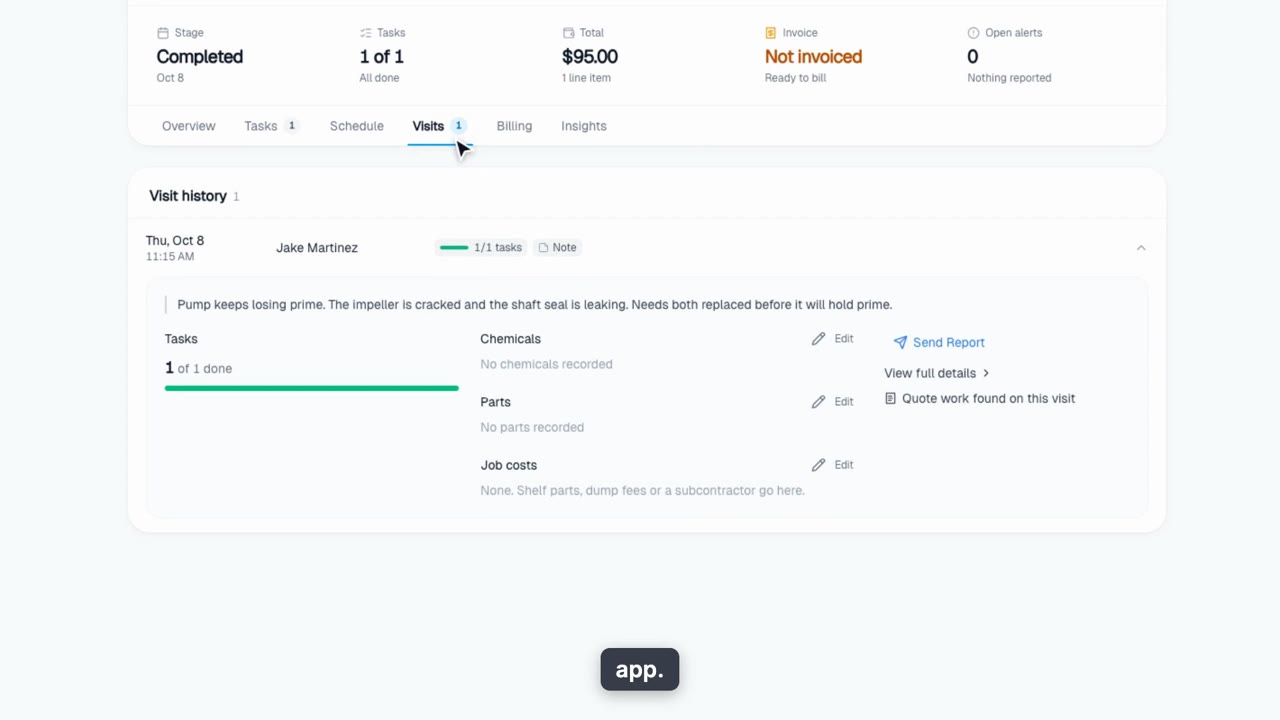
A Repair From Quote to Finish
The whole repair: quote a diagnostic, quote the fix from the visit, let the customer approve it online, order the parts, book the repair with the pickup first, and invoice it.
Web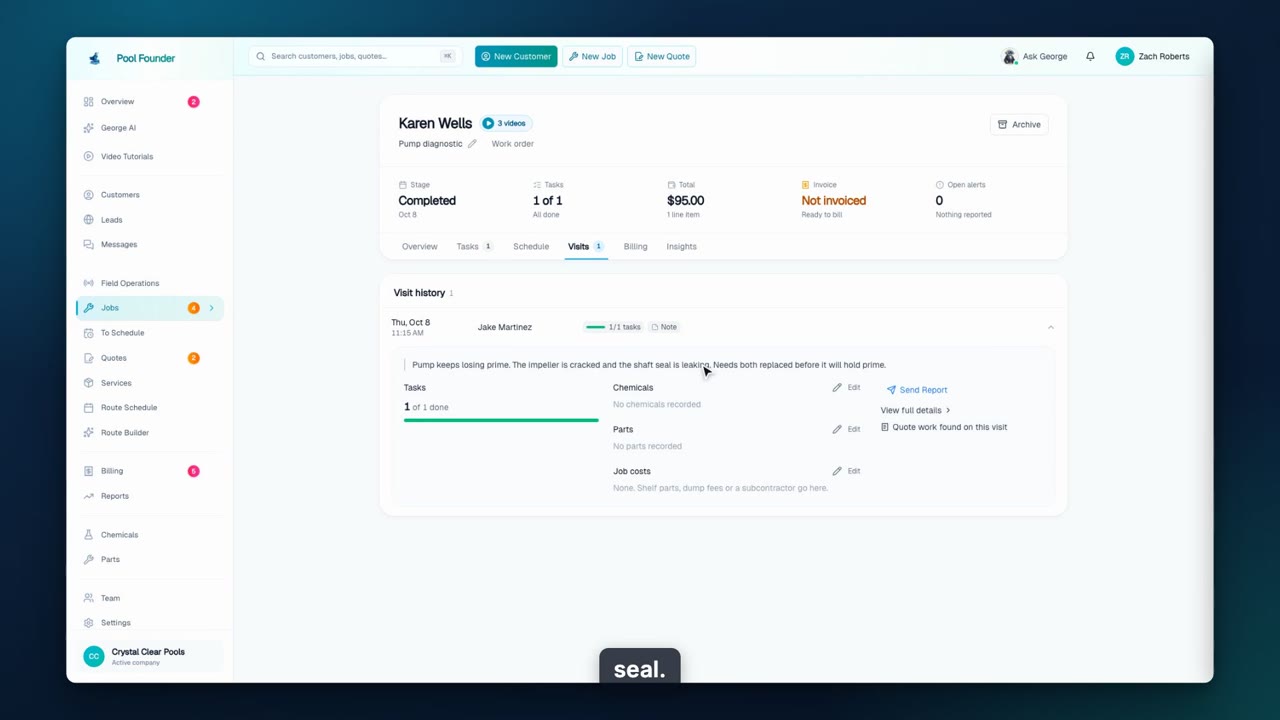
A Repair From Quote to Finish, With Heritage Parts
The whole repair with the parts ordered through Heritage Pool Supply: quote a diagnostic, quote the fix, let the customer approve it online, order the parts from Heritage right on the work order, book the repair with the pickup first, and invoice it.
Web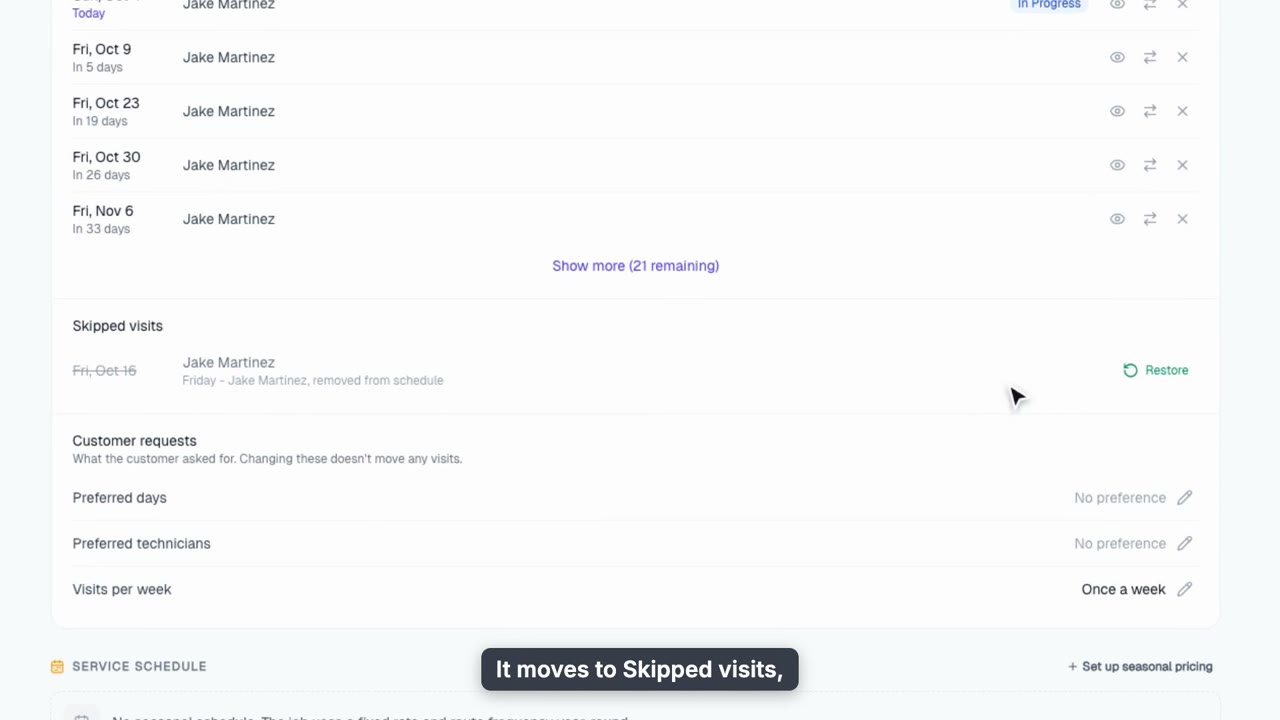
Skip, Suspend, Transfer and Archive Jobs
Change a schedule without breaking it: skip one visit, suspend service for a vacation, hand a visit to another tech, or archive a cancelled pool.
Web + phone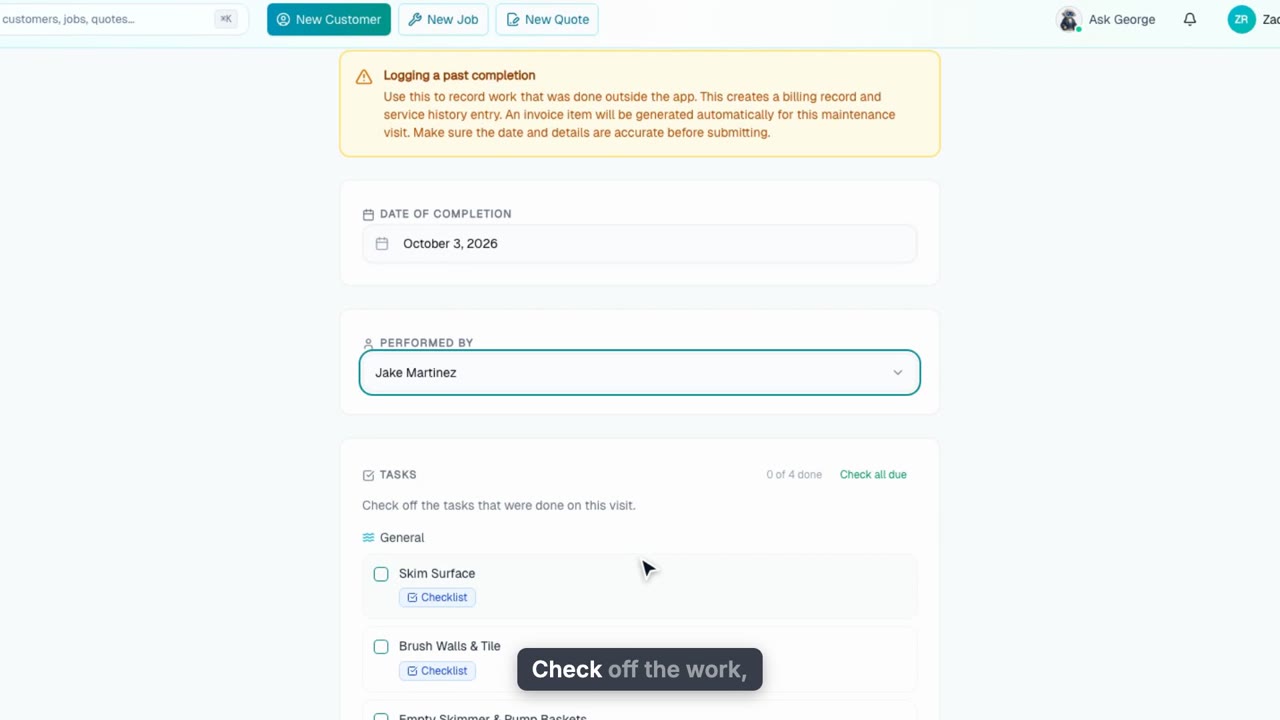
Log a Past Visit
Record a visit that never made it into the app: the day, who did it, the tasks and chemicals. It bills like any other visit, and Mark Not Complete undoes one logged by mistake.
Web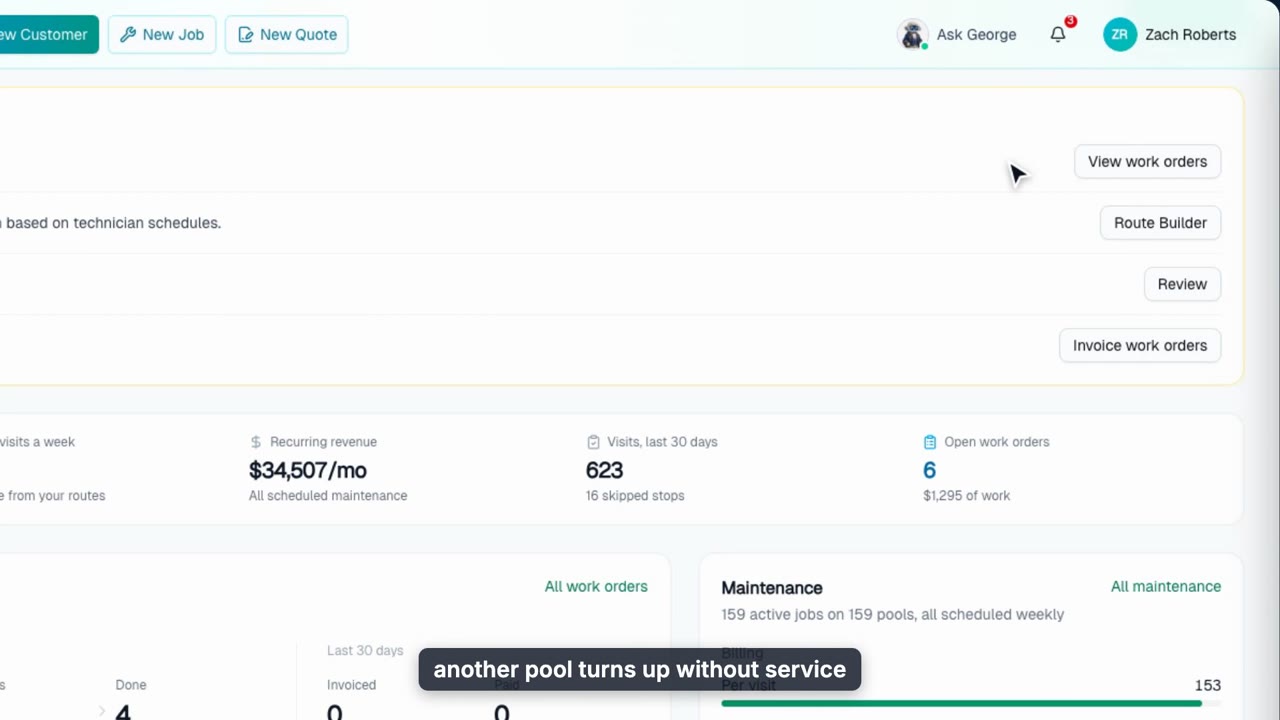
The Jobs Overview
A tour of the Jobs page: the Needs attention list, your maintenance book and work order pipeline at a glance, then All jobs with search, filters, sorting, bulk rename and CSV export.
Web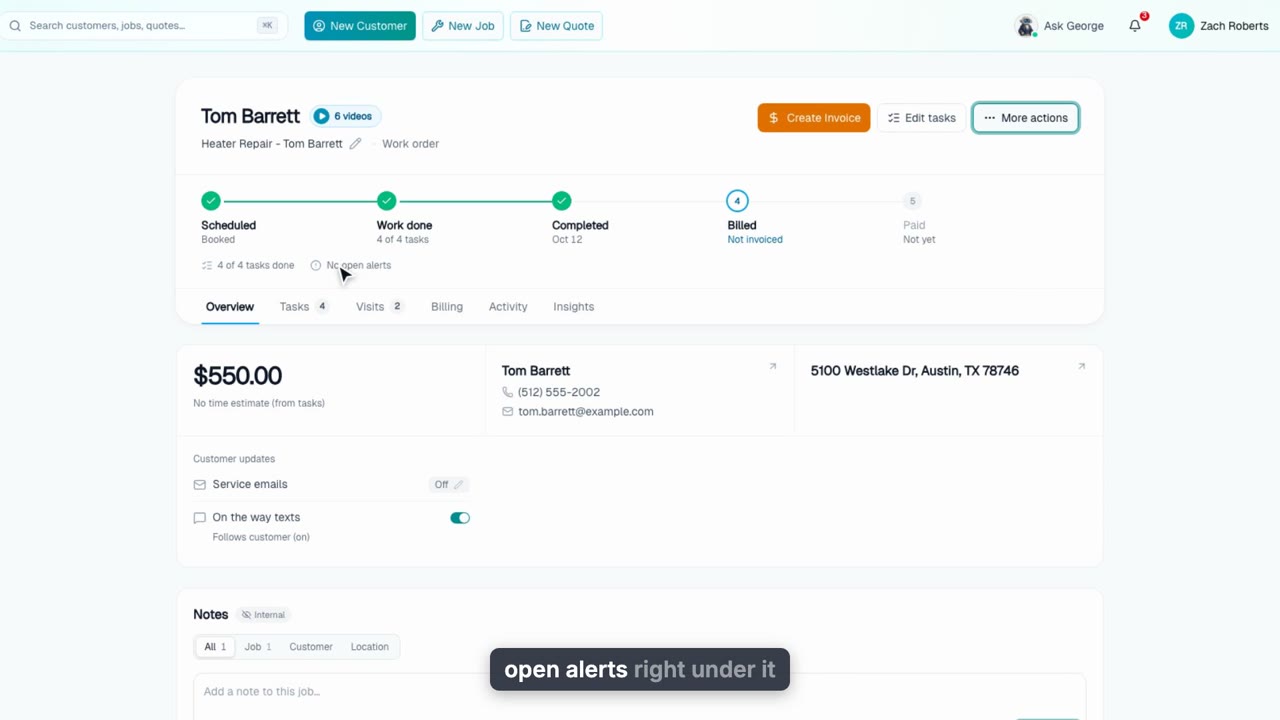
The Work Order Page
A tour of a work order's page: the next-step button and More actions, the stage tracker, the checklist and what got done on each visit, parts and labor pricing, the Activity tab, and adding a finished work order to the customer's next maintenance invoice.
WebRoutes
7 videos, about 9 min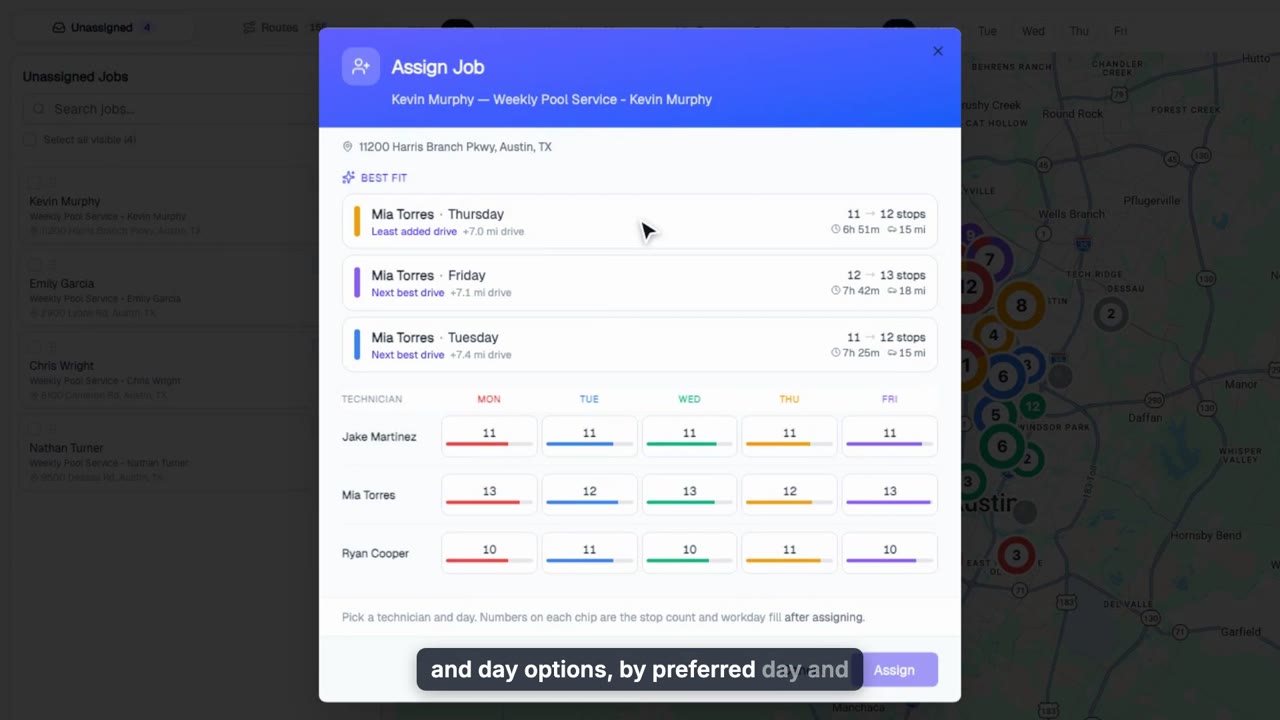
Build Routes
Build a week of routes in the Route Builder: drop unassigned pools onto a tech and day, auto-assign the rest, preview the drive, and save the order your techs run in the app.
Web + phone
Field Operations: Track Every Route Live
See every technician on the road in real time: stop-by-stop progress, live positions and GPS trails, arrival and departure times, admin skip and force-complete, and any past day on the same screen.
Web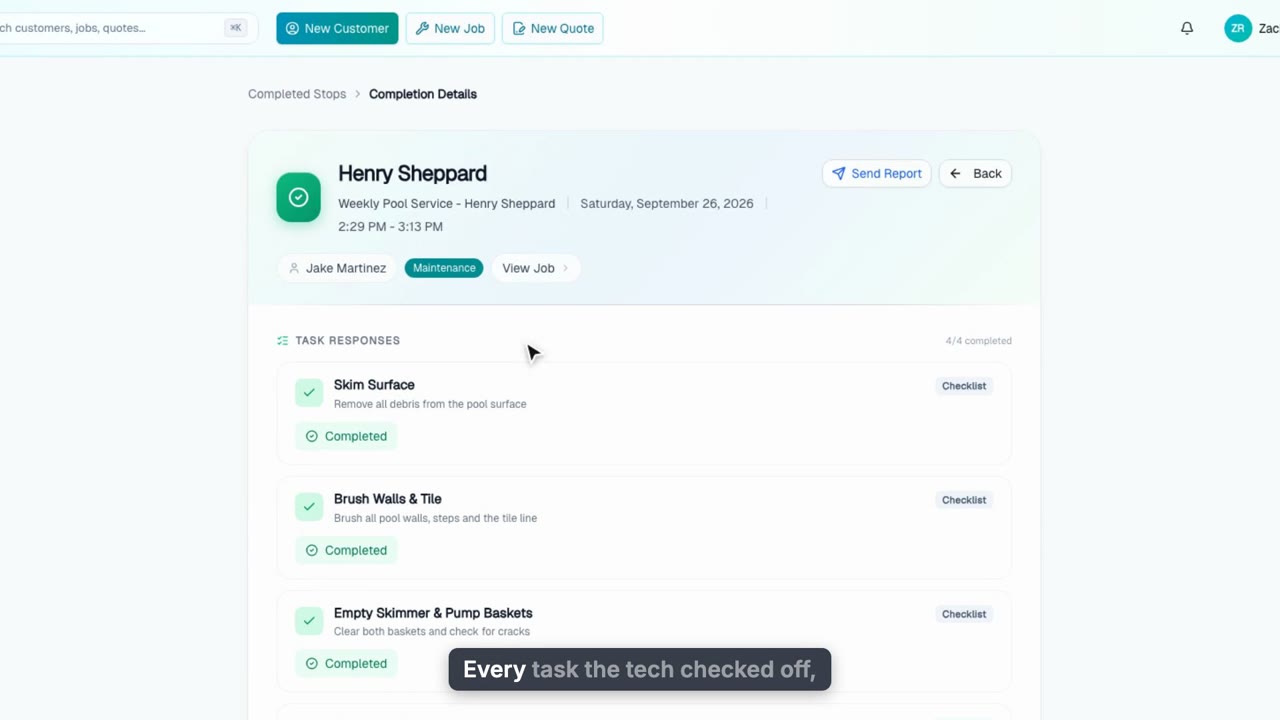
Completed Stops: Every Visit, Every Detail
Find any finished visit and see exactly what happened: tasks, water readings, photos, chemicals and times. Resend the service report, fix chemicals before billing, and see what the visit earned.
Web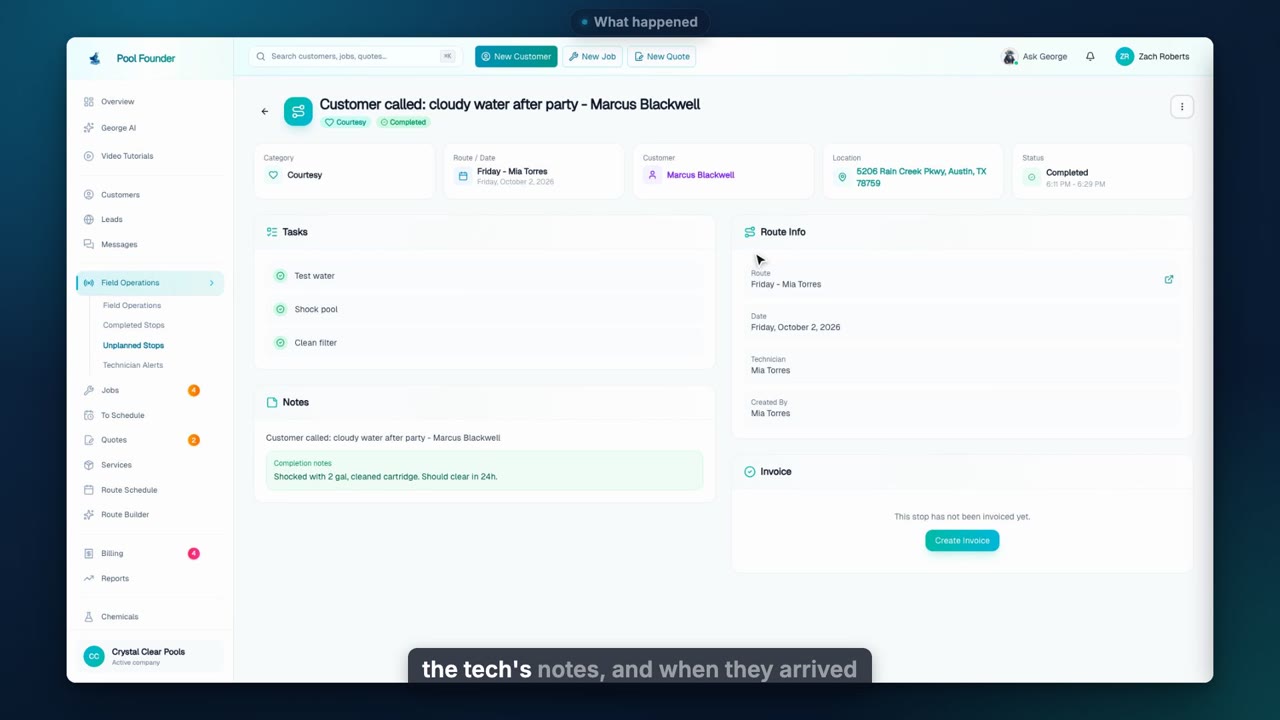
Unplanned Stops: The Work That Was Never on the Route
Track supply runs, courtesy visits and equipment drop-offs that were never on the route. Add a stop to any tech's day from the tech-by-day grid or leave it open for anyone, see what was done, and invoice it.
Web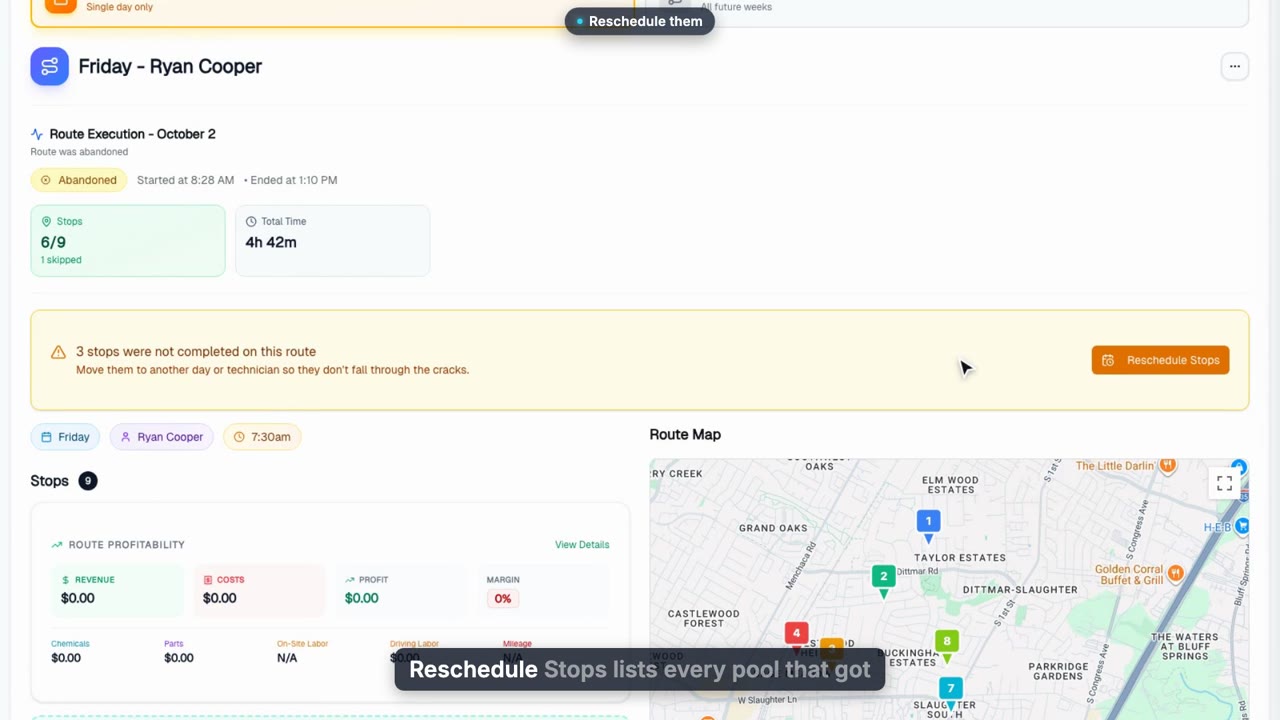
Missed Stops: Nothing Falls Through the Cracks
When a route ends with pools still undone, the day view says so. Reschedule the missed stops from one grid of every technician's week, see when each day would end before you pick, and leave any stop for later.
Web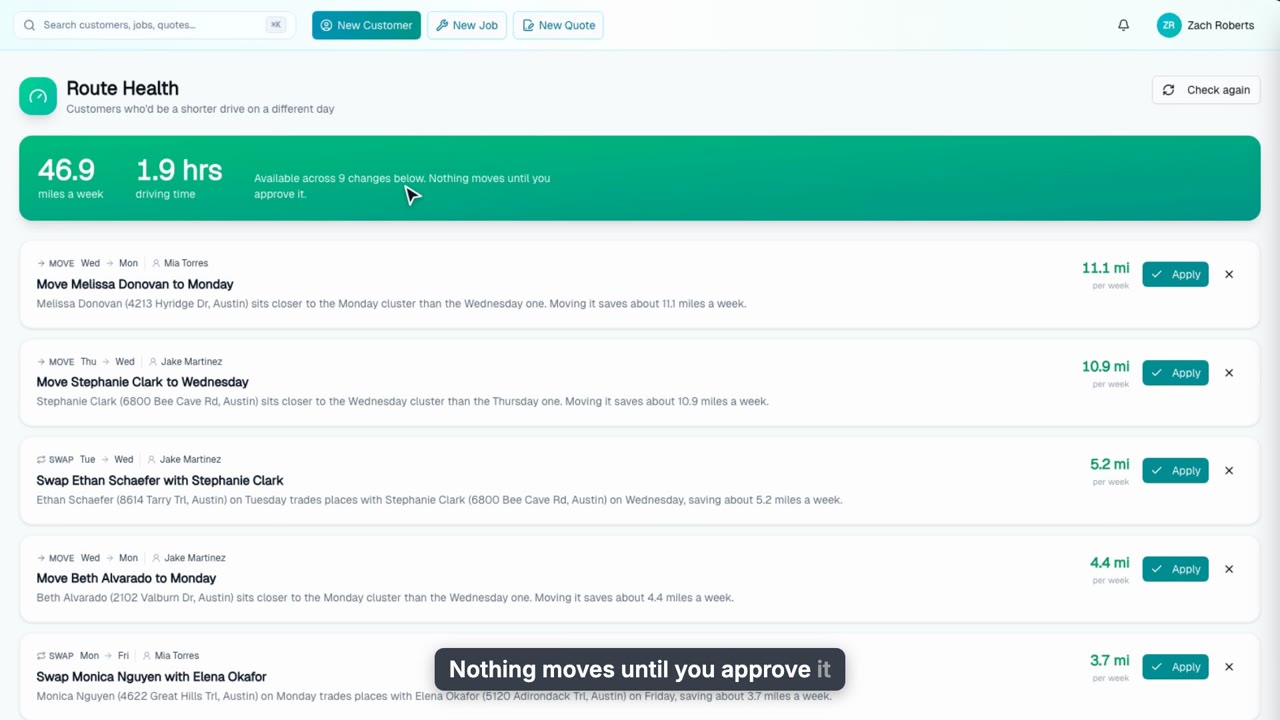
Route Health: Find the Miles Hiding in Your Schedule
Route Health finds customers who would be a shorter drive on a different day of the same tech’s week. See the miles and hours you could save, apply or dismiss each move, and check the result on the Route Map.
Web
Rebuild Routes When Hours Change
Tell George whose hours are changing and he rebuilds the week of routes: a preview of every technician's stops and hours, one approval card, for a date range or for good.
WebTechnician App
15 videos, about 19 min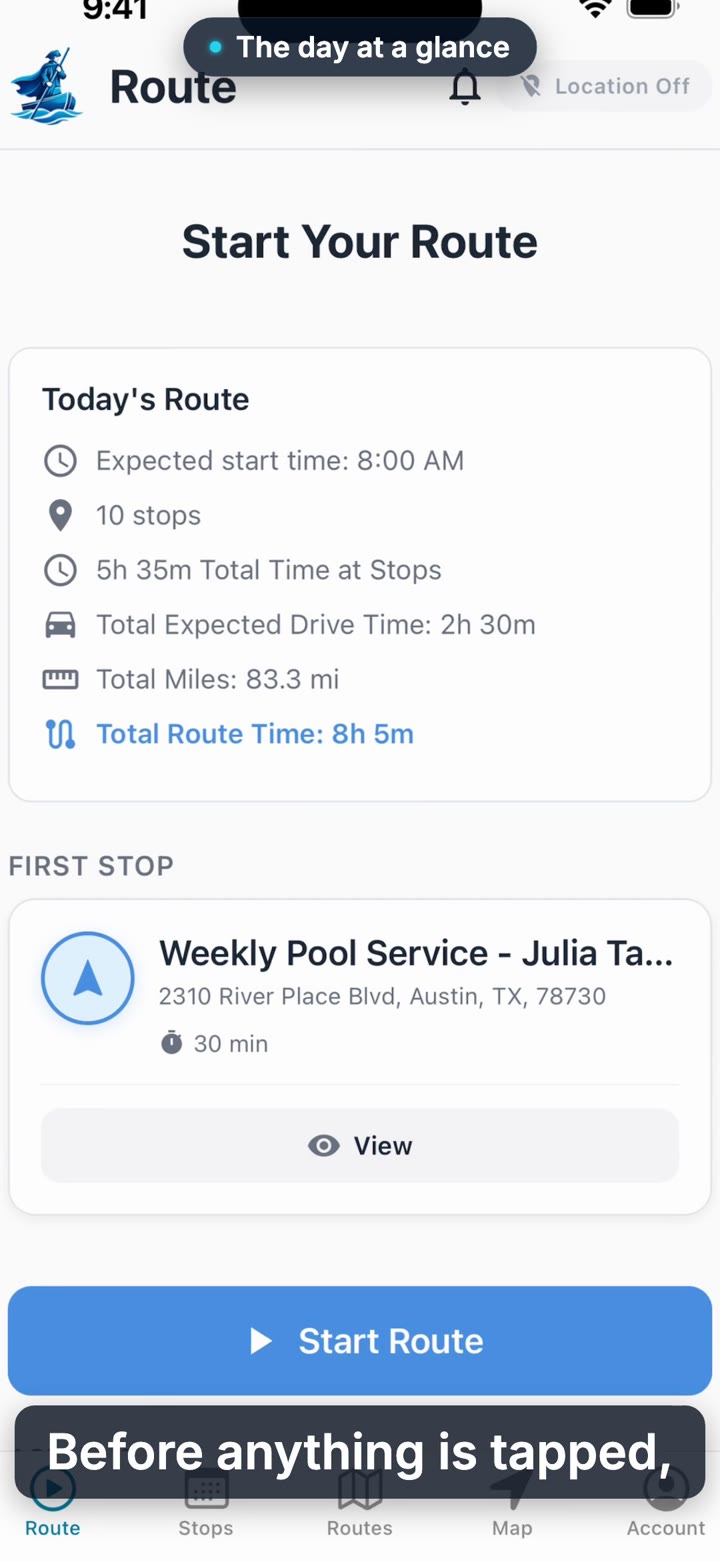
Your First Day: The Technician App
A new technician logs into the Pool Founder app and sees the day laid out: how many stops, how many miles, and what order to run them in. The first tour of the phone side of the job.
Phone app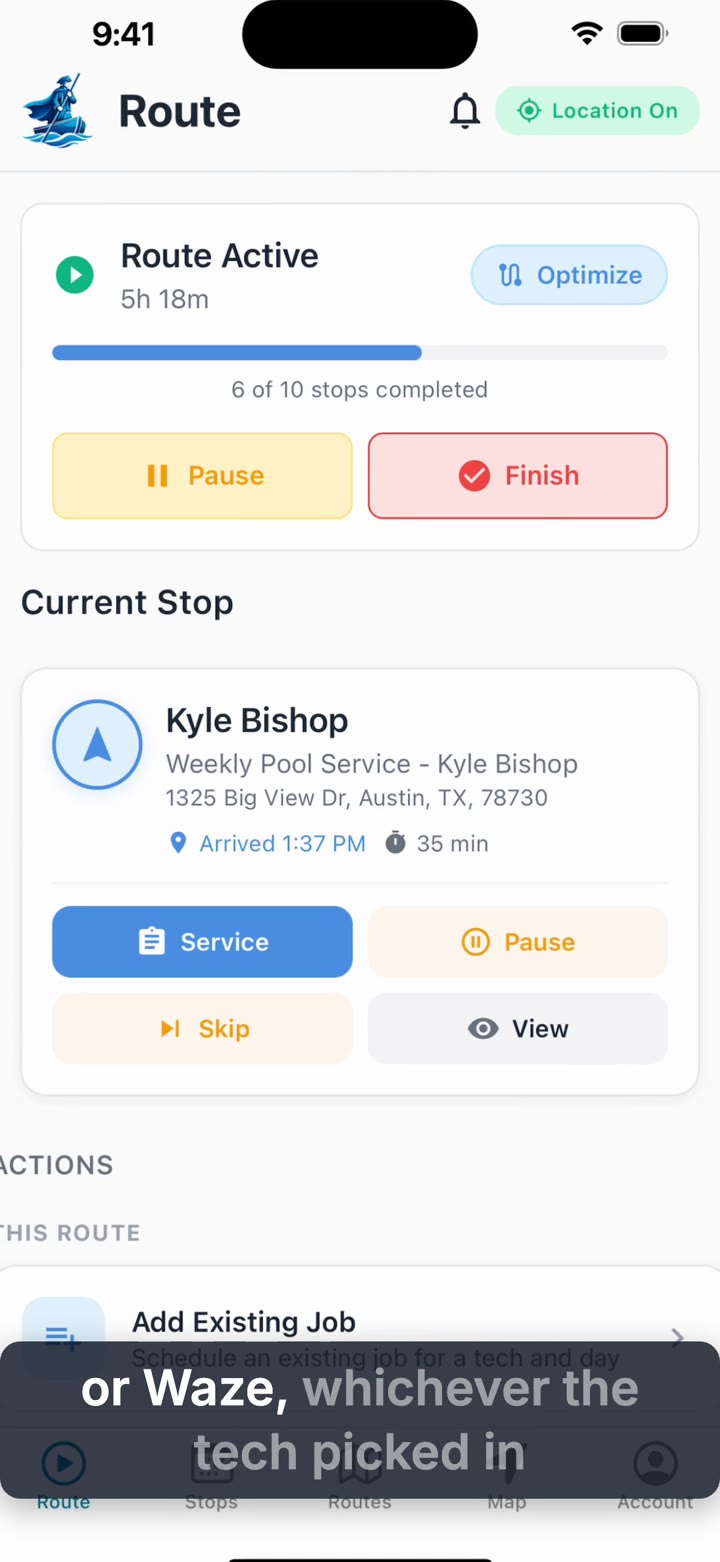
Running Your Route
Once the route is started, the phone handles the rest of the day: hand off to maps, keep a customer posted, skip a stop that has to move, and let the app re-order what is left.
Phone app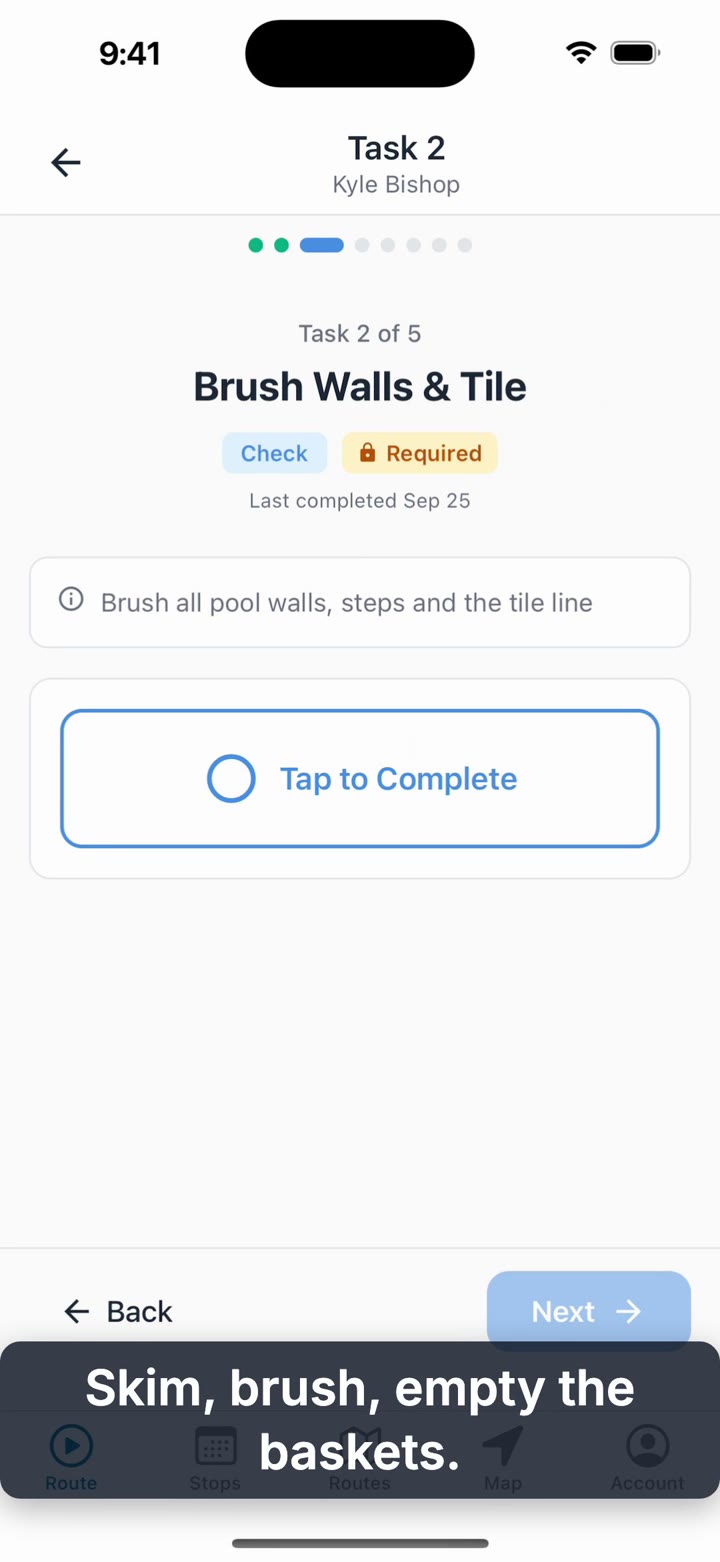
Completing a Visit
Walk through a routine pool visit exactly as a technician does it: the checklist, the water chemistry reading, logging the chemicals used, a note for the office, and finishing the job.
Phone app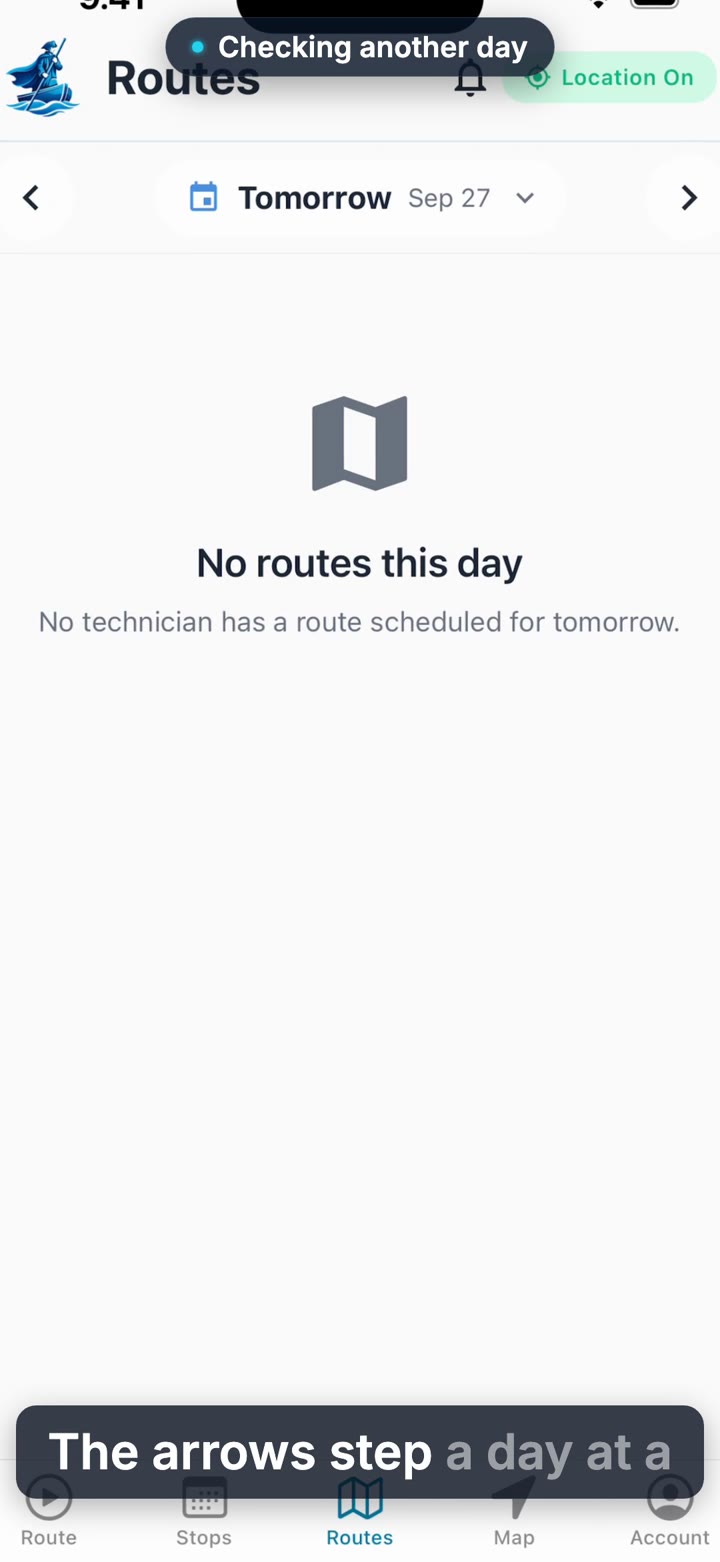
The Wider Schedule: Routes and Map
The Route tab only shows today. See how a technician checks another day, looks at a teammate’s route, or pulls up the map for the whole team.
Phone app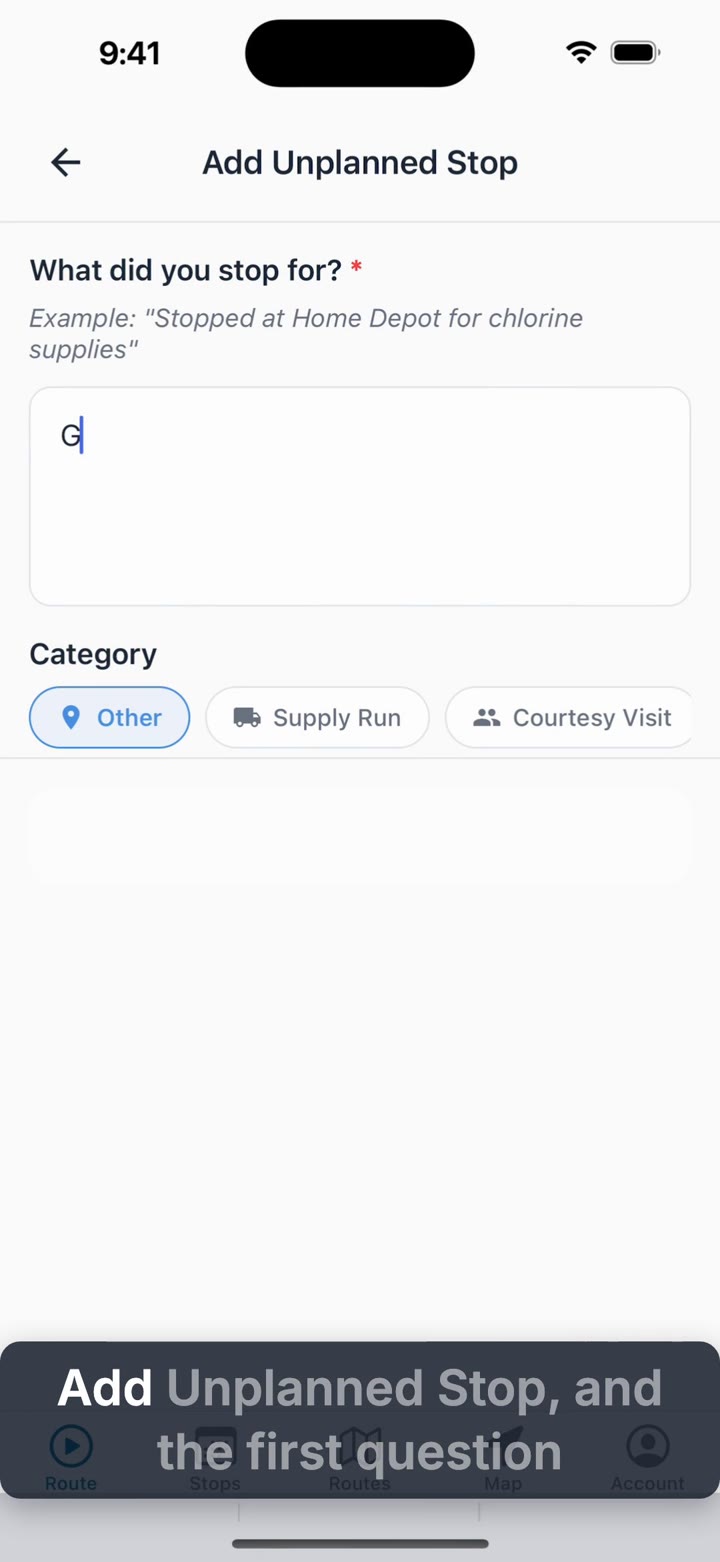
Work Orders and Unplanned Stops
Not every stop is on the printed route. See how a technician logs a supply run or repair on the spot, and how a work order the office scheduled shows up on the phone.
Phone app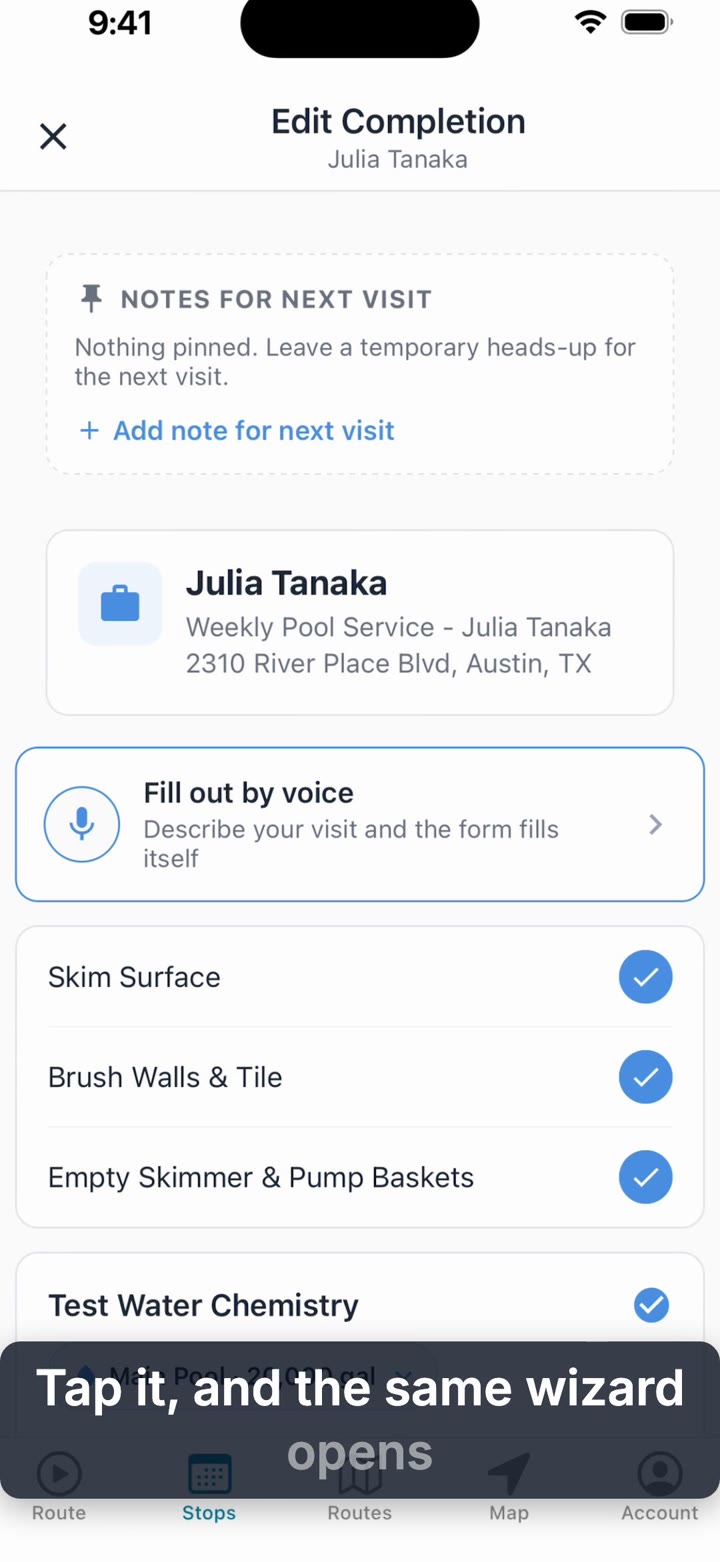
Fixing a Visit After the Fact
Wrote the wrong chlorine reading, or forgot to log a chemical? See exactly what a technician can go back and fix on their own completed visits, and what stays with the office.
Phone app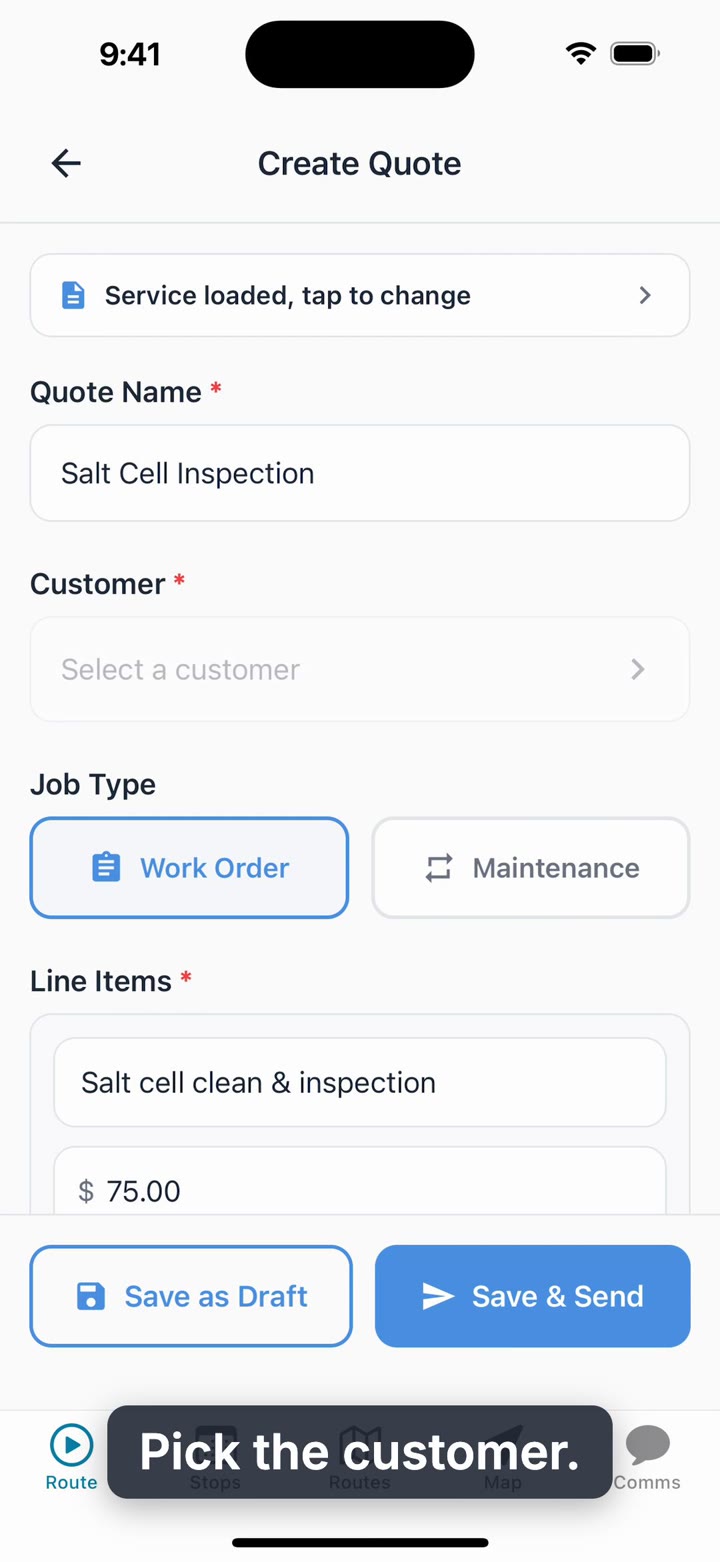
Quotes and Invoices on the Phone
Quote extra work before you leave the yard: start from a service, quote straight from an alert, add quick-pick parts, then save a draft or send it. Plus the Invoices list and Create Invoice for whoever handles billing.
Phone app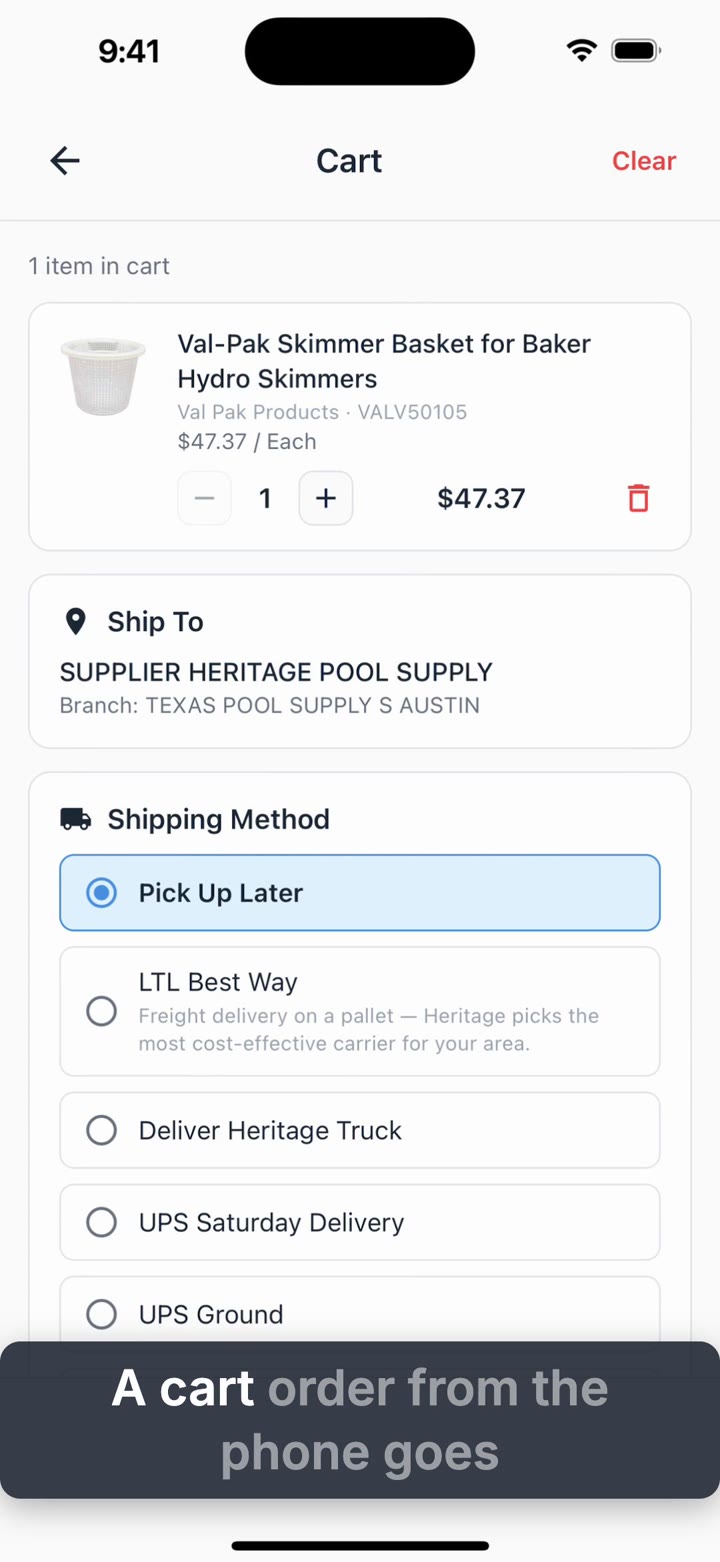
Order From Heritage in the Technician App
How technicians order from Heritage Pool Supply on the phone: search with your price and branch stock, order from the shared cart, and order the parts for an open work order, shipped to the job site if you like.
Phone app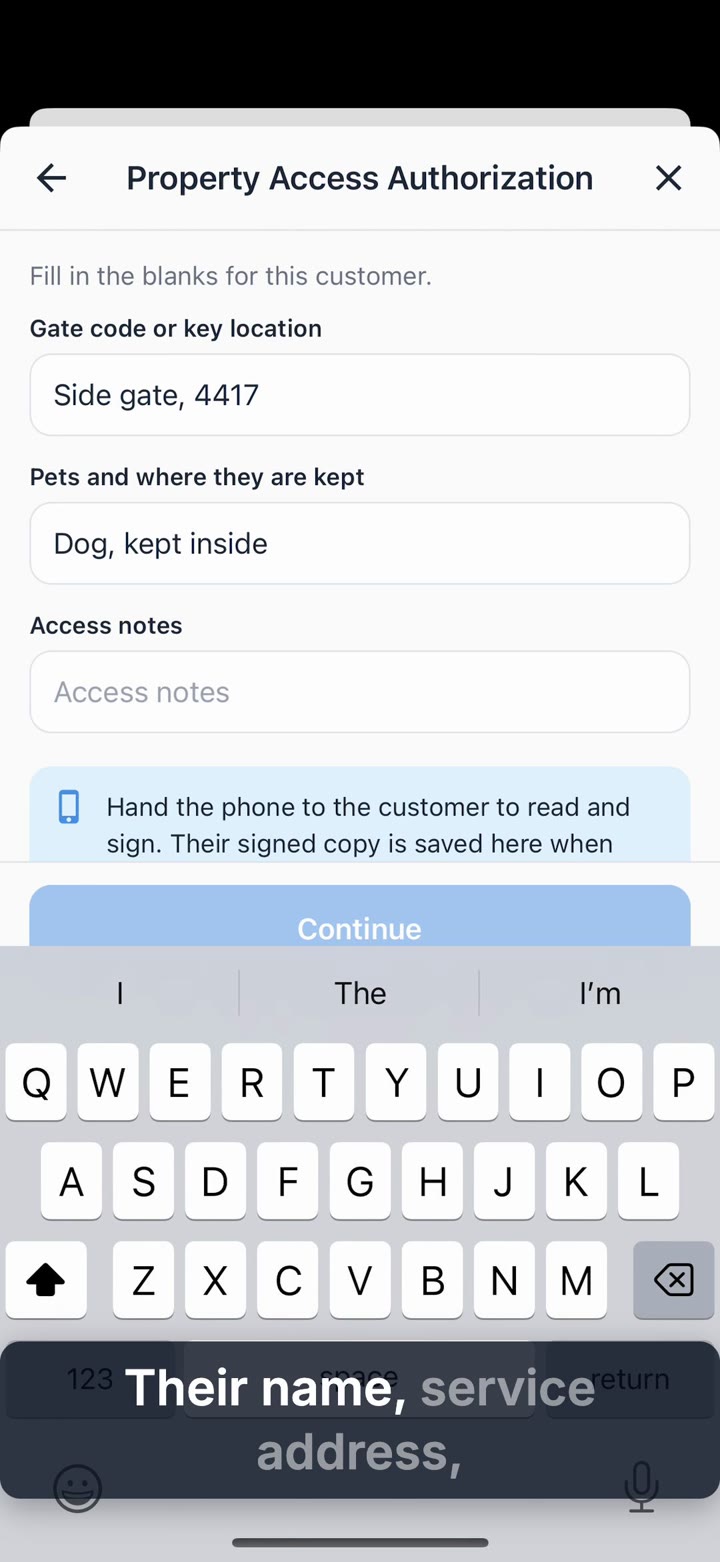
Get a Document Signed at the Pool
Get a service agreement or access authorization signed at the pool: open the stop, tap Documents, Sign in person, fill in the gate code, and hand the customer the phone. The signed PDF is linked to the visit and saved on the customer.
Phone app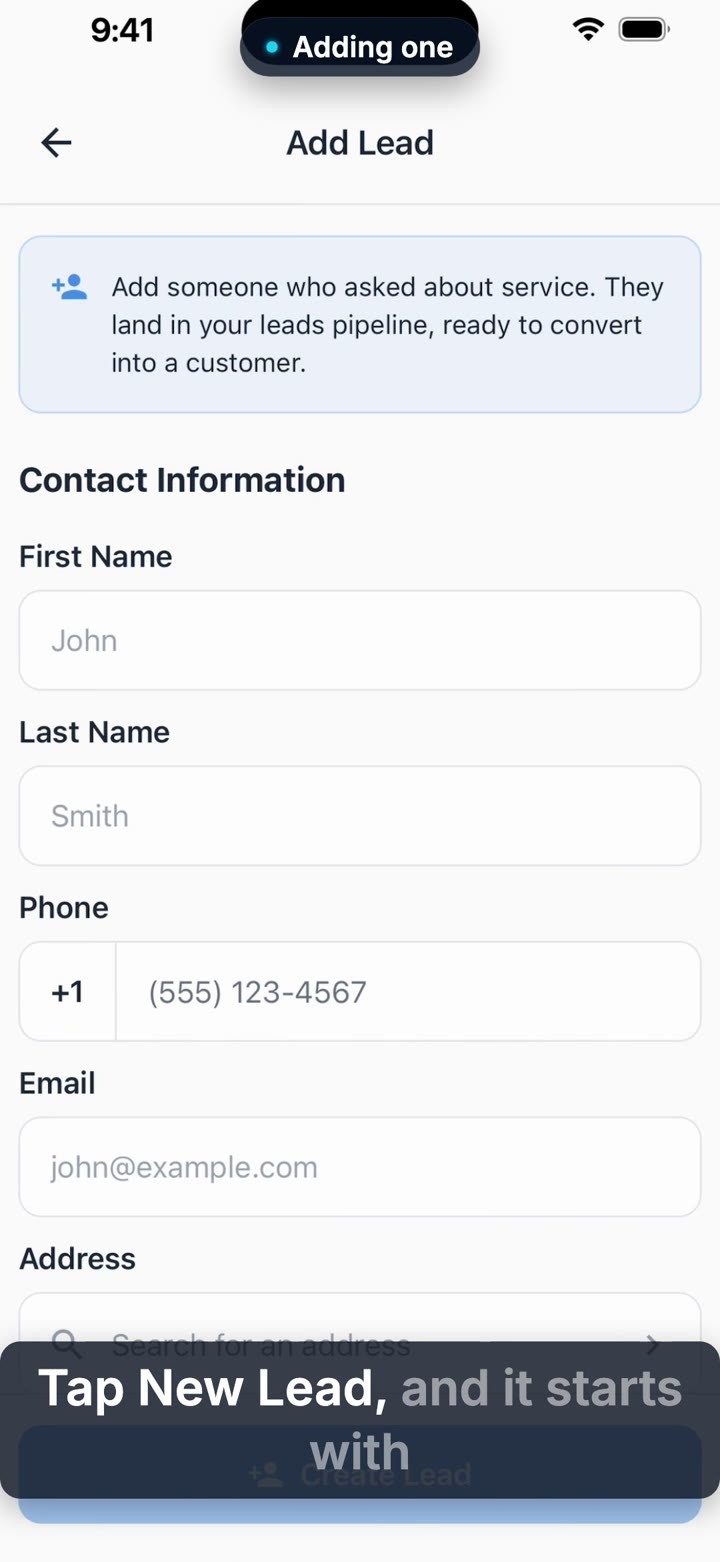
Capturing a Lead From the Field
A neighbor flags down the truck asking for a quote. See how a tech with lead access captures it on the spot, and what the office sees the moment it saves.
Phone app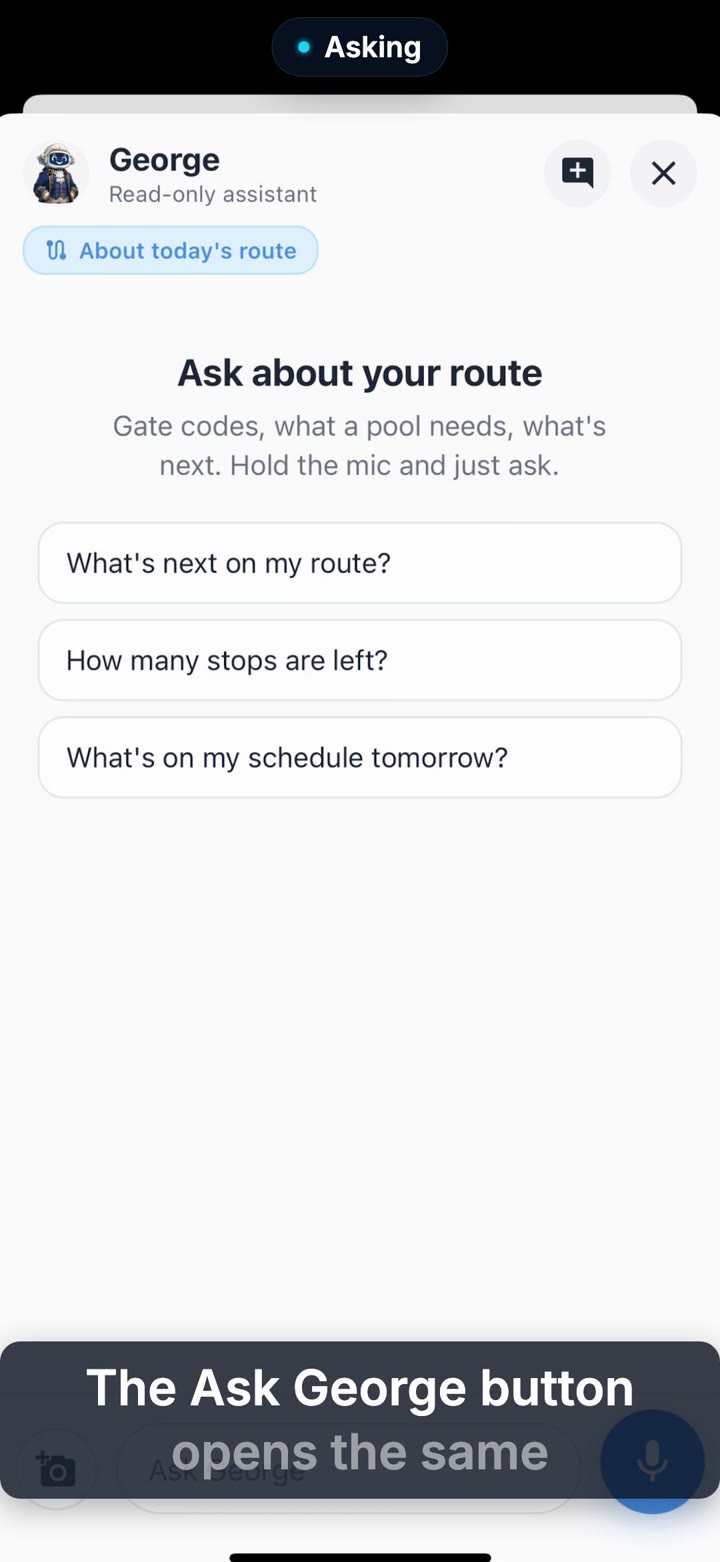
George on the Phone
Away from the desk and need an answer about the business? See where George lives on the phone, and who on the team actually gets to ask.
Phone app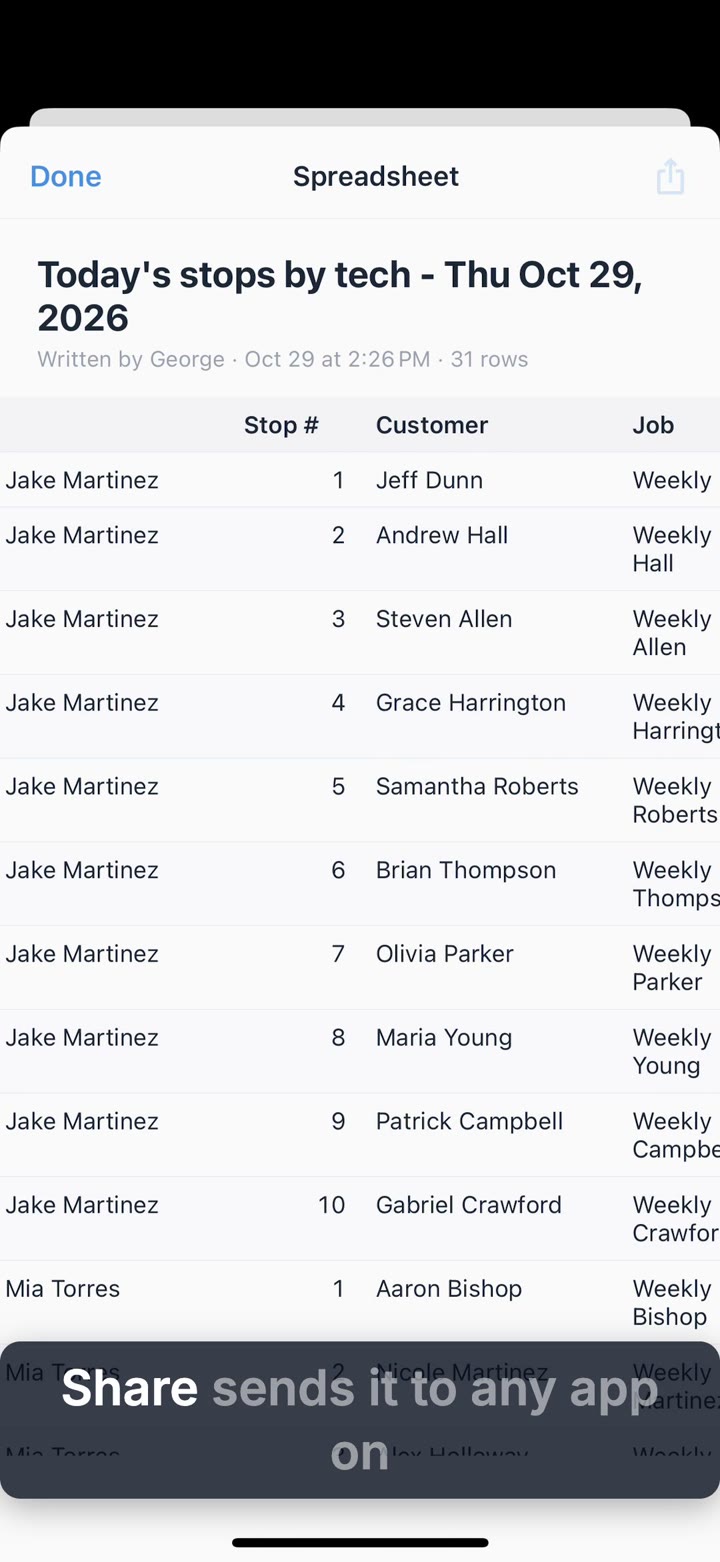
George Automations and Documents on the Phone
Open the documents and spreadsheets George writes right on your phone and share them, and manage your George automations from the truck: on or off, their runs, and changes by asking George.
Phone app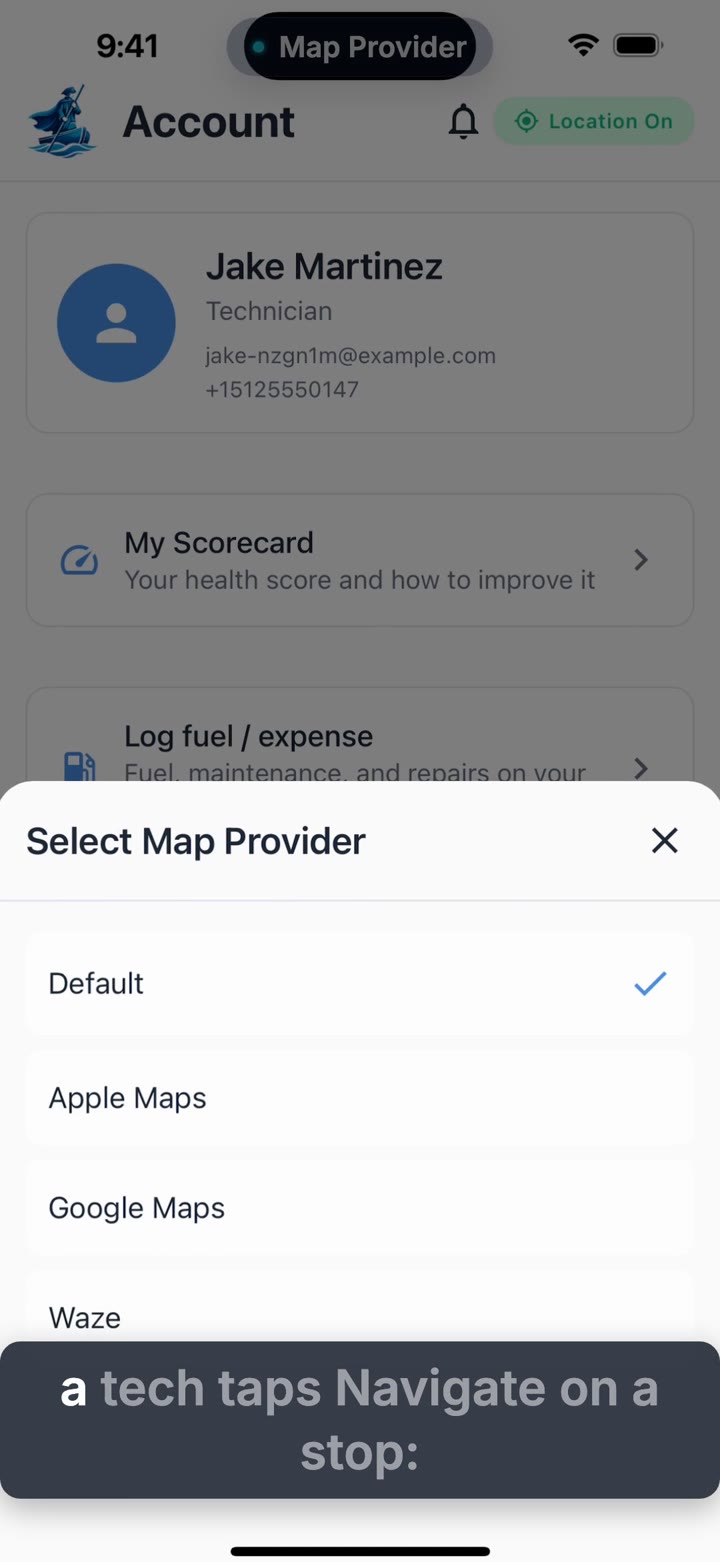
The Account Tab
A short tour of what a technician can set for themselves: which map app opens for directions, how the completion checklist lays out, and notification quiet hours.
Phone app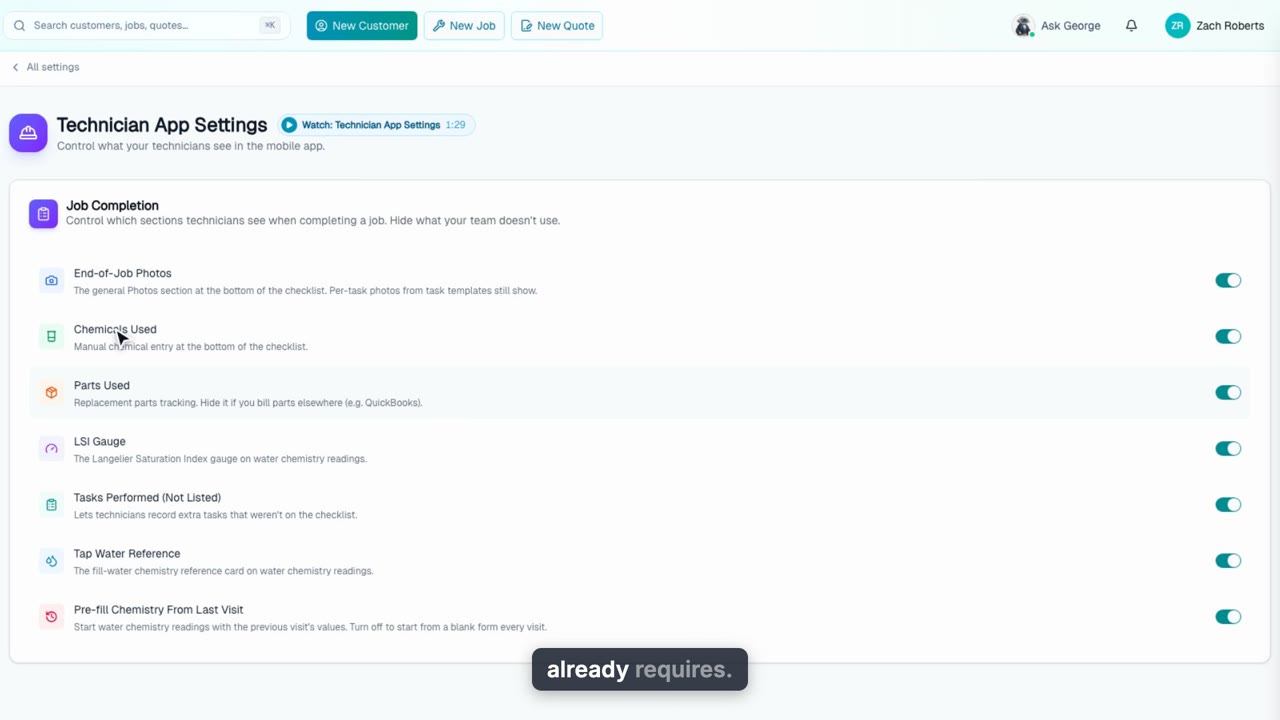
Technician App Settings
Trim the mobile completion screen to what your team actually uses: hide sections like photos, chemicals or parts, and turn off pre-fill so chemistry readings start blank. See it change the tech's phone in real time.
Web + phone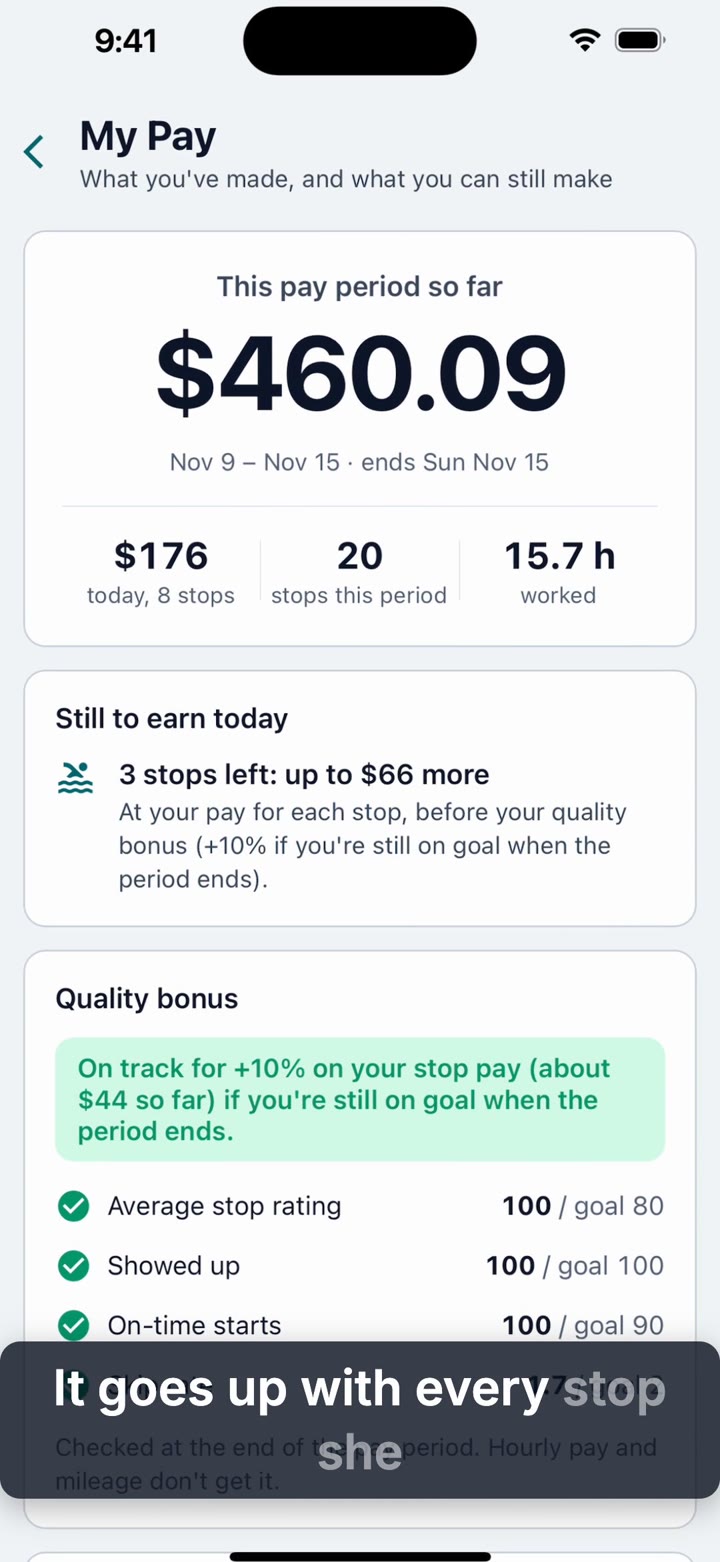
My Pay in the Tech App
Techs see what they've earned this week, line by line, why a bonus is on or at risk, their route days, contests and level, right in the app.
Phone appBilling & Payments
11 videos, about 20 min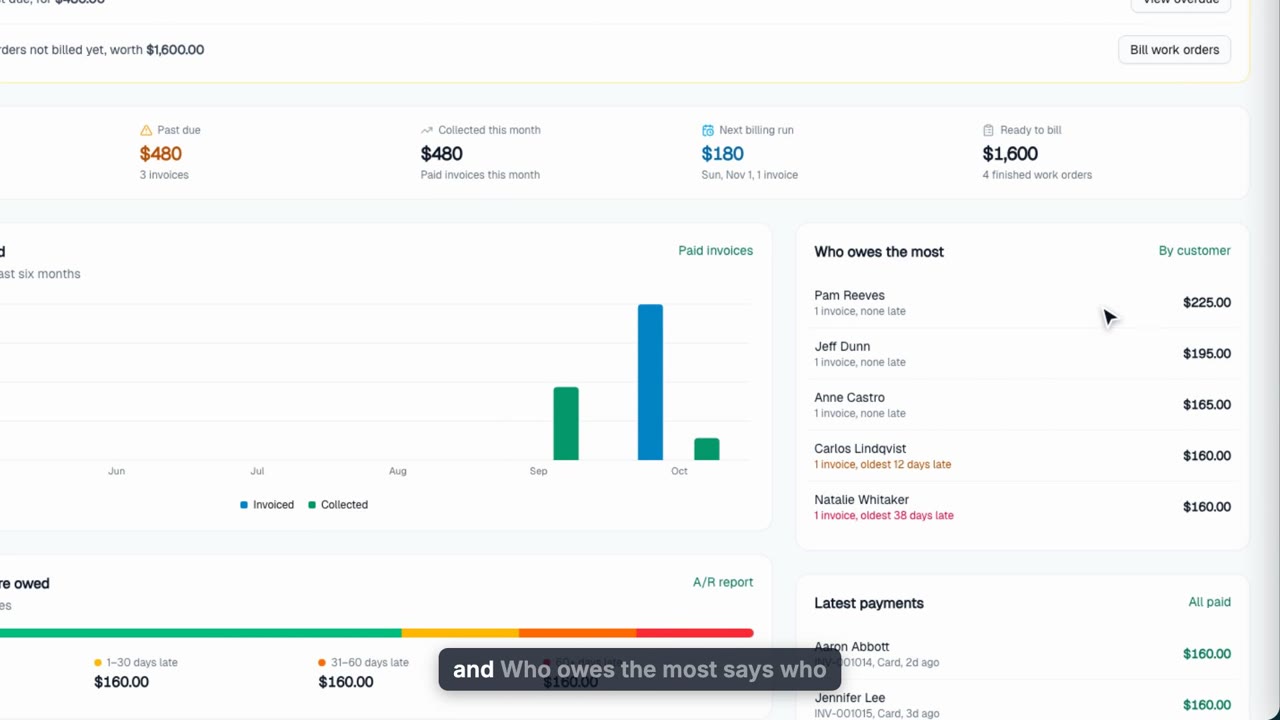
Invoices: From Finished Job to Paid
Turn a completed job into a paid invoice: read the Invoices overview (what you're owed, past due, collected this month, how late it is), invoice a finished work order, add parts from your catalog, send a secure pay link, record a check, and charge a saved card for the balance.
Web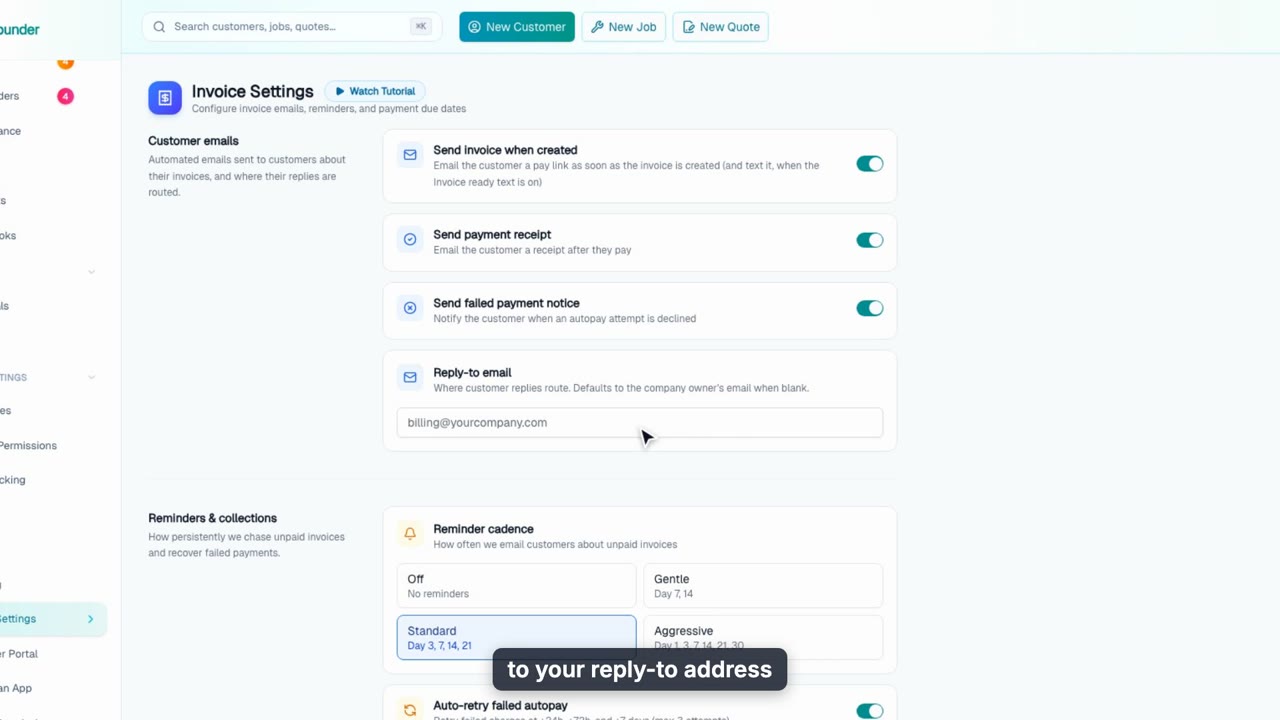
Invoice Settings
Set the rules every invoice follows: automatic invoice emails with pay links, reminder cadence and autopay retries, payment terms, your default sales tax rate, and the business address and footer on your invoices.
Web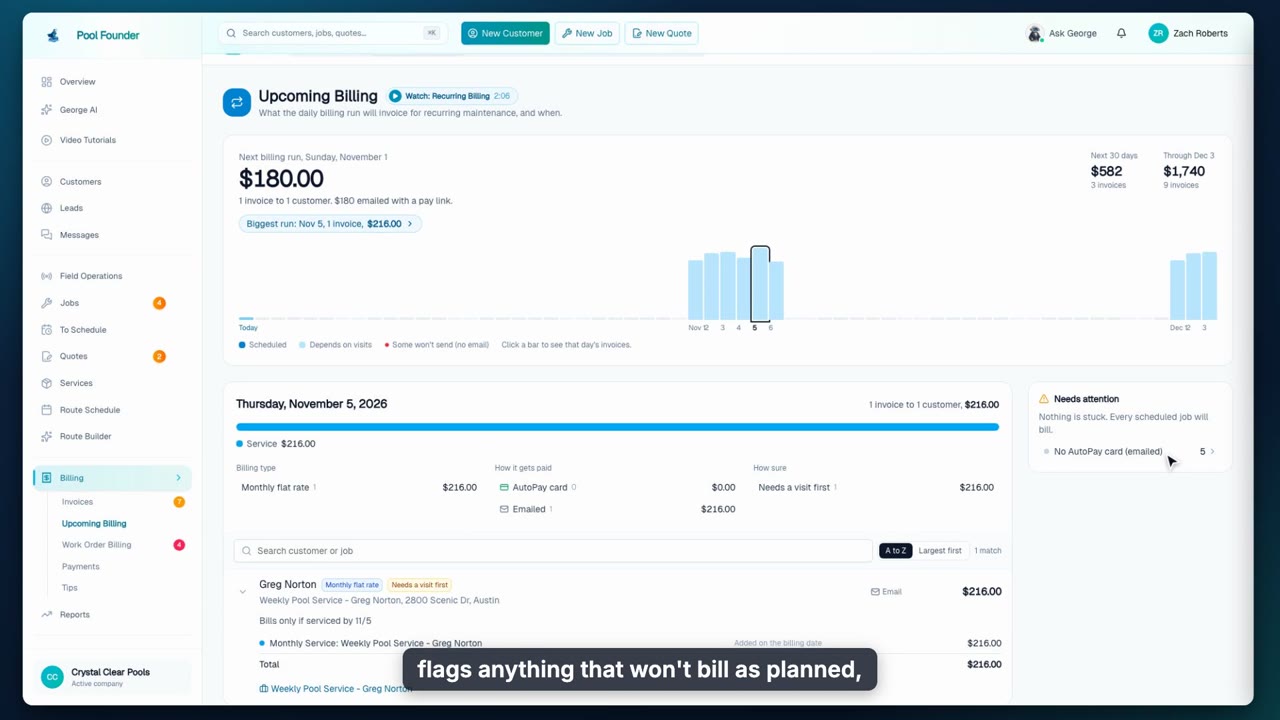
Recurring Billing
See what your recurring billing will send and when on Upcoming Billing, then set how each pool job bills on its Billing tab: per visit or flat monthly rate, the billing day, external billing, chemical billing, recurring and one-off charges, and the AutoPay card.
Web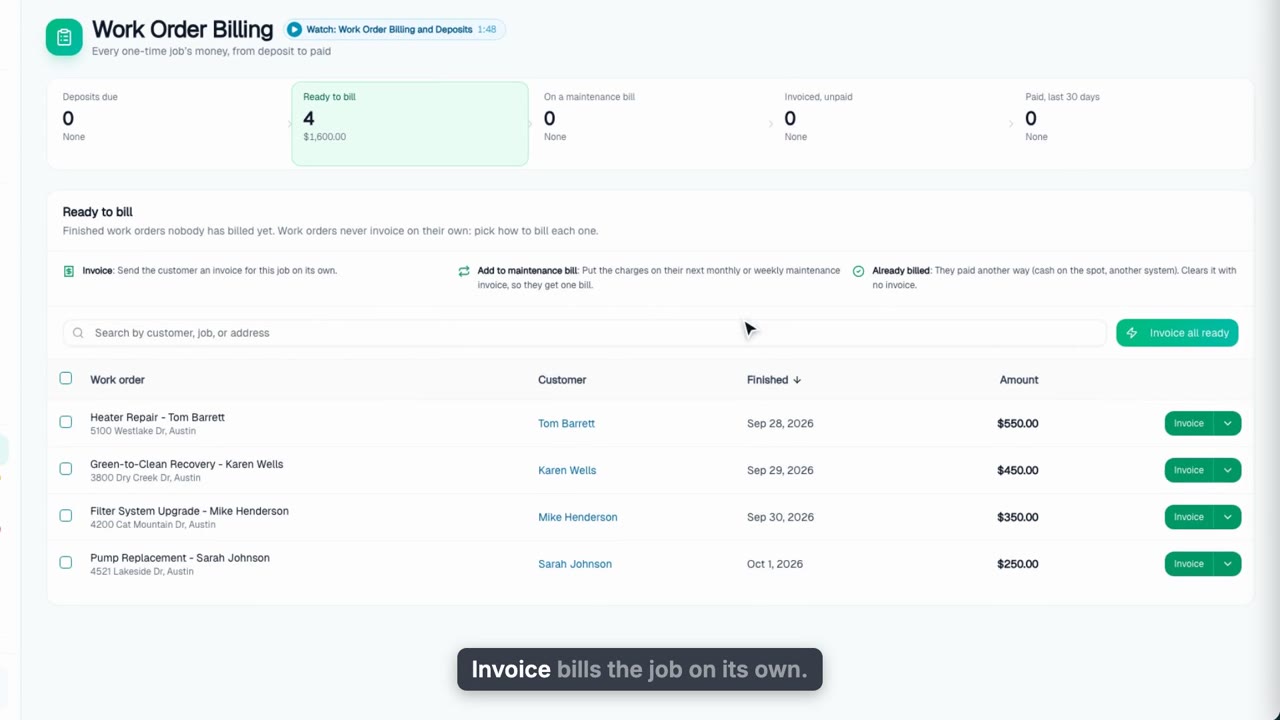
Work Order Billing and Deposits
Follow every one-time job's money from deposit to paid: the five billing stages, invoicing a finished work order, adding it to the customer's next maintenance invoice, marking it already billed, invoicing them all at once, and taking a deposit before the work starts.
Web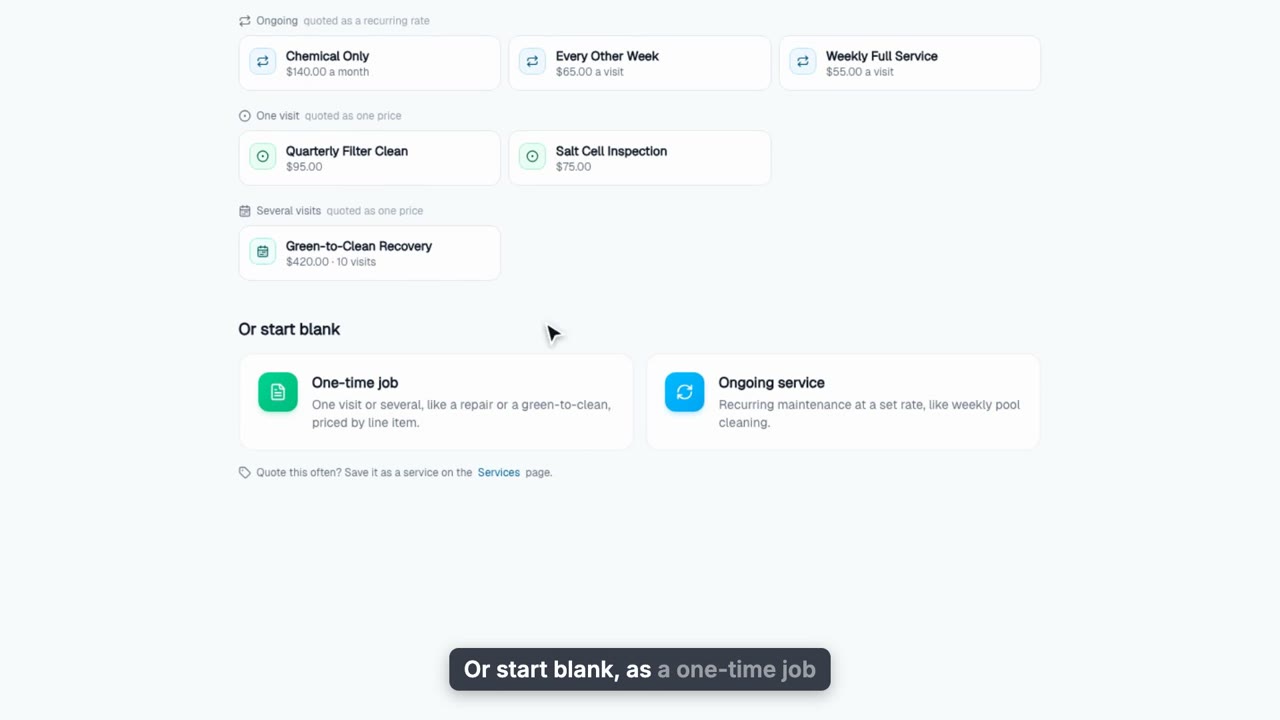
Create and Send a Quote
Start a quote from a service you sell so its line items, visits and deposit fill in, add catalog parts, write a formatted message, preview the email and send it for online approval. Then track the email, accept it with a deposit invoice, and turn it into a work order that keeps the service.
Web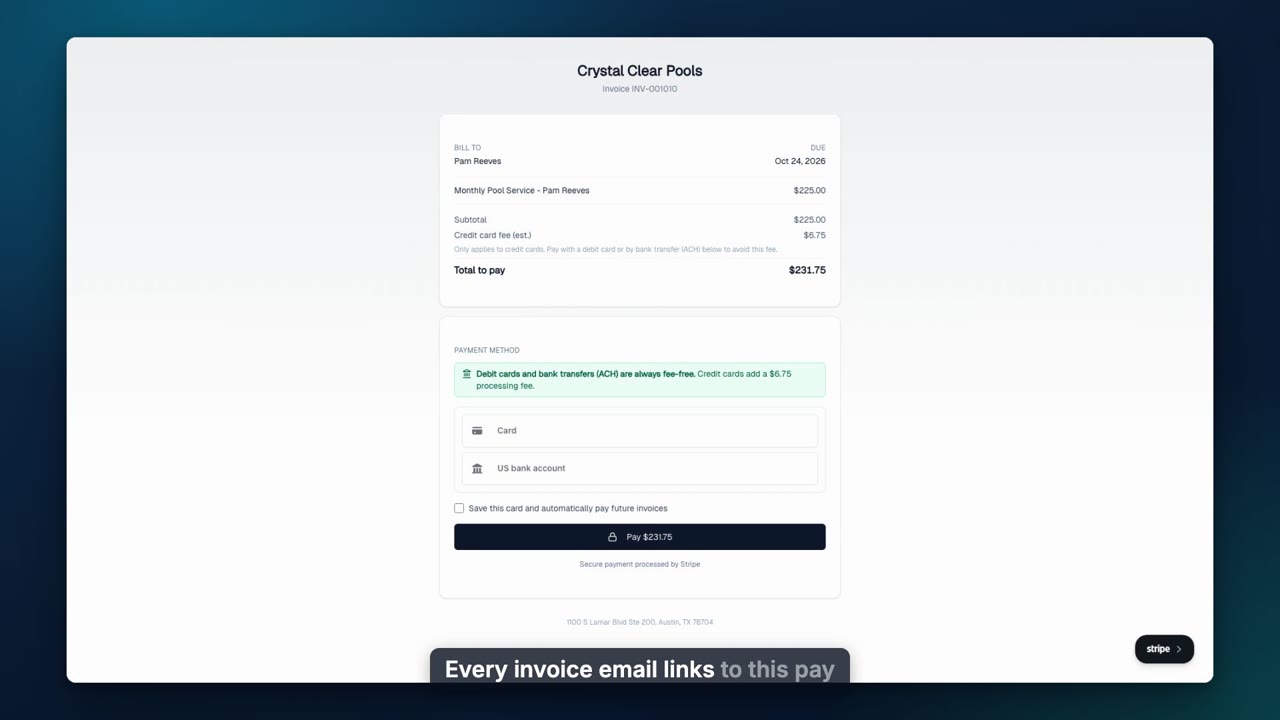
Accept Online Payments
Take card and bank payments with Stripe: what your customers see on the pay page, passing card fees where allowed, collecting cards on file by email (one customer or all at once), limiting a customer to card or bank, turning on autopay, and adding Pay by Zelle.
Web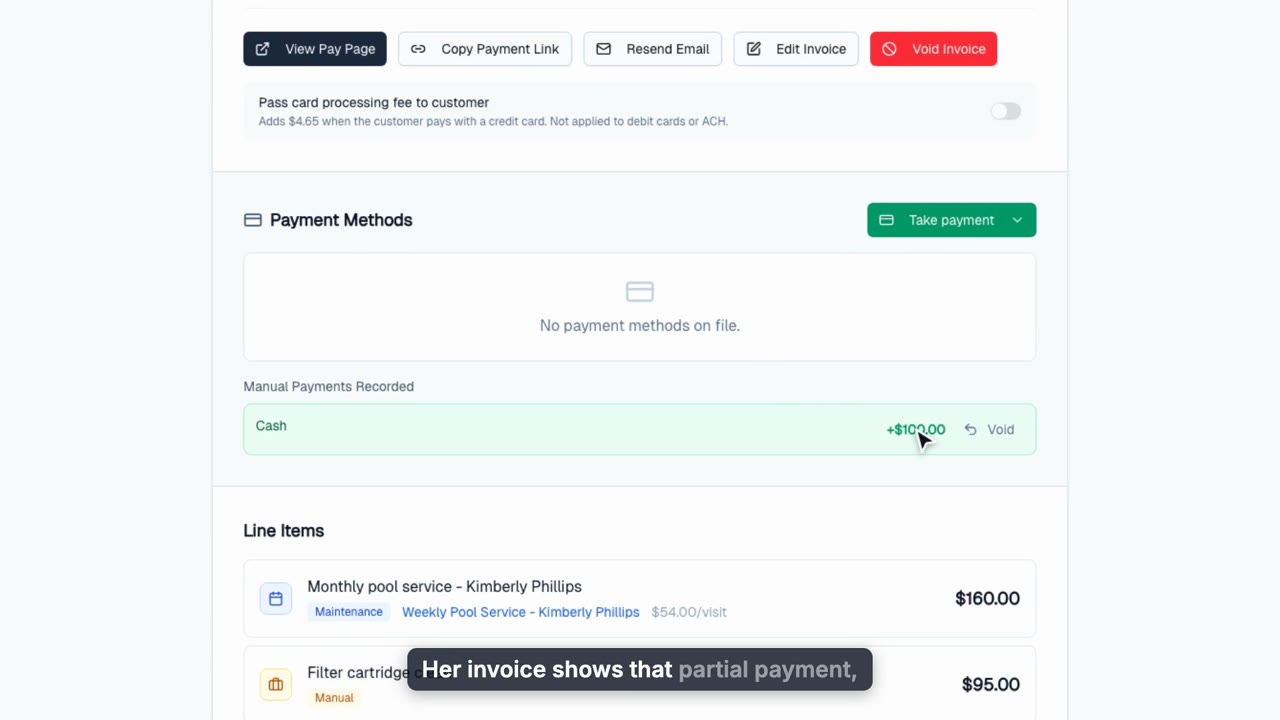
Record Checks, Cash and Zelle Payments
Record check, cash, and Zelle payments on an invoice, take partial payments, void a bounced check without losing the paper trail, and see how late what you are owed is from the Invoices overview.
Web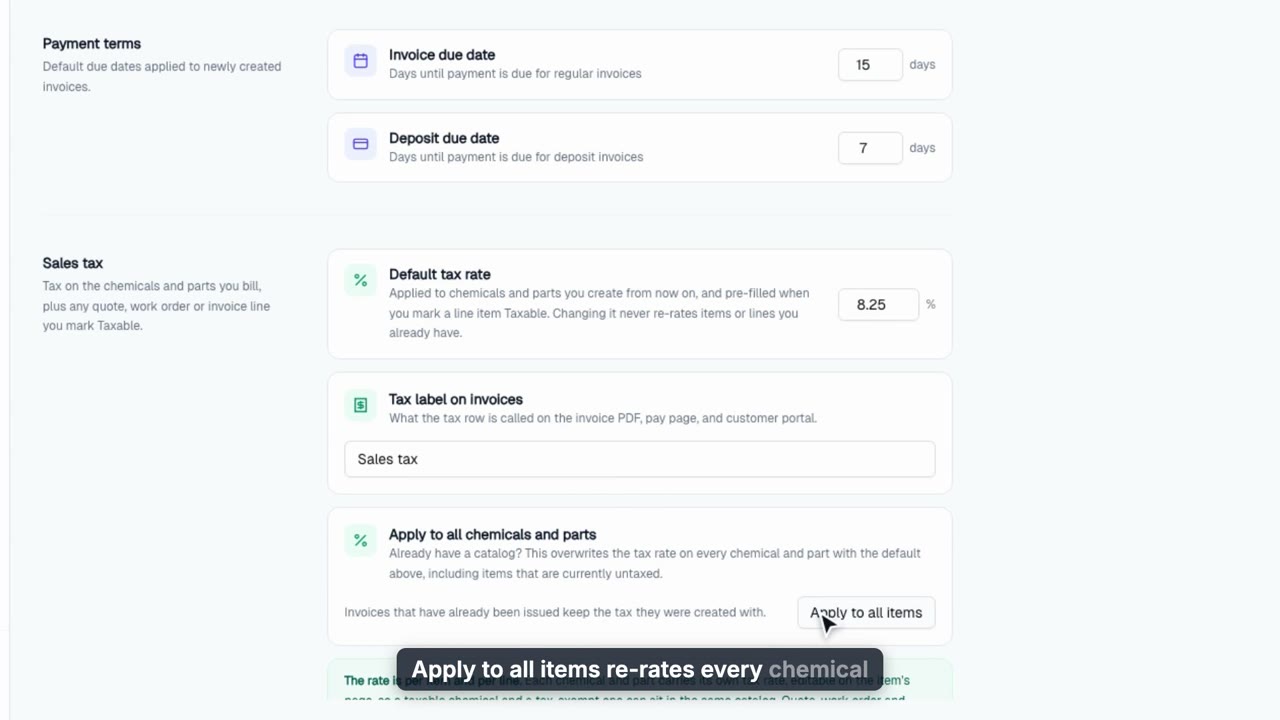
Sales Tax on Parts, Chemicals and Line Items
Charge sales tax line by line: set a default rate, tax the parts and chemicals you sell, flip Taxable on any work order line, add catalog items at their own rate, and see the tax carry through to the invoice and pay page.
Web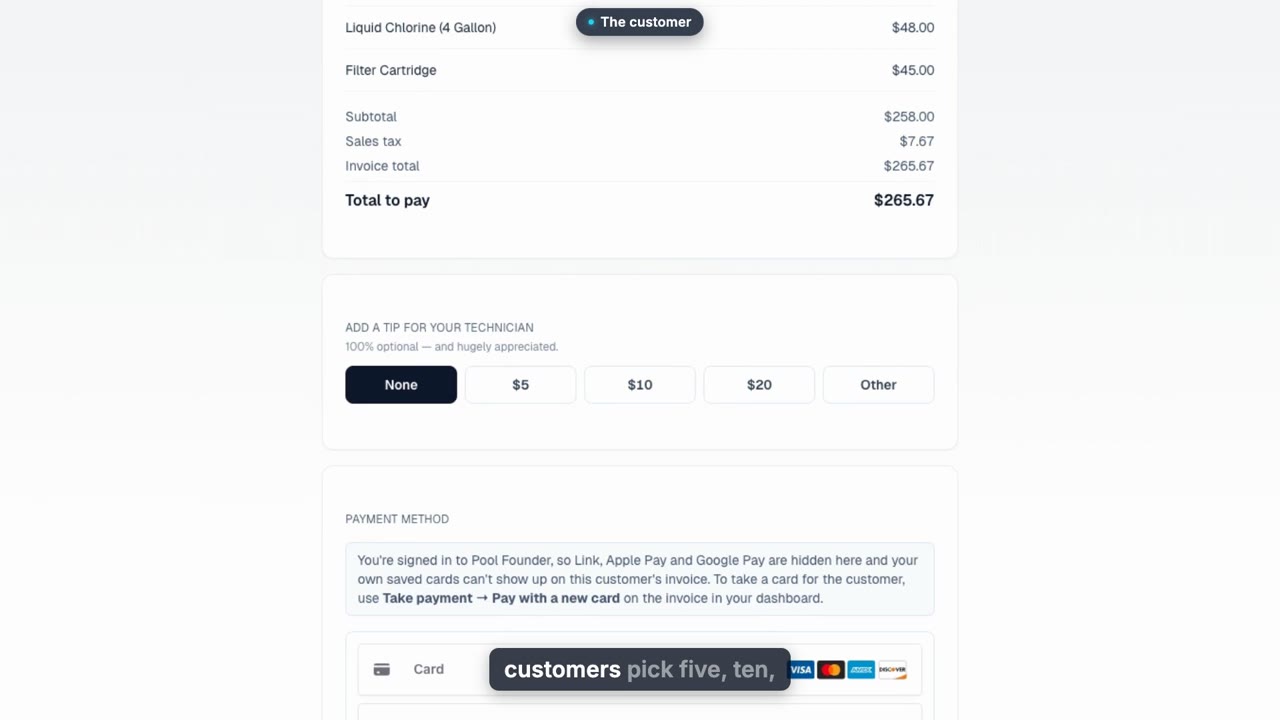
Tips for Your Technicians
Let customers tip your techs from service report emails, the invoice pay page, and the customer portal, then see what each tech is owed, mark tips paid out, and keep tips out of your profit numbers.
Web
QuickBooks Online Sync
Connect QuickBooks Online, import your QuickBooks customers with a review step, and let invoices, payments, refunds, quotes, chemicals, and parts sync on their own, with a log of everything that moved.
Web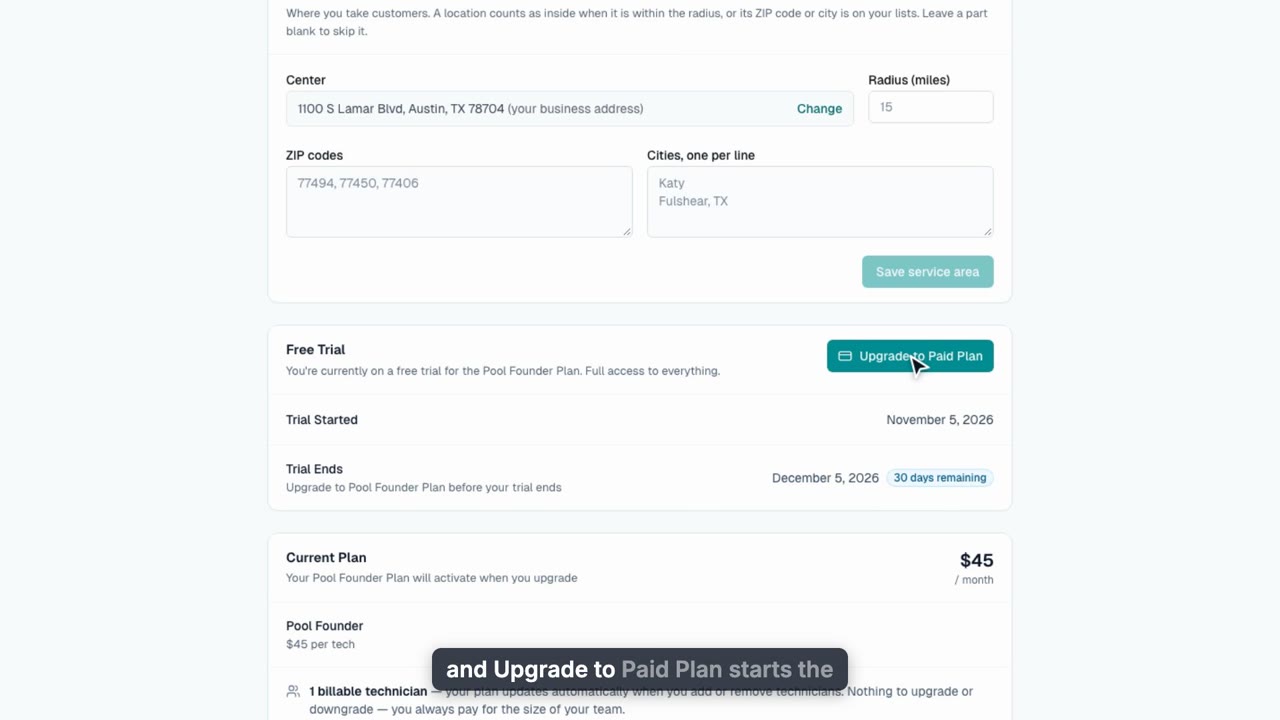
Your Plan and Free Trial
How Pool Founder pricing works: a 30-day free trial, then $45 a month per tech, with unlimited customers, routes, and invoices.
WebCommunication
9 videos, about 13 min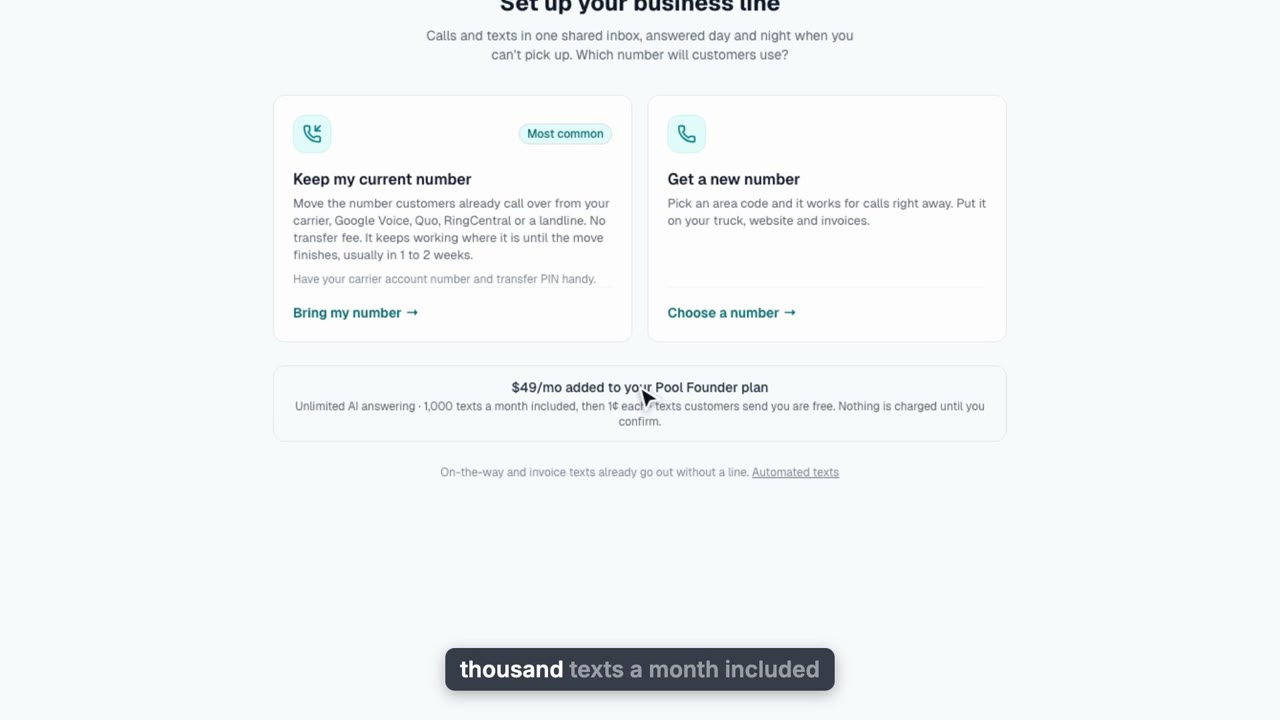
Set Up Your Business Phone
Keep your number with free call forwarding, or add a $25/mo business line: carrier registration for texting, the confirmation, picking your number, and where registration status shows.
Web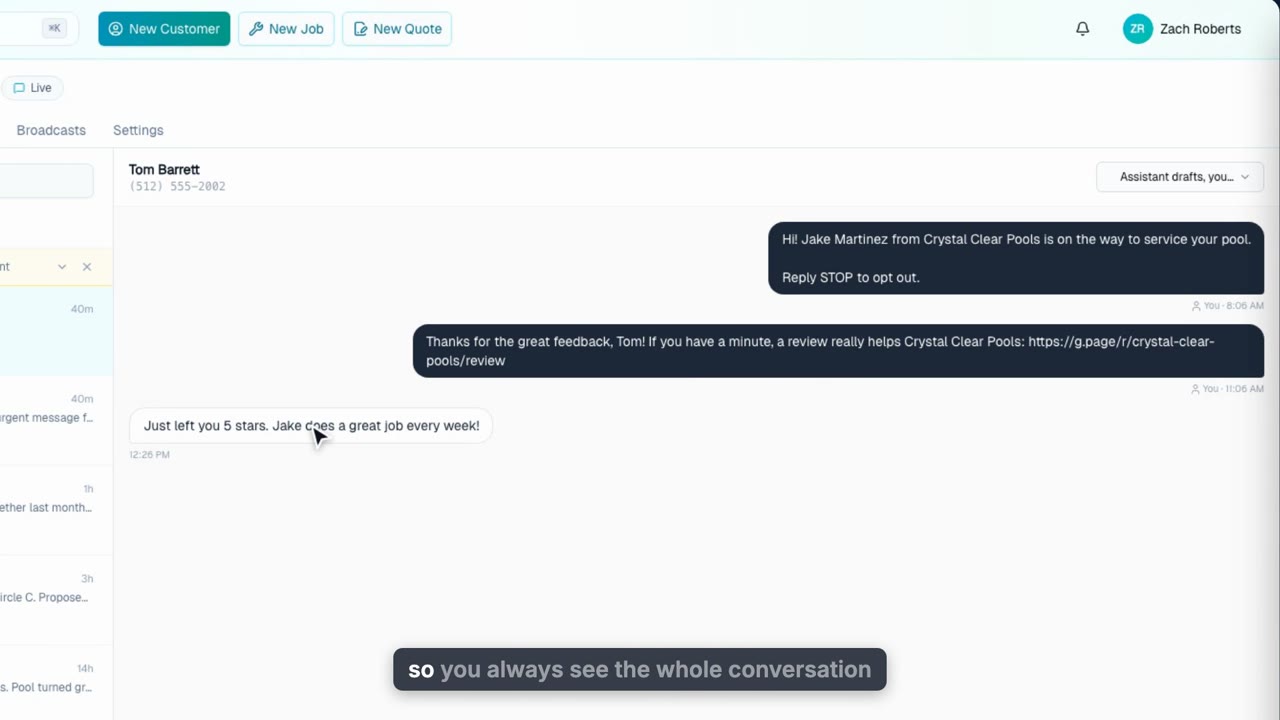
Texting and the Phone Inbox
Every call and text on your business line in one shared inbox: reply, approve assistant drafts, drop in saved replies, and pick how the assistant handles each thread.
Web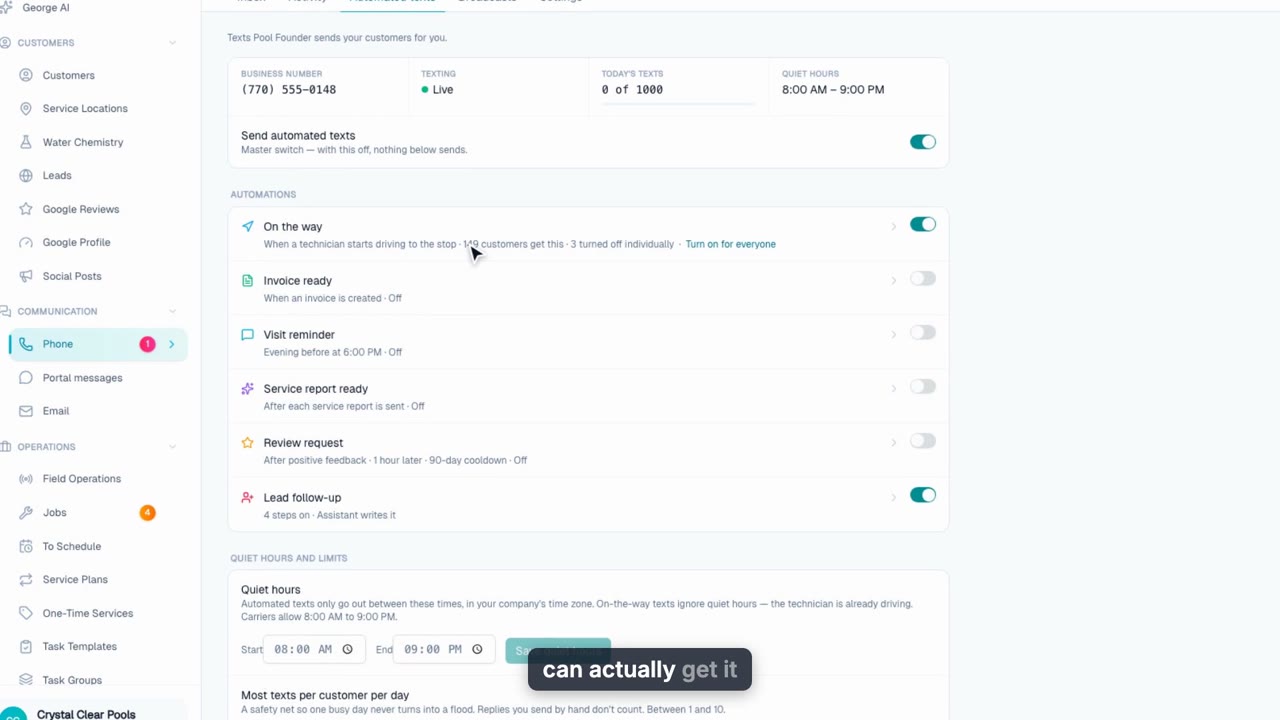
Automated Texts
The six texts Pool Founder sends for you: on the way, invoice ready, visit reminders, service reports, review requests, and lead follow-ups, plus quiet hours, per-customer exceptions, and the log of every text.
Web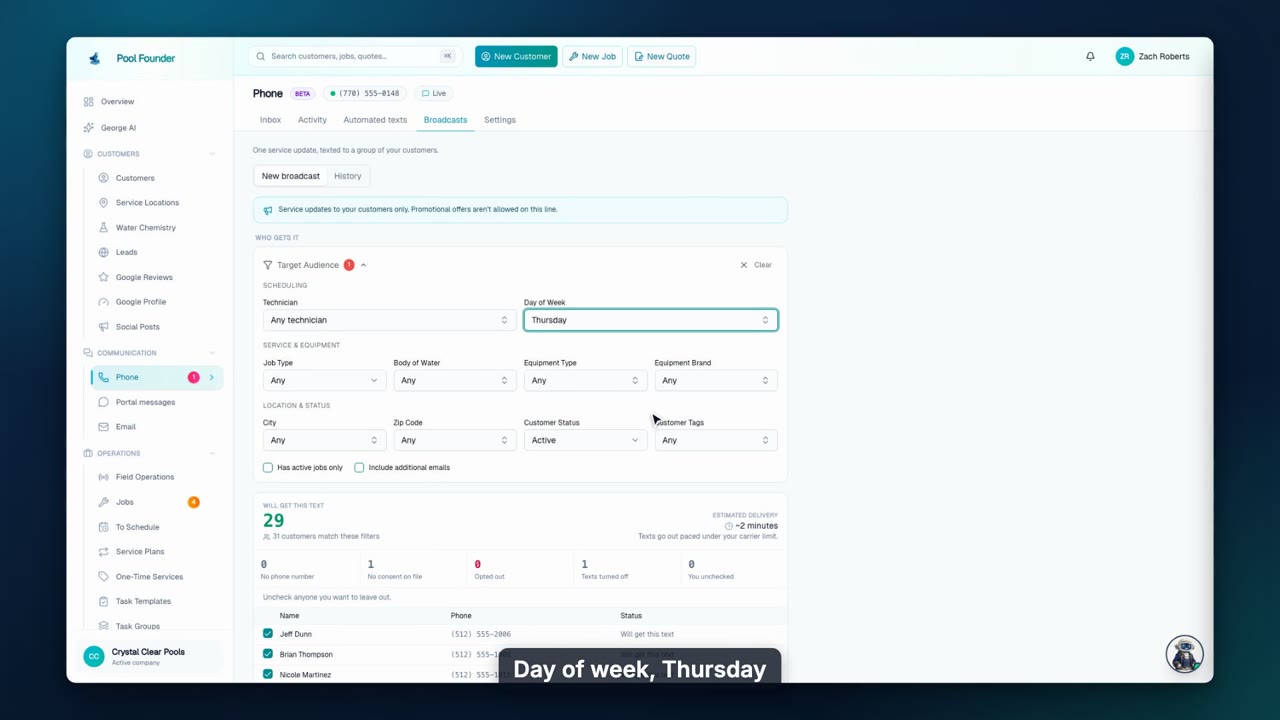
Text Broadcasts
Text one service update to a filtered group of customers: see exactly who will get it, write it once, schedule it, and check delivery and replies afterwards.
Web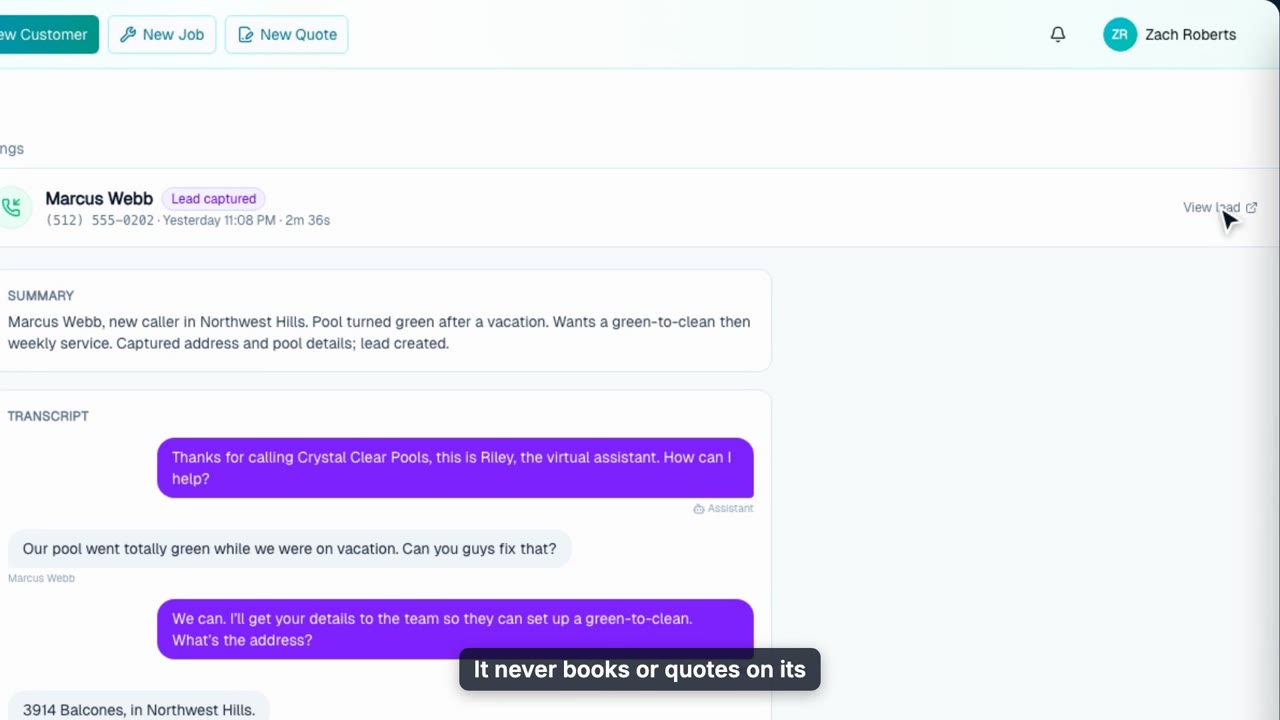
Your AI Front Desk
How your AI assistant answers calls day and night: call summaries and transcripts, lead intake, urgent messages, visit approvals, and the settings that shape it.
Web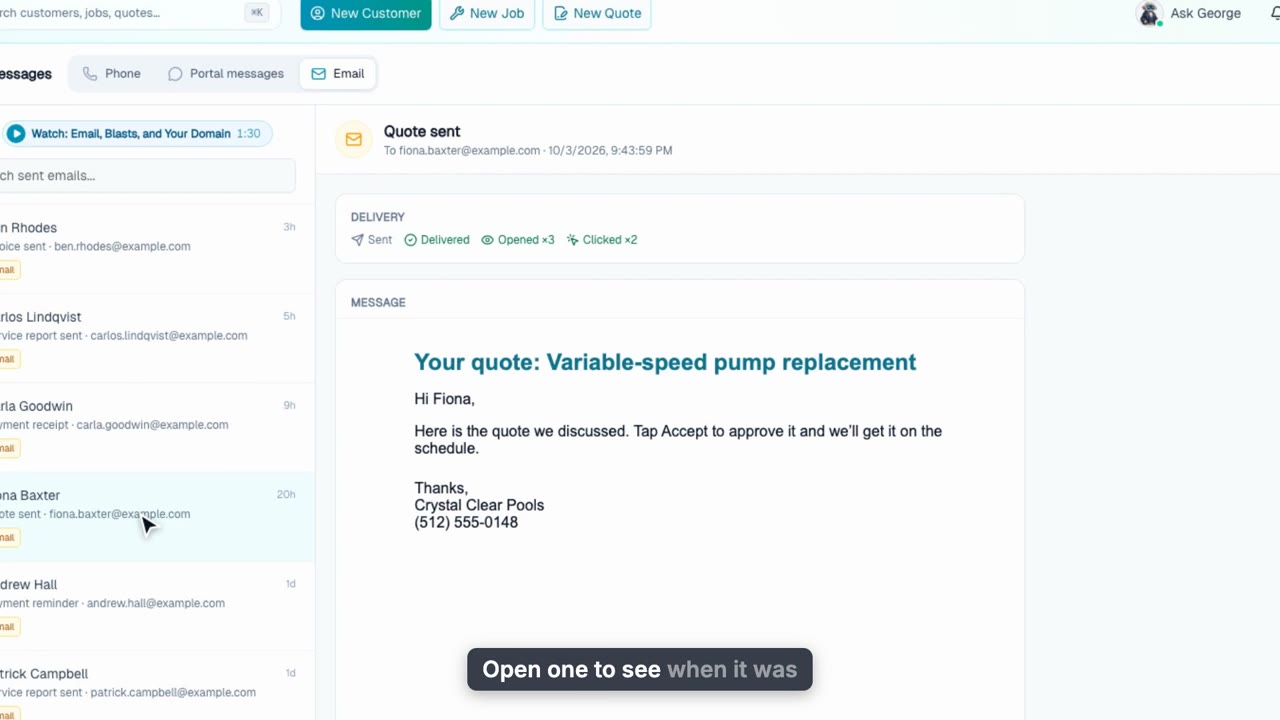
Email, Blasts, and Your Domain
See every email Pool Founder sends for you with delivery, opens, and bounce reasons, send email blasts to a filtered group, and send from your own domain.
Web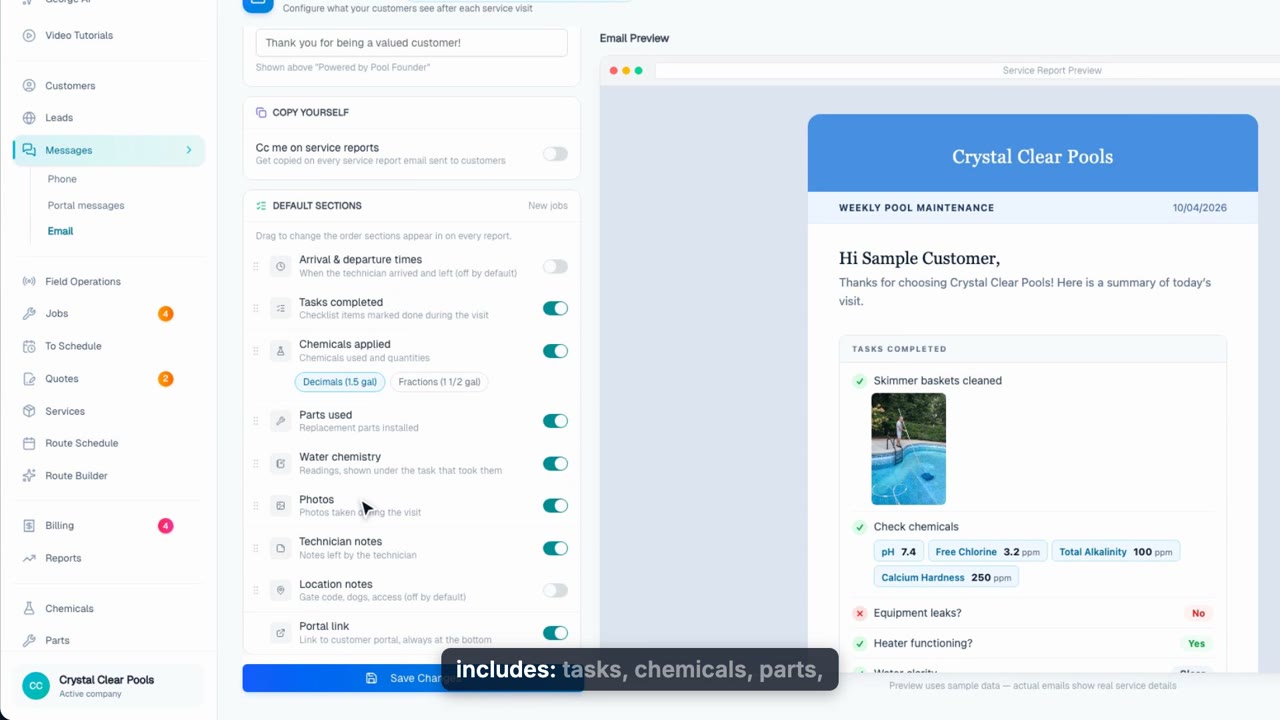
Service Reports: What Every Customer Sees After a Visit
Control the automatic email every customer gets after a visit: make sure it actually sends, pick and reorder the sections, write your own intro and footer, add review links, and preview the exact email before you save.
Web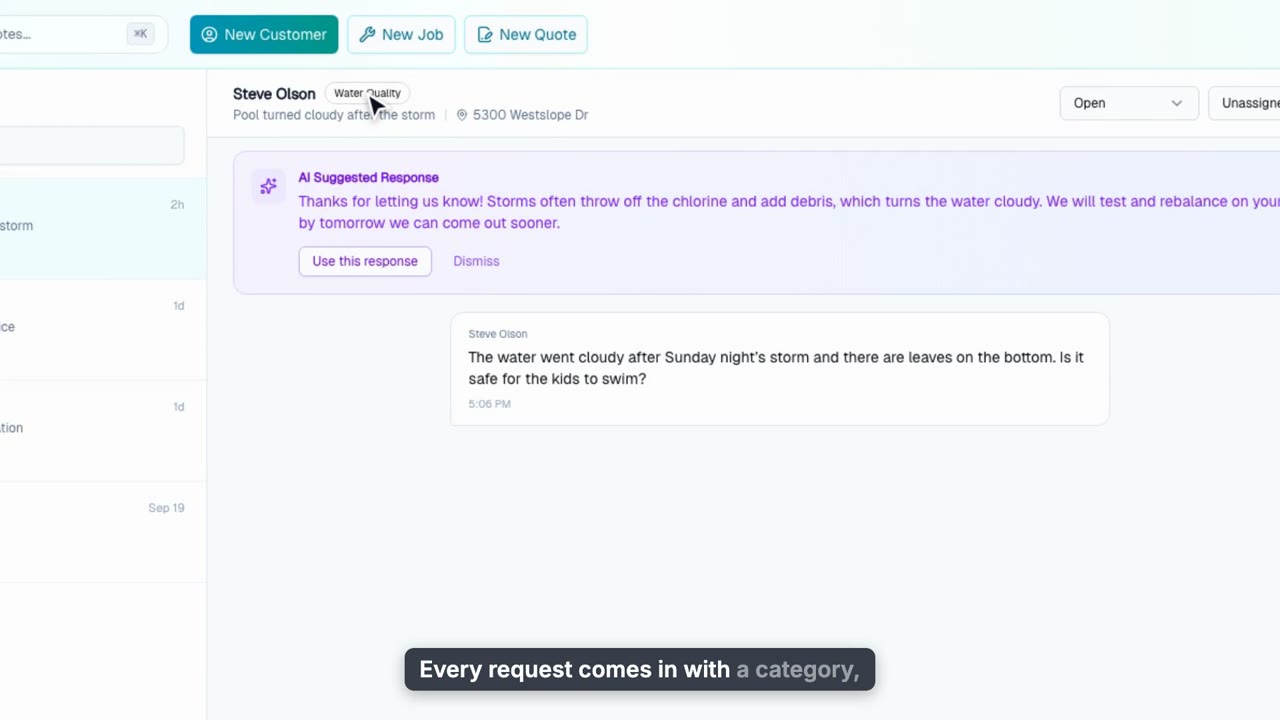
Portal Messages
Triage the requests customers send from their portal: suggested replies, statuses, assignment, internal notes, and one click to turn a request into a job or quote.
Web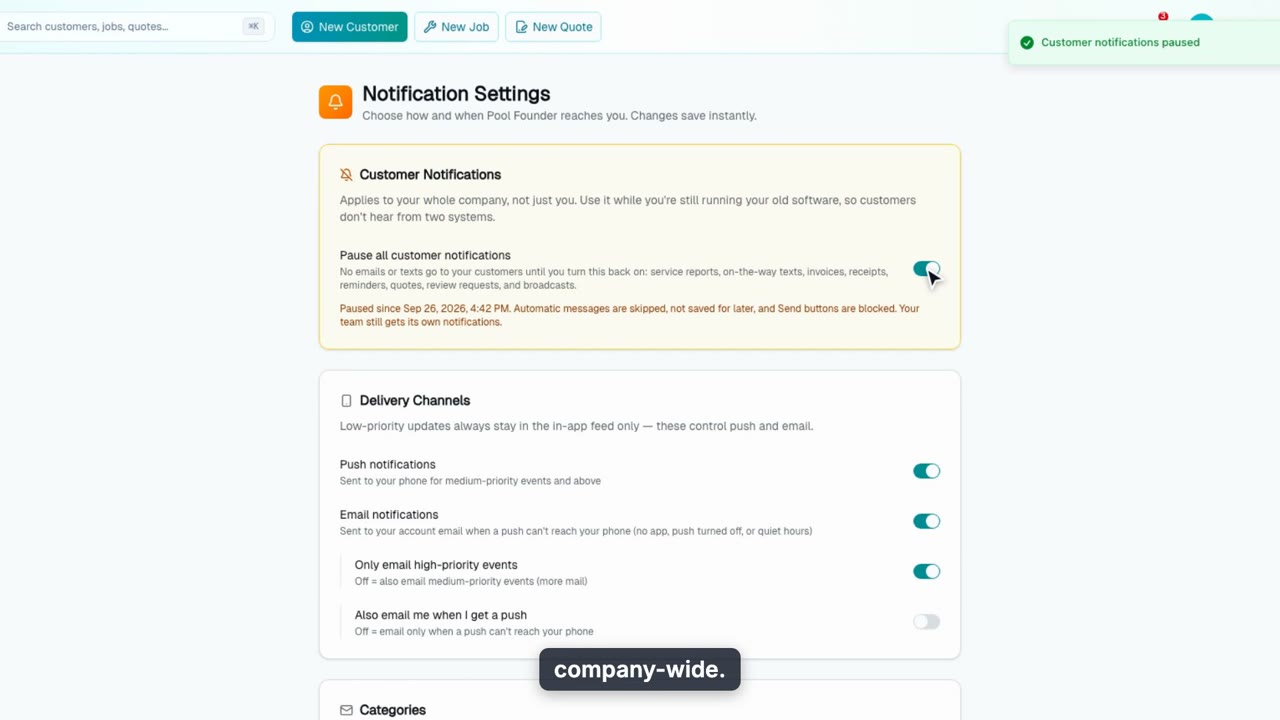
Notification Settings
Choose how Pool Founder reaches you: push and email, categories, quiet hours, and a daily digest, plus the company-wide switch that pauses every message to customers.
WebTeam & Pay
12 videos, about 19 min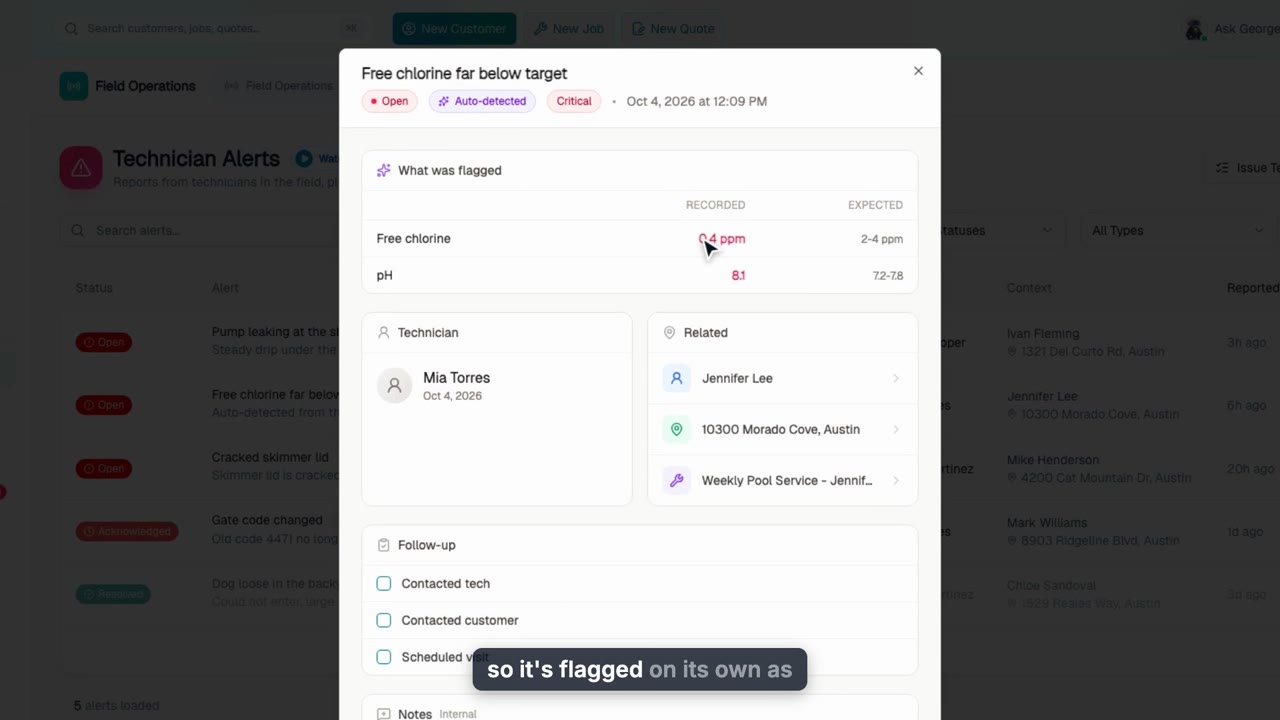
Technician Alerts: What Your Techs Find in the Field
Every problem a technician reports, plus the alerts Pool Founder files automatically after visits, in one queue under Performance. Work an alert with follow-ups and notes, turn it into a work order that resolves it when done, set up issue templates your techs tap in the app, and choose which automatic checks run.
Web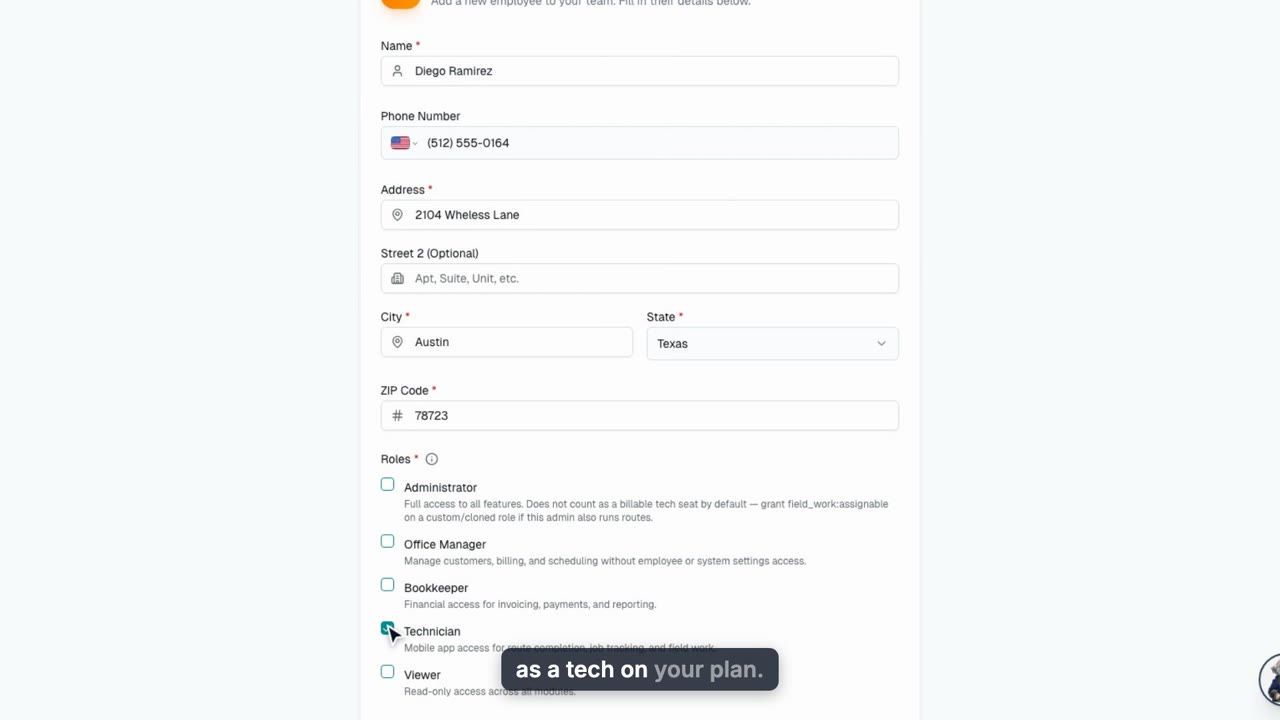
Add an Employee
Add a tech or office teammate: home address for routing, roles, the invite email, hourly pay and the work schedule auto-assign builds routes around, then see the tech's first sign-in on the phone.
Web + phone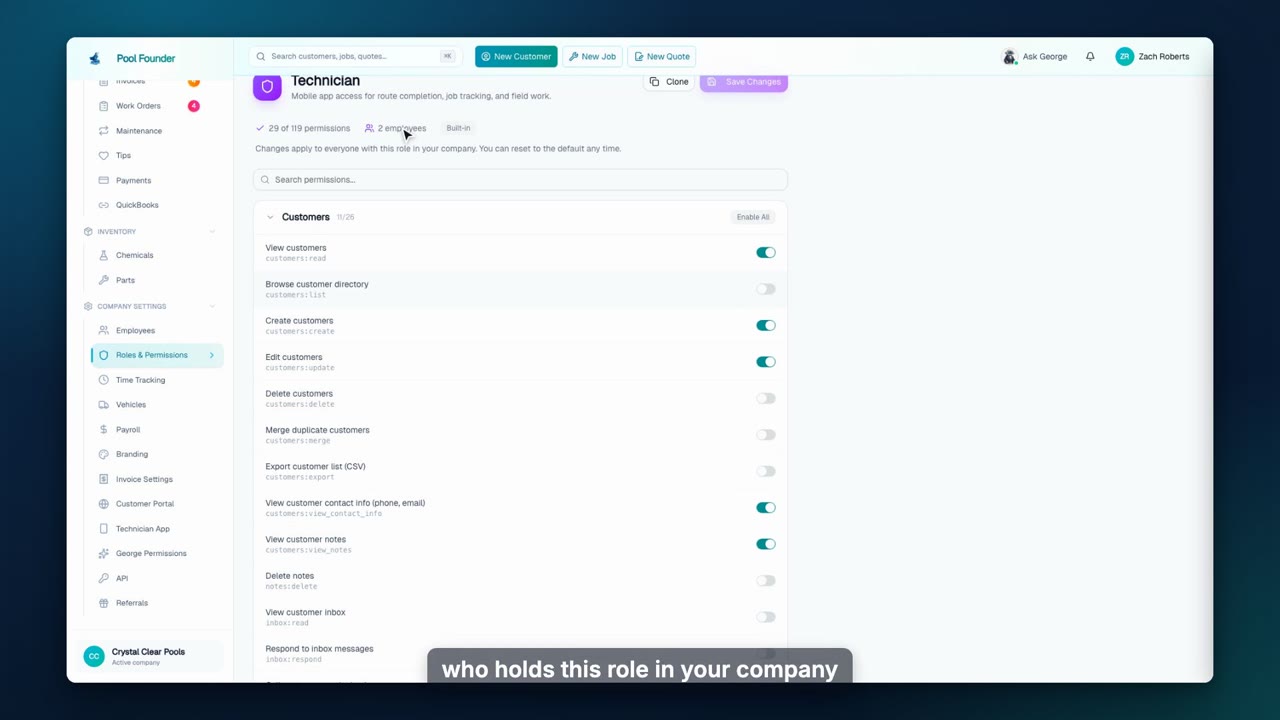
Roles & Permissions
Tune any built-in role to fit your company: switch permissions off or on, save, and reset to the default any time. Owner always keeps full access, and Clone covers the cases where only some people should differ.
Web + phone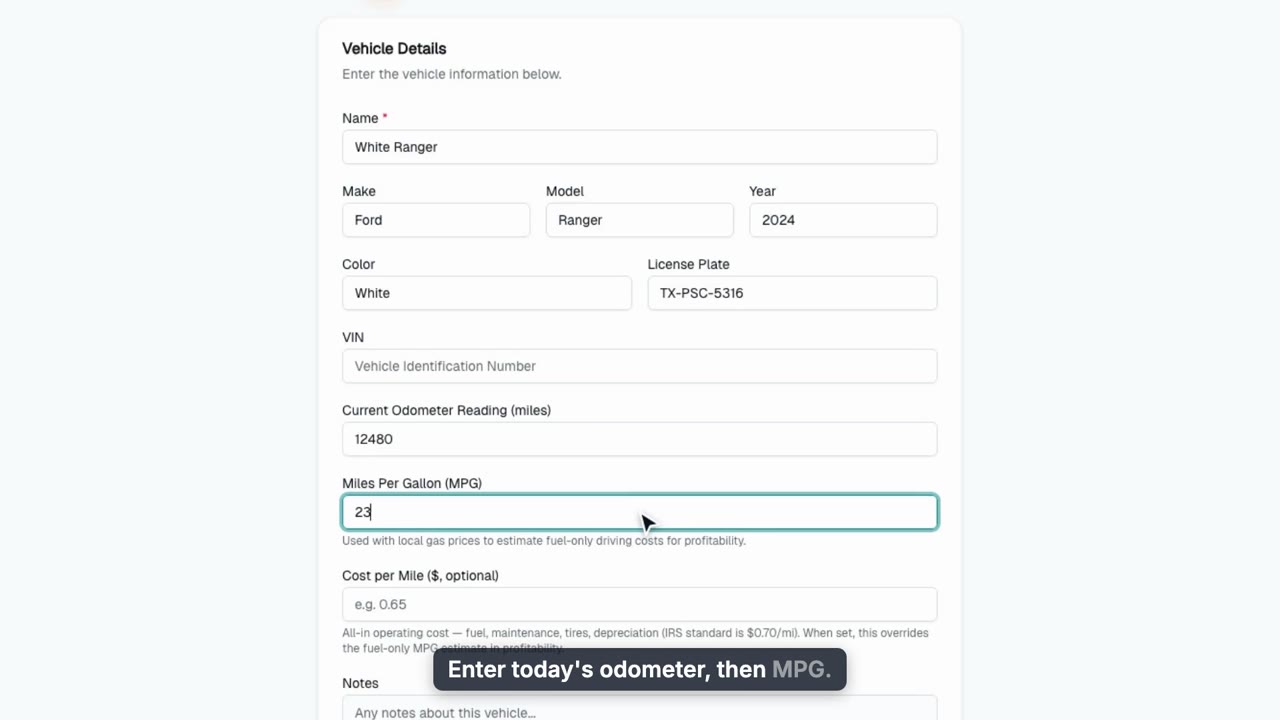
Add a Vehicle and Track Fuel
Add a truck with its MPG or cost per mile so every route carries a real drive cost, then track fuel fill-ups, repairs and receipts in one log.
Web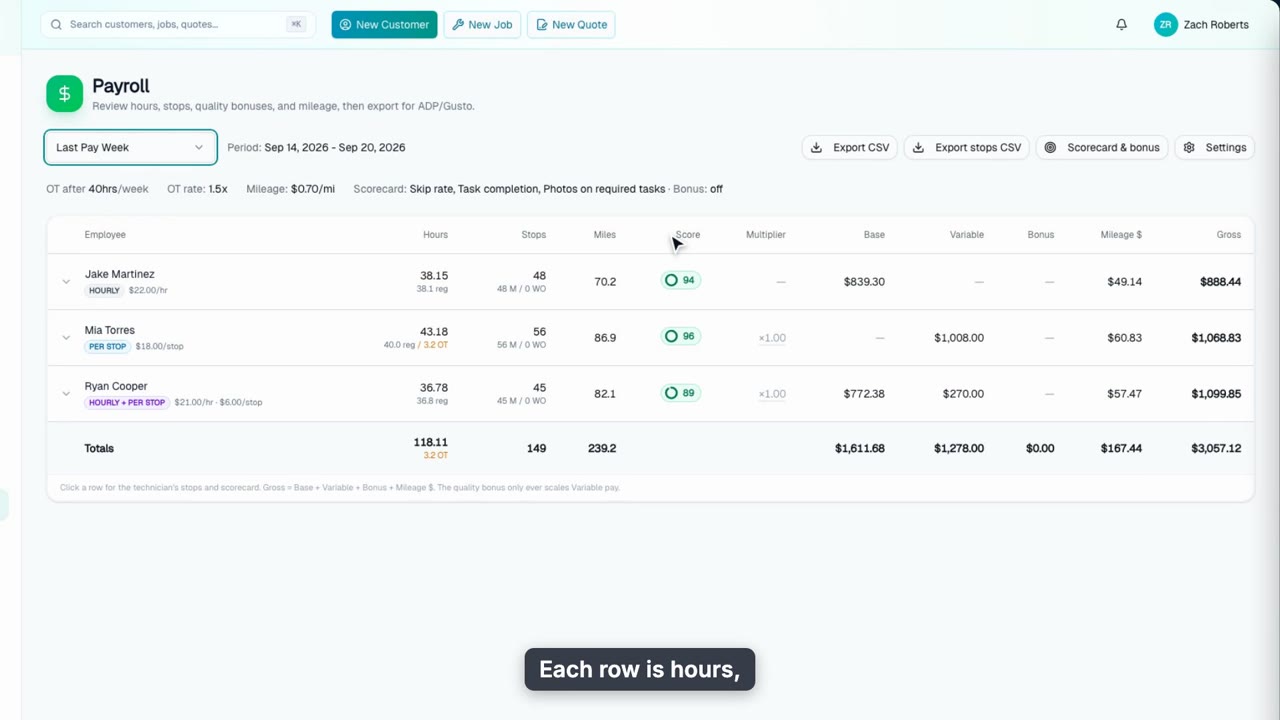
Payroll
Payroll turns each route into hours, stops, and a scorecard, ready to export. See the pay period, the table, a scorecard, and where the settings live.
Web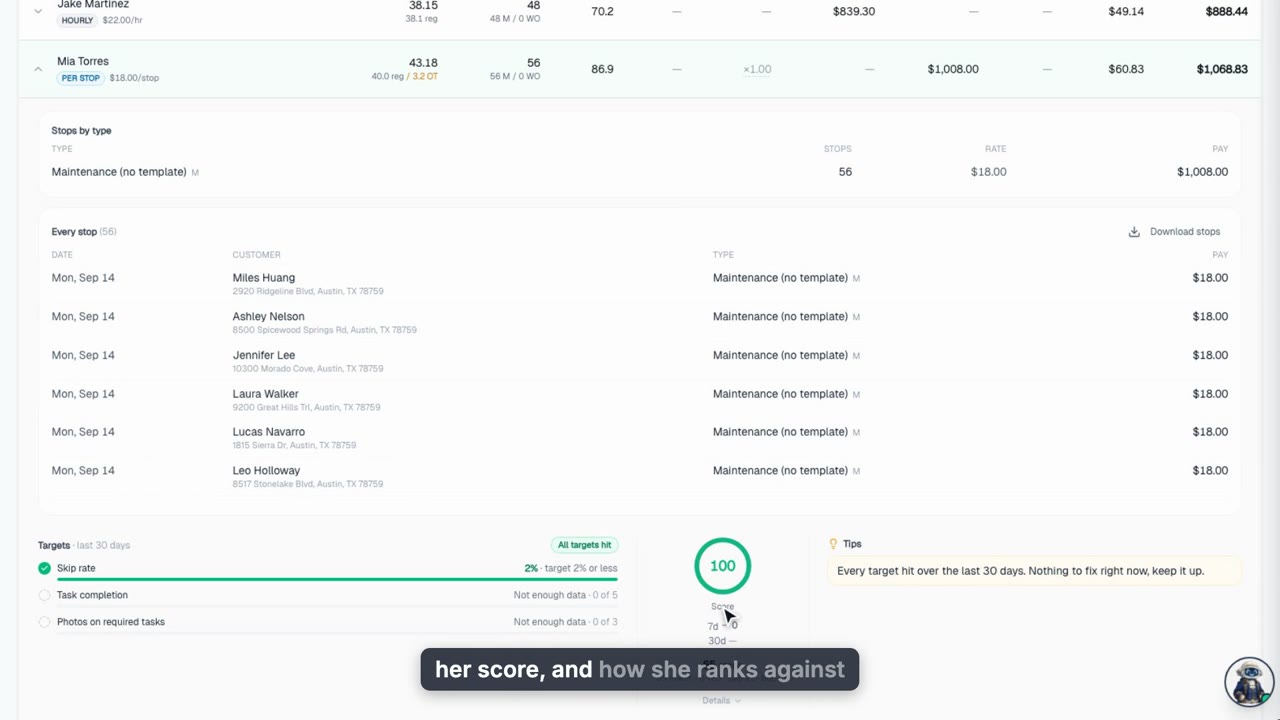
Technician Scorecards
Every technician gets a real scorecard built from their own routes, visible in Payroll, on their own page, and on the phone, plus what customers actually say in Job Feedback.
Web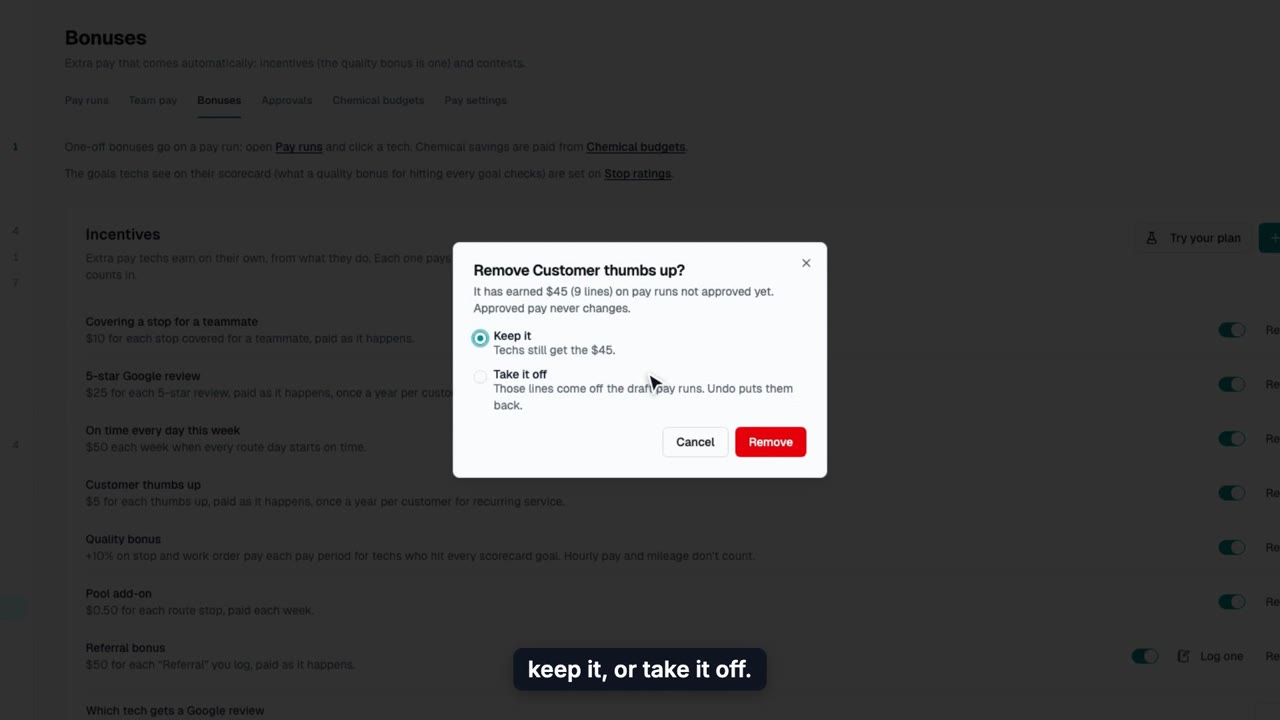
Incentives and Contests
Pay techs automatically for 5-star Google reviews, customer thumbs up, covering a teammate and perfect weeks, and run contests with a leaderboard and prizes.
Web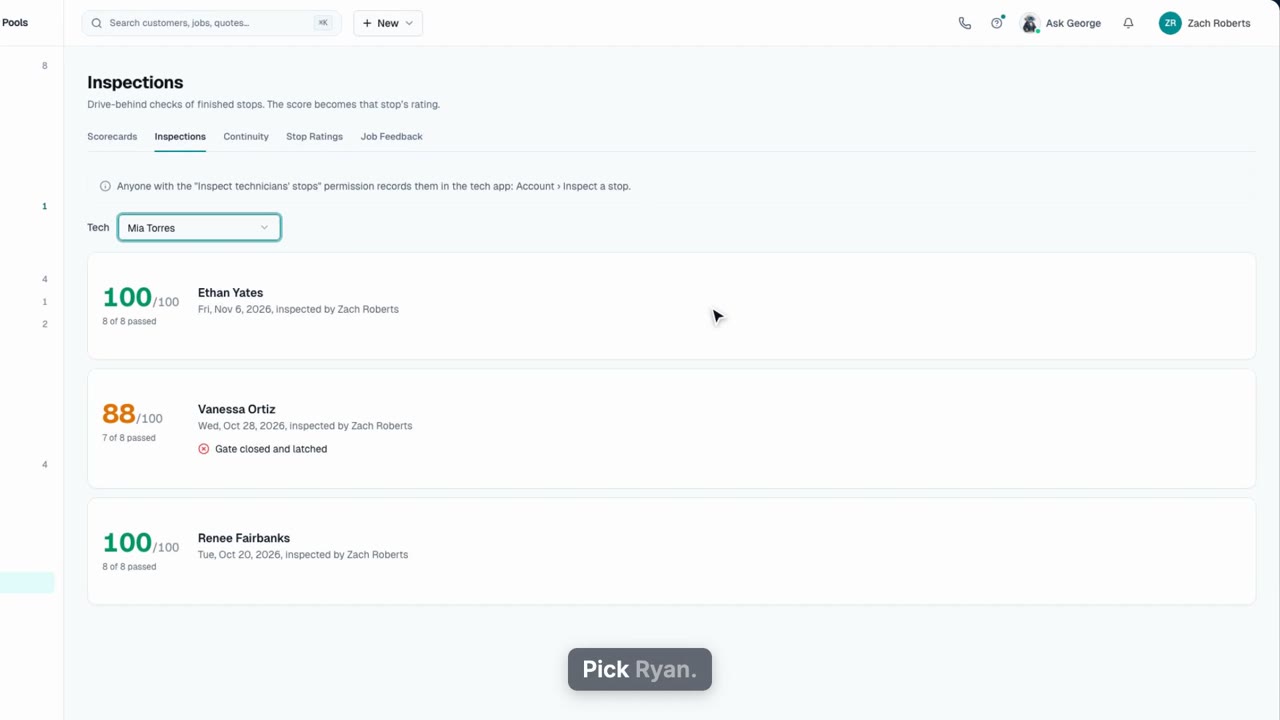
Levels and Inspections
Set up tech levels that pay more as techs earn them, see each tech's progress, move a tech up, and review the drive-behind inspections that feed their rating.
Web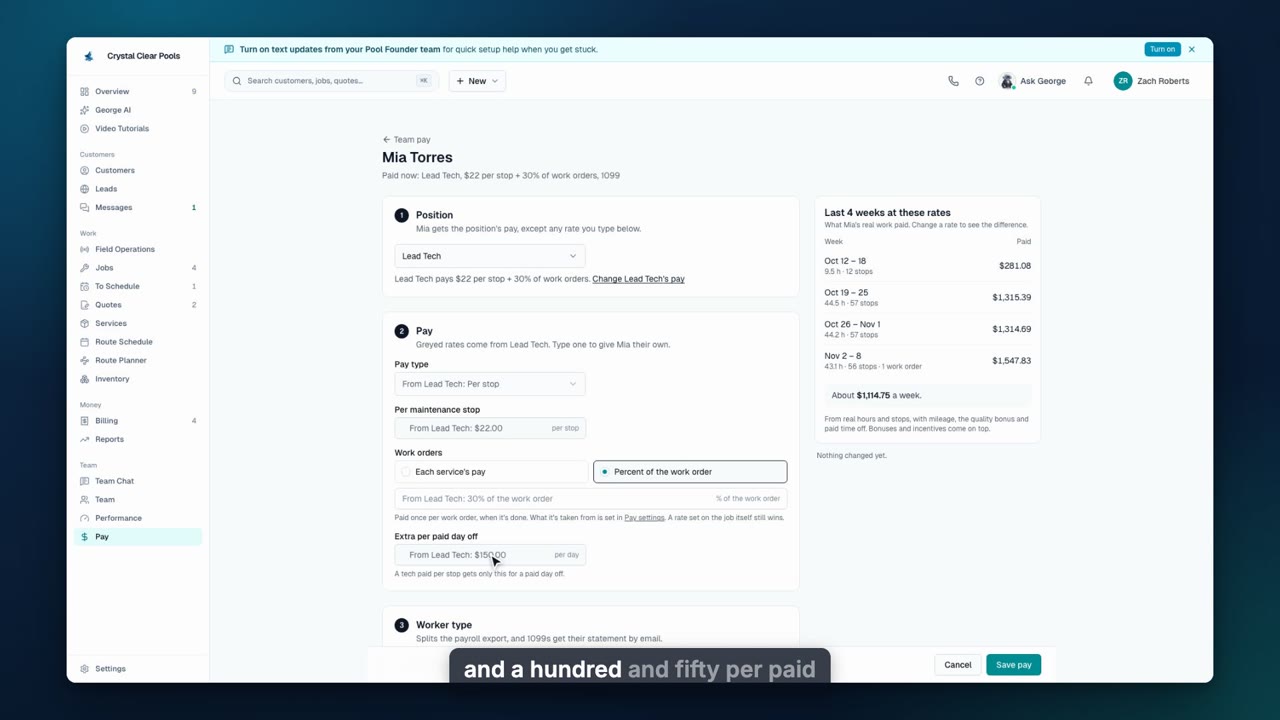
Set Up Your Pay Plan
Set base pay, scorecard targets and the bonus, attendance rules, how pay runs are approved and sent, the inspection checklist and Google review credit, all on one page.
Web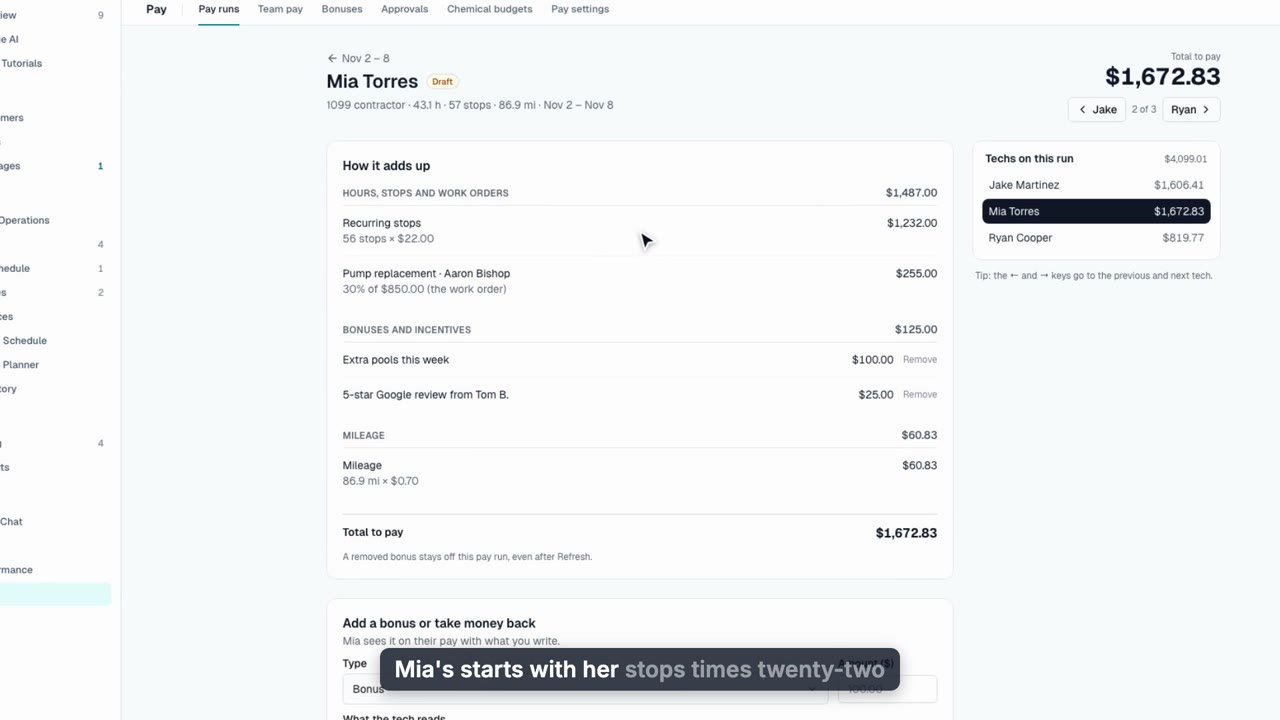
Approve Pay Every Week
See every tech's pay for the week line by line, add a bonus, download the payroll CSV, and approve the week in one tap so contractors get their statements and your payroll inbox gets the file.
Web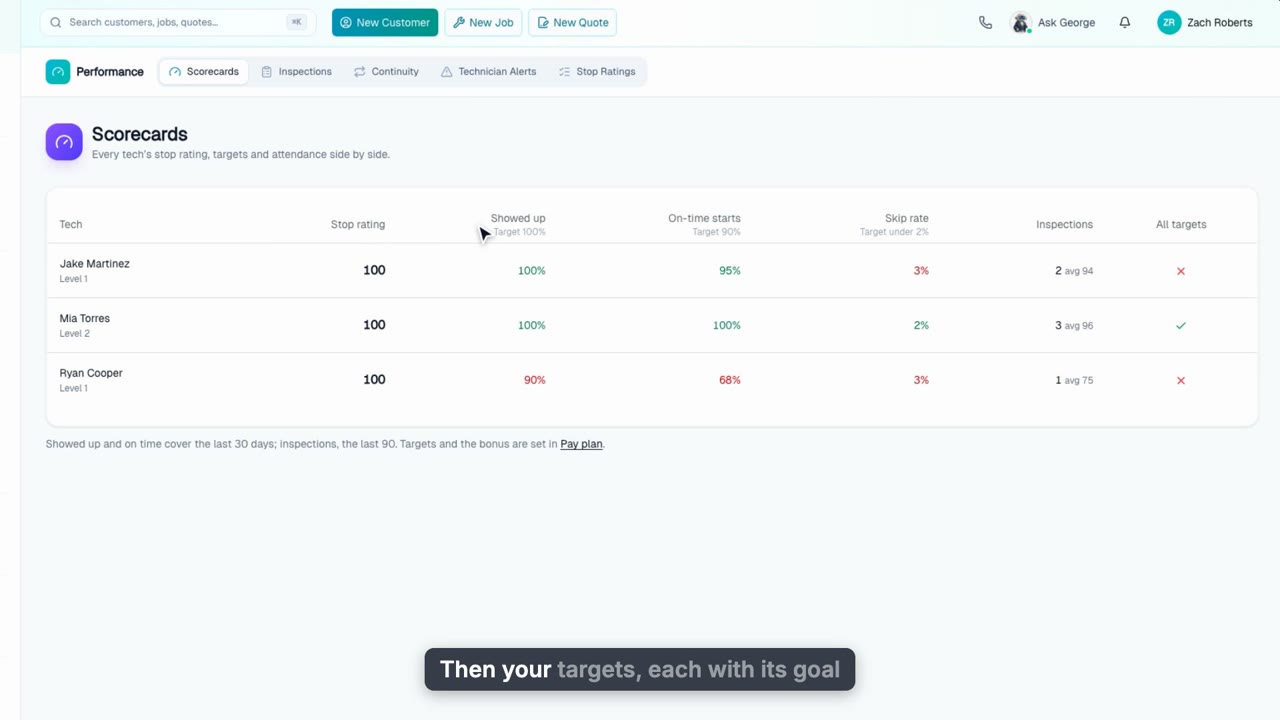
Scorecards and Continuity
Compare every tech's stop rating, targets, inspections and attendance side by side, and see continuity: same tech, same day, same time, with the revenue each tech holds.
Web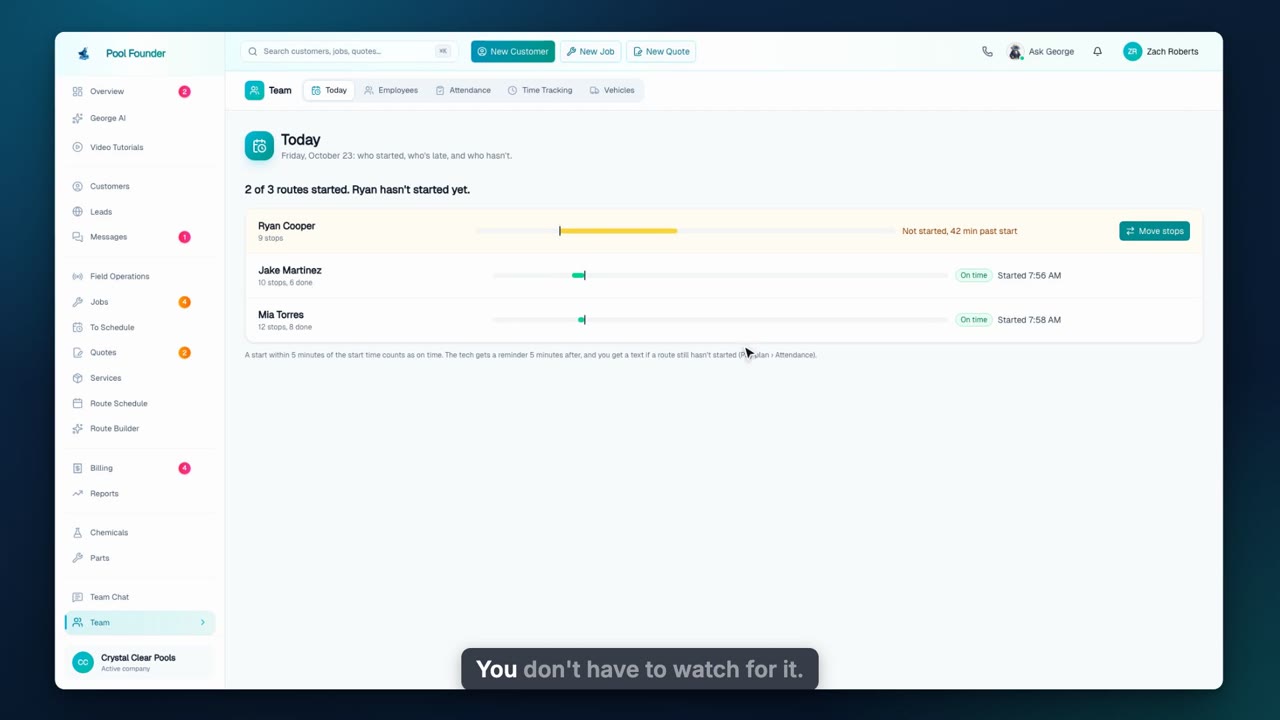
Who Showed Up Today
See every morning who started their route, who's late and who never showed, move a missing tech's stops in one tap, and keep score with attendance and excused days.
WebInventory & Chemistry
9 videos, about 11 min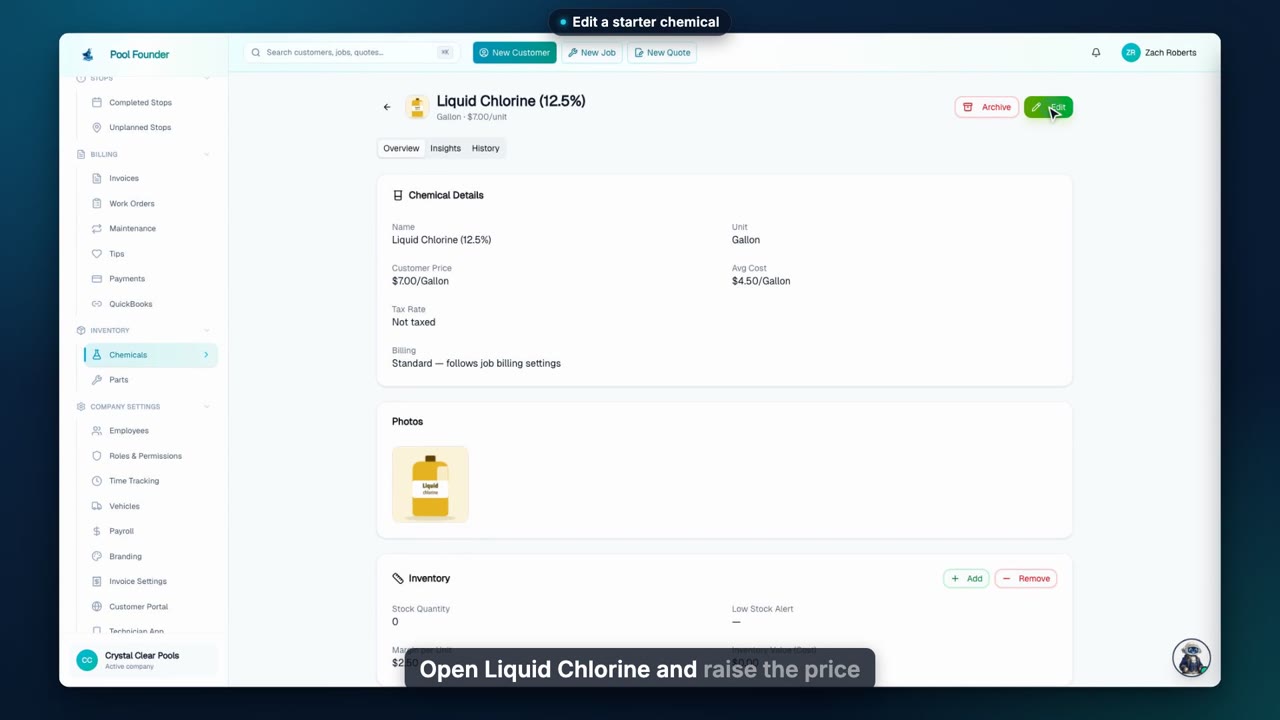
Add a Chemical
Start from the 13 chemicals every account is seeded with, edit what you charge, add a brand-name product with its price and cost, and map it in Confirm dosing so your dosing calculator gets it right.
Web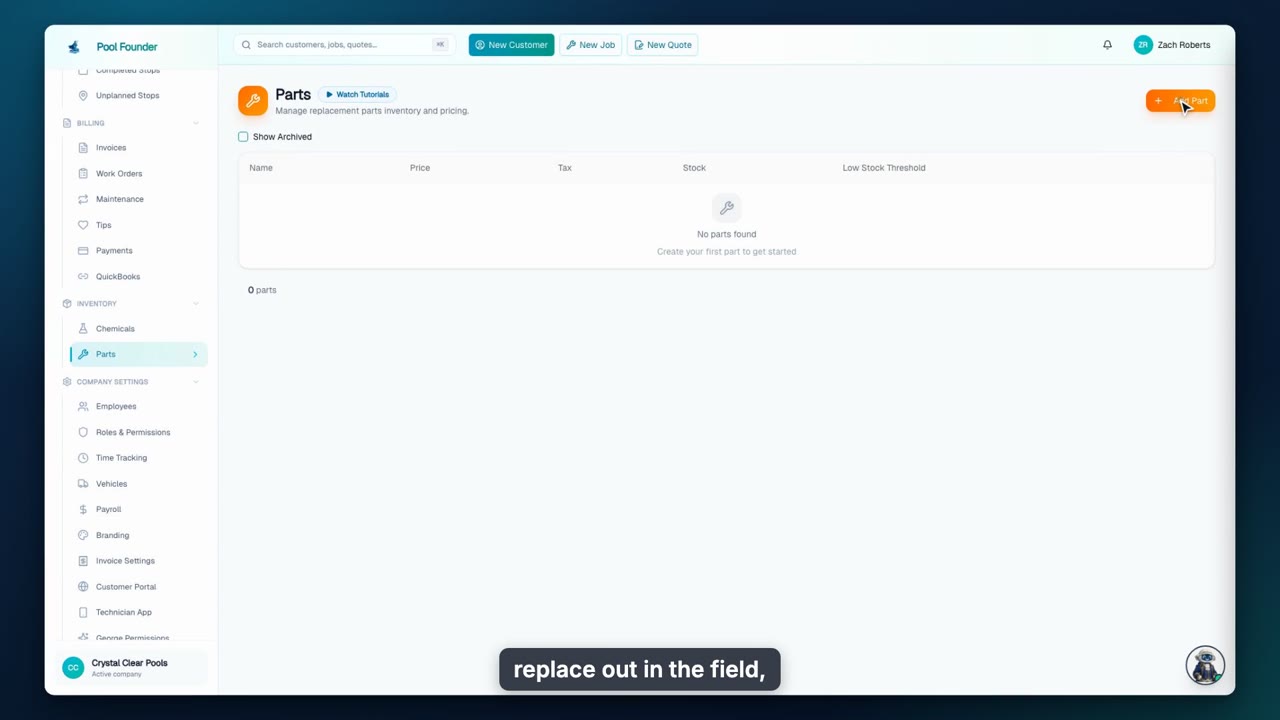
Add a Part
Add a replacement part with its price, your cost, starting stock, and a low stock alert, then see it flow straight into work orders and invoices.
Web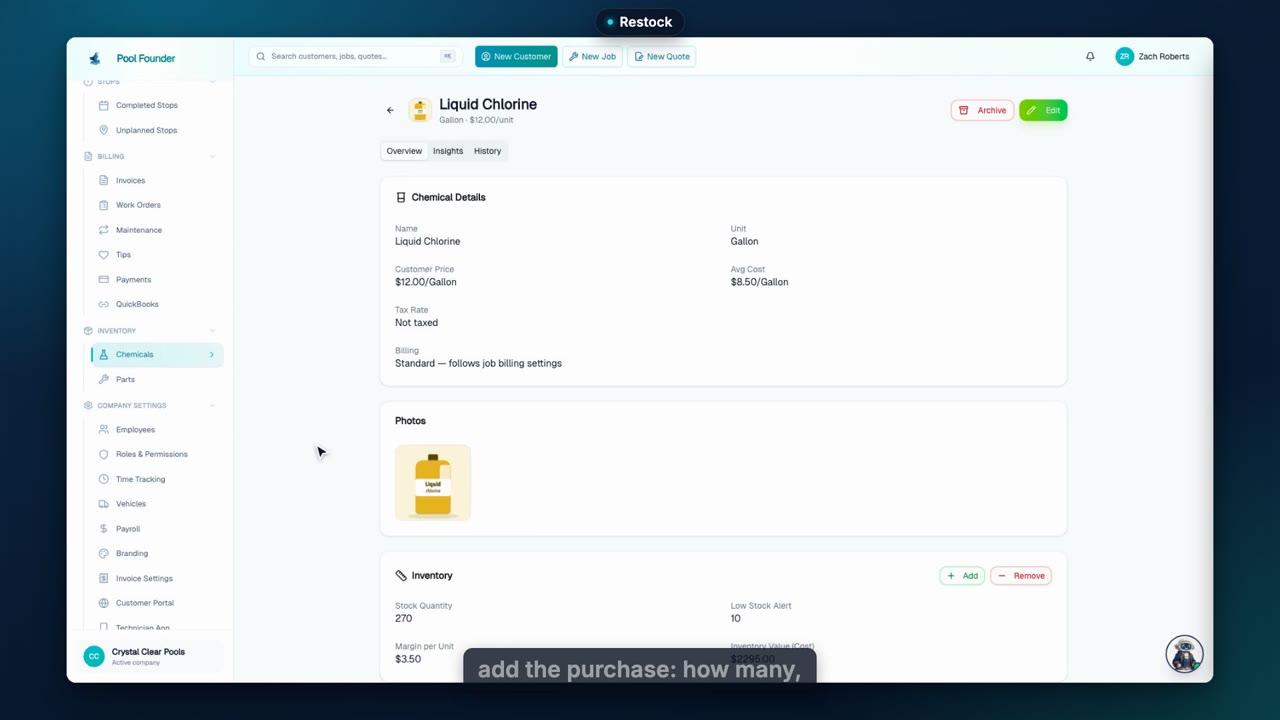
Manage Inventory
Stock counts itself down as techs log visits. Record a restock to update your average cost, see where chemicals went in Insights, remove stock for damage or a correction, and get warned before you run out.
Web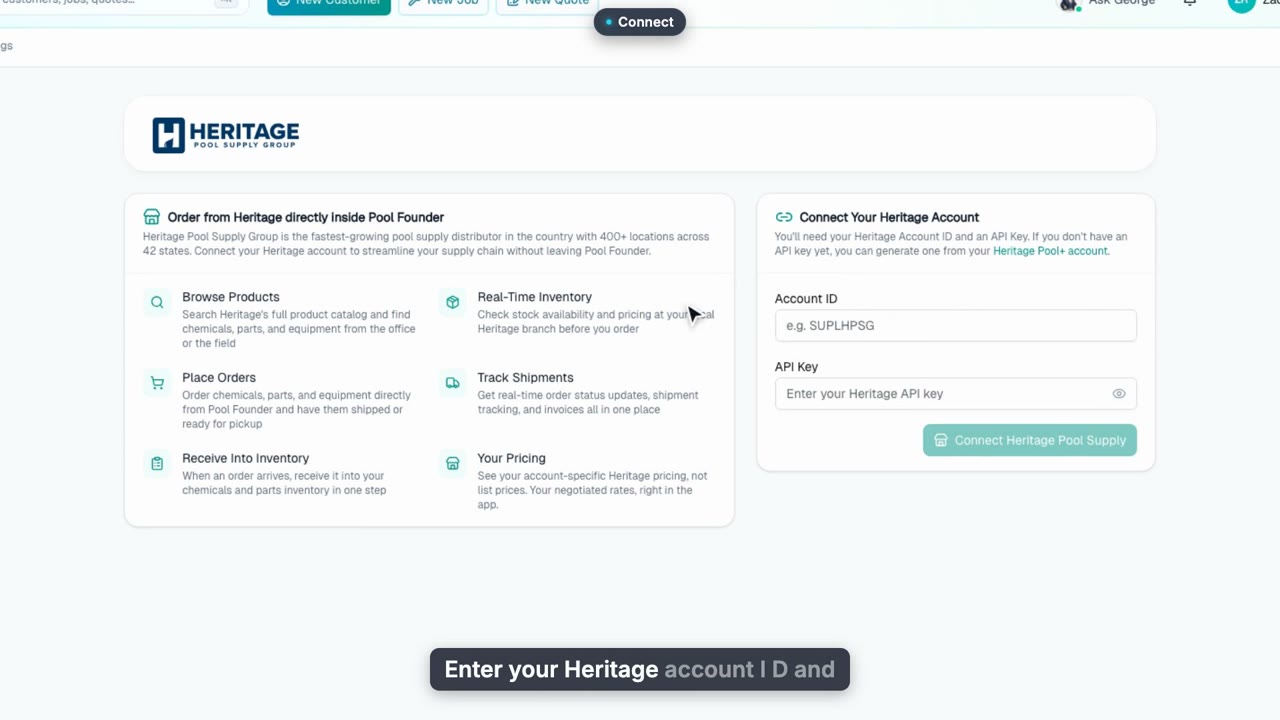
Connect Heritage Pool Supply
Connect your Heritage Pool Supply account to Pool Founder: enter your Account ID and API key, pick the ship-to and branch your prices and stock come from, and change or disconnect it later from Settings.
Web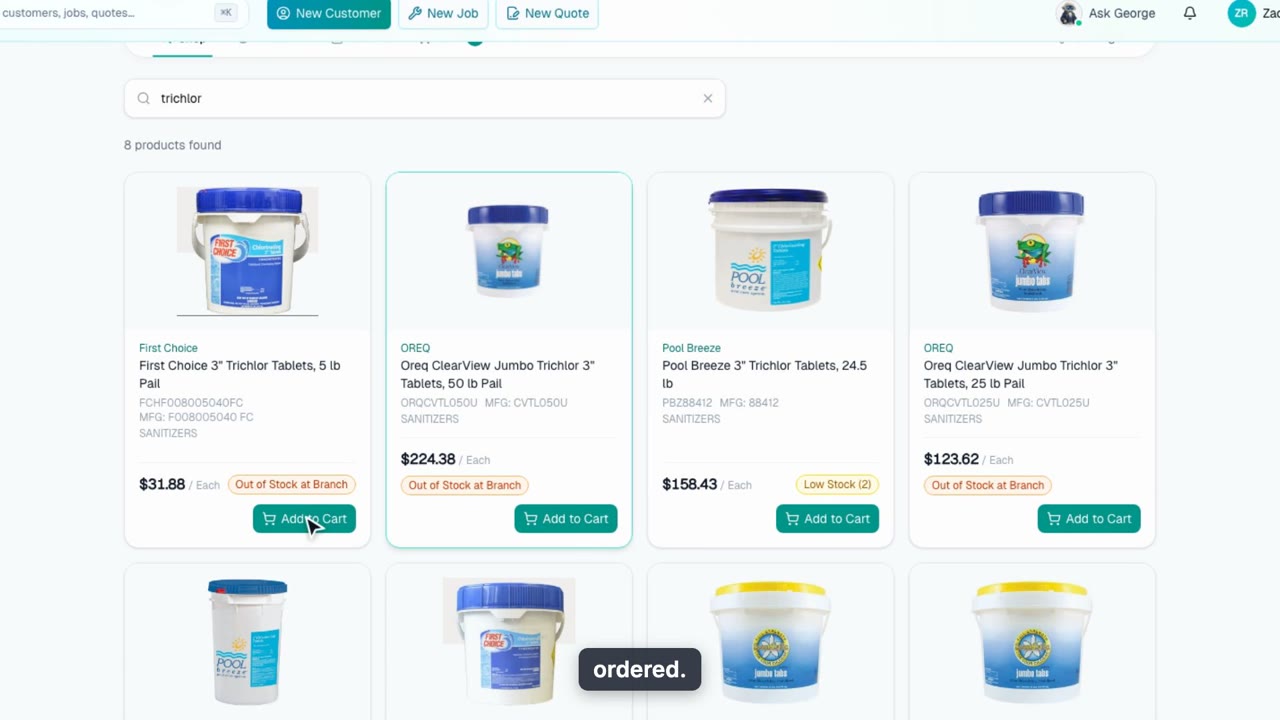
Order From Heritage Pool Supply
Shop Heritage Pool Supply's catalog with your own account prices and branch stock, add products to your company's shared cart, and place the order with a delivery date and PO number, without leaving Pool Founder.
Web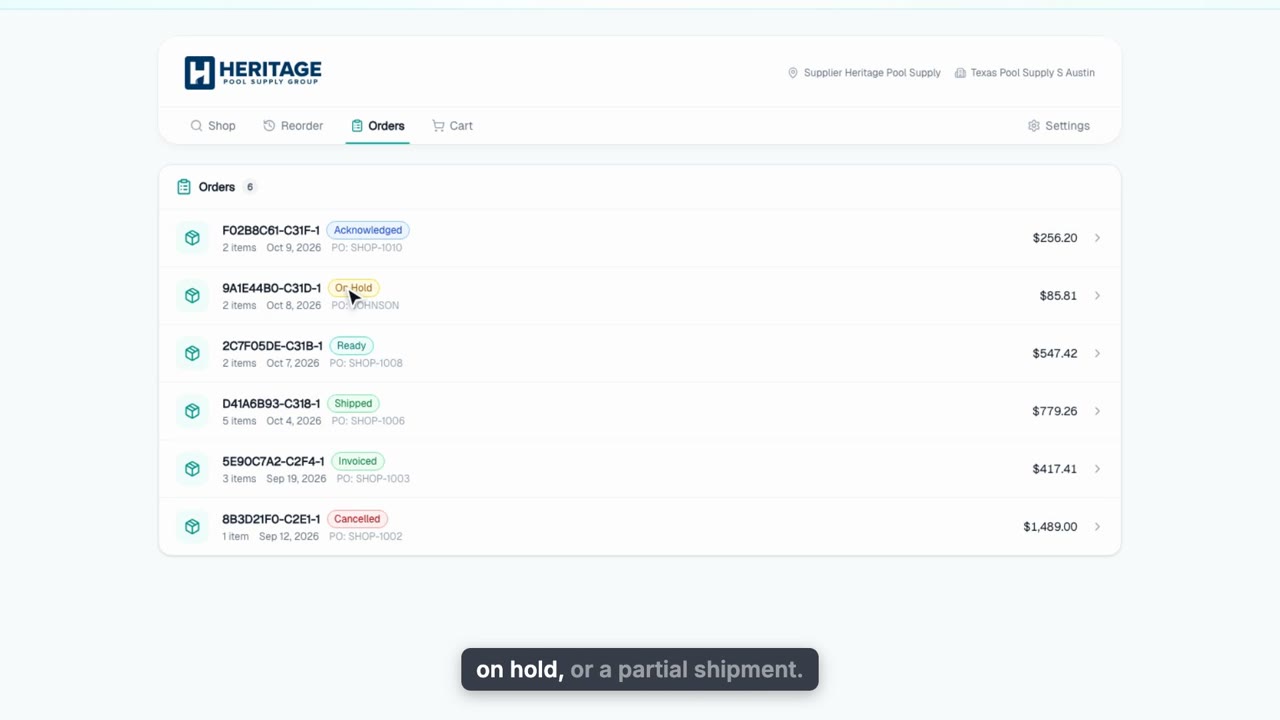
Track Heritage Orders and Receive Into Inventory
Follow every Heritage Pool Supply order from Pool Founder: statuses that update on their own, Sync for shipments, tracking and invoices, and Receive into Inventory to add a delivered order to your chemicals and parts stock at a weighted-average cost.
Web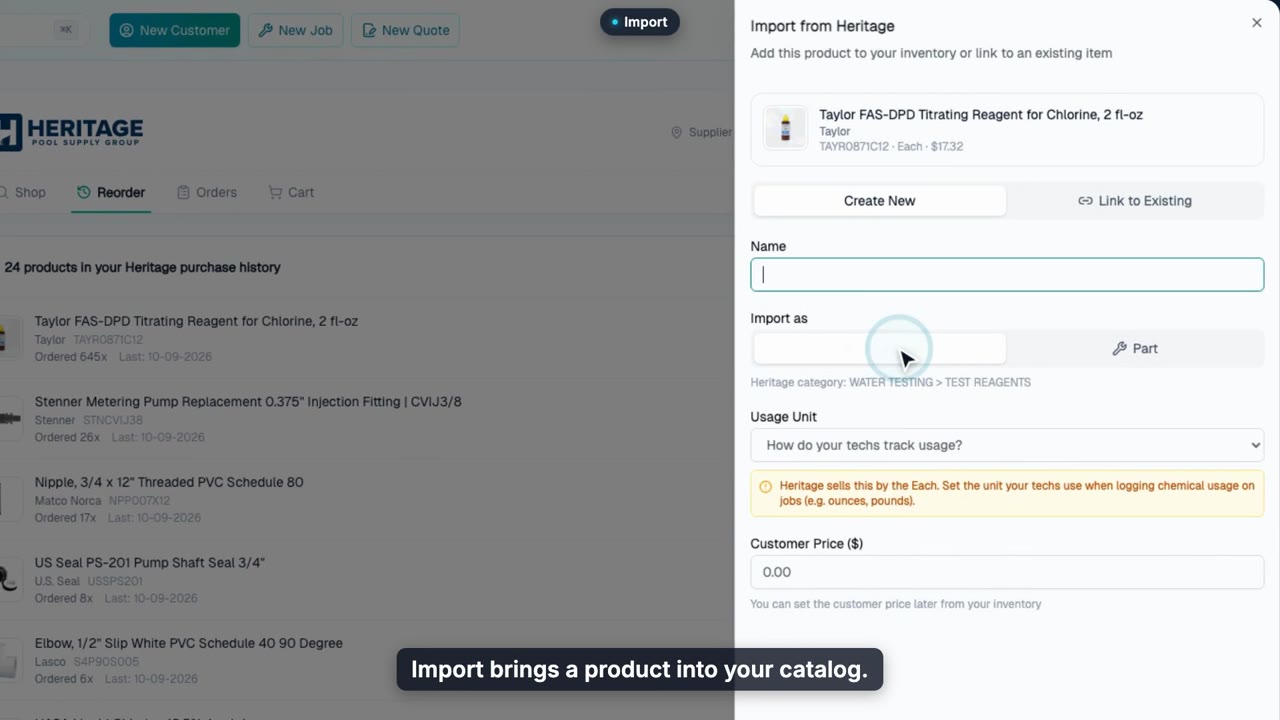
Link Your Catalog to Heritage and Reorder
Bring what you've bought from Heritage Pool Supply into your chemicals and parts catalog, link the items you already have, and reorder any linked item with Order from Heritage.
Web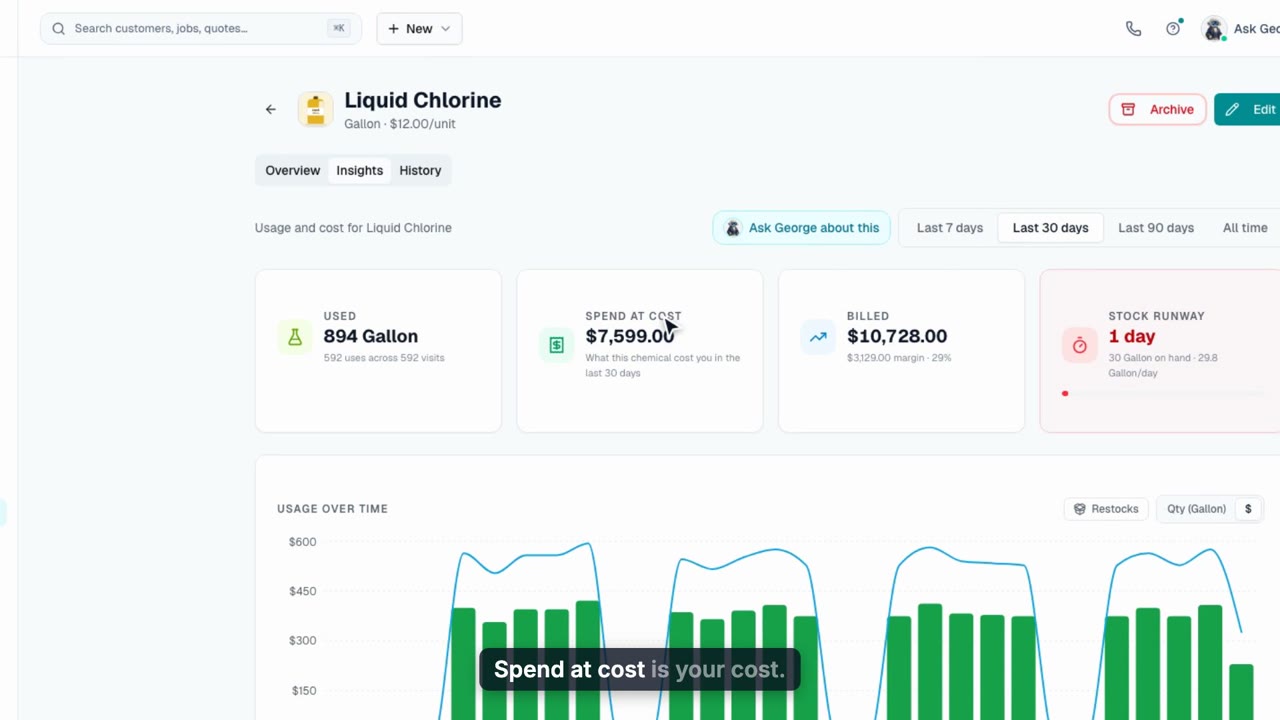
Chemical Usage & Cost
See what a chemical cost you, what the customer was billed, and the margin between them, plus a stock runway and where it was used, then the same numbers scoped to one customer.
Web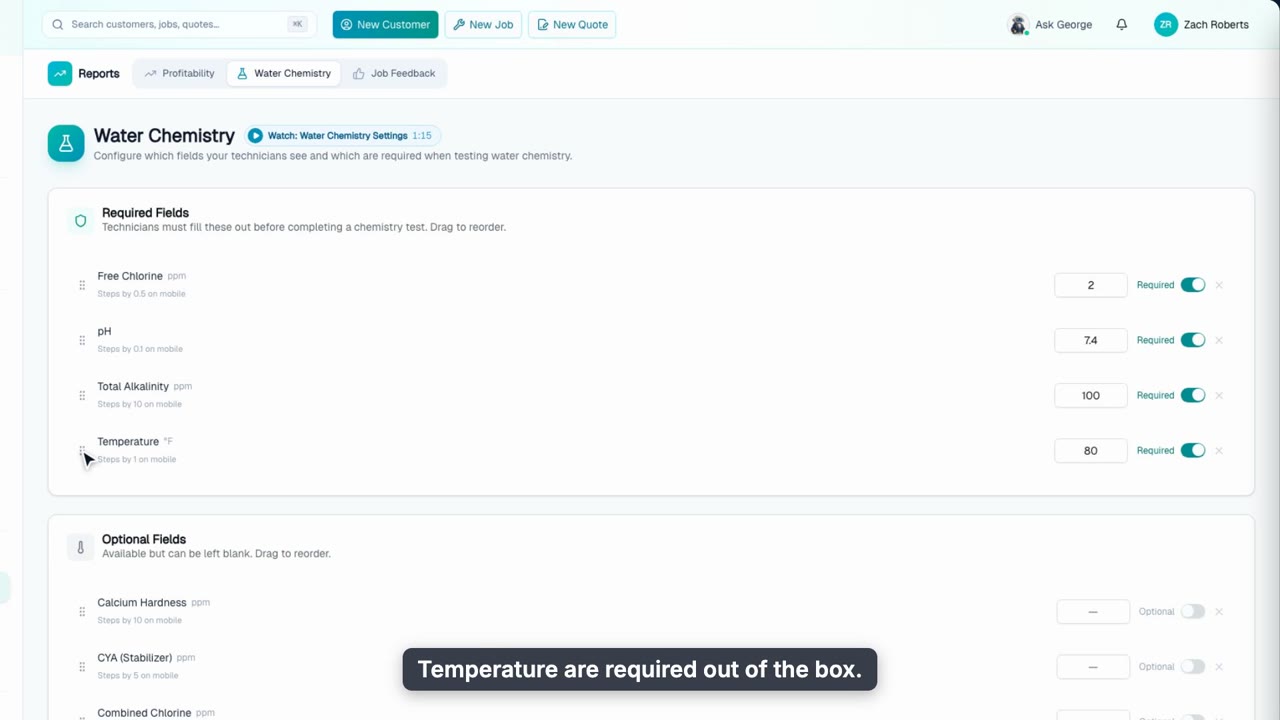
Water Chemistry Settings
Decide which chemistry fields your techs test, which ones are required, the order they show up in, and their starting values. Add a custom measurement, then see it show up on the tech's phone in the same order.
Web + phoneInsights
3 videos, about 4 min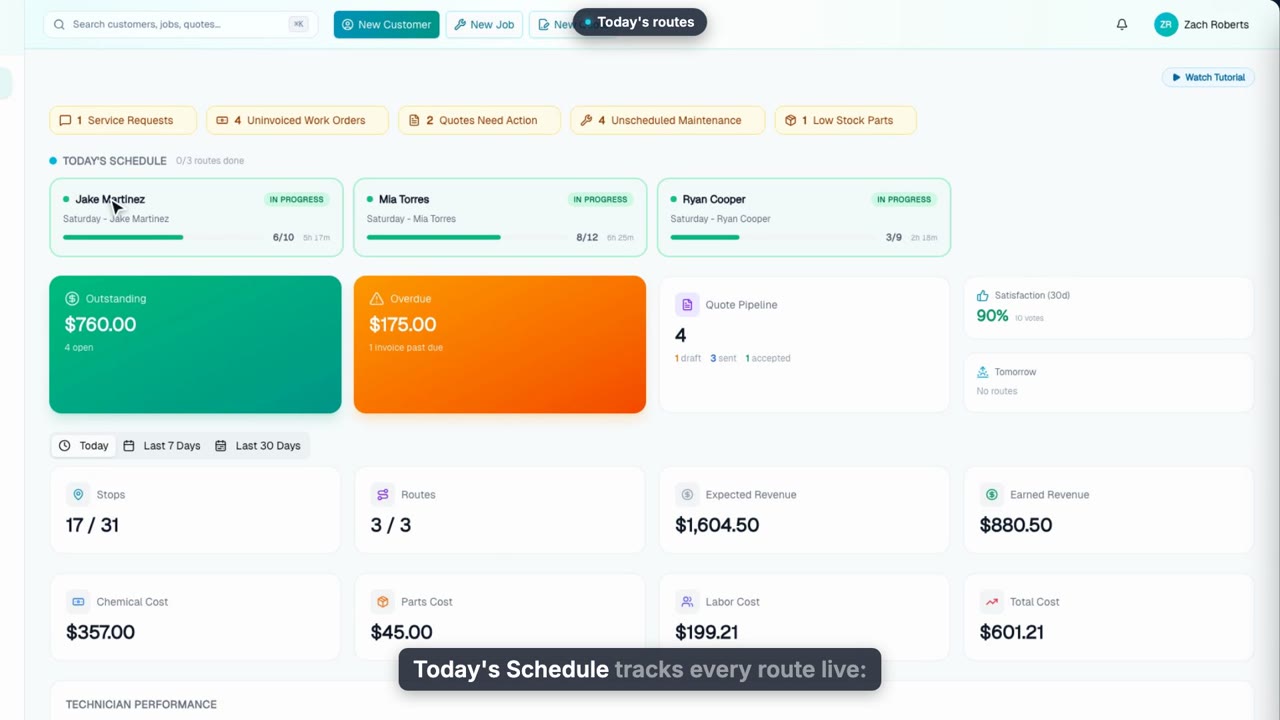
The Overview Dashboard
Your morning check-in: what needs attention, every route live, what customers owe, and revenue, costs and technician performance for today, the last 7 days and the last 30.
Web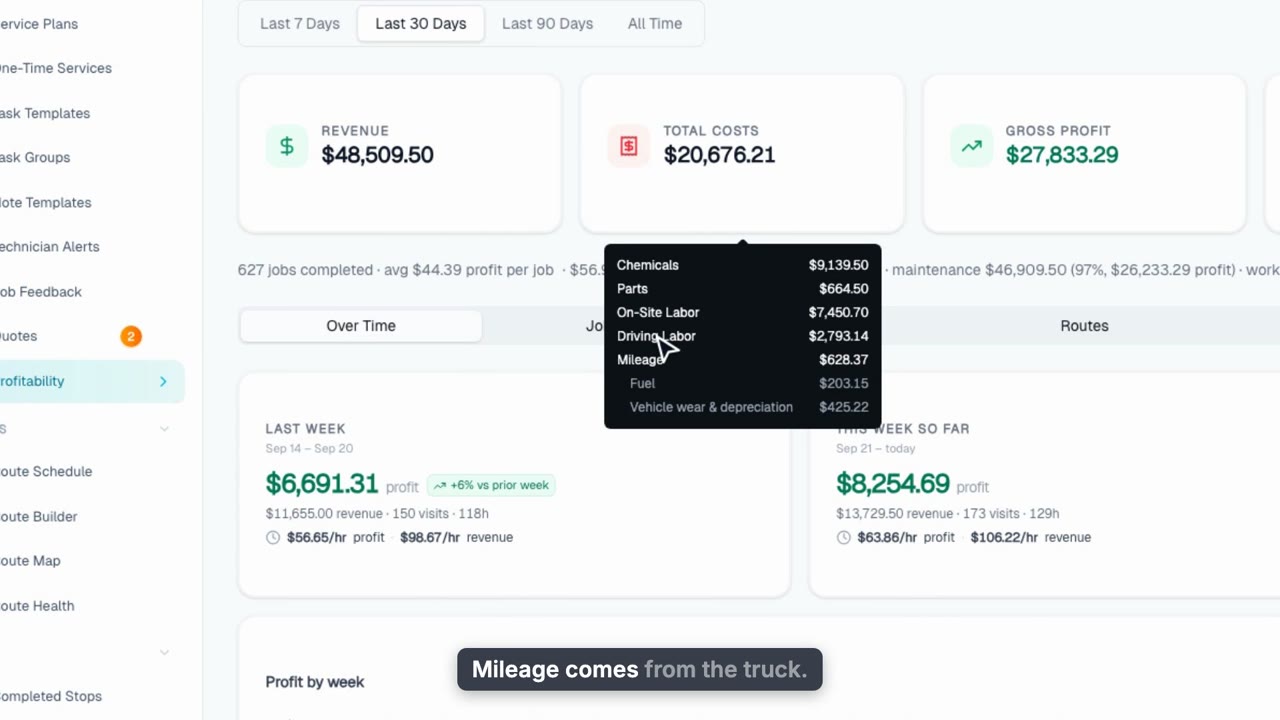
Profitability: What You Kept, Week by Week
See what you actually kept after chemicals, labor and mileage, what you made per hour on the road, and how last week compares to the one before.
Web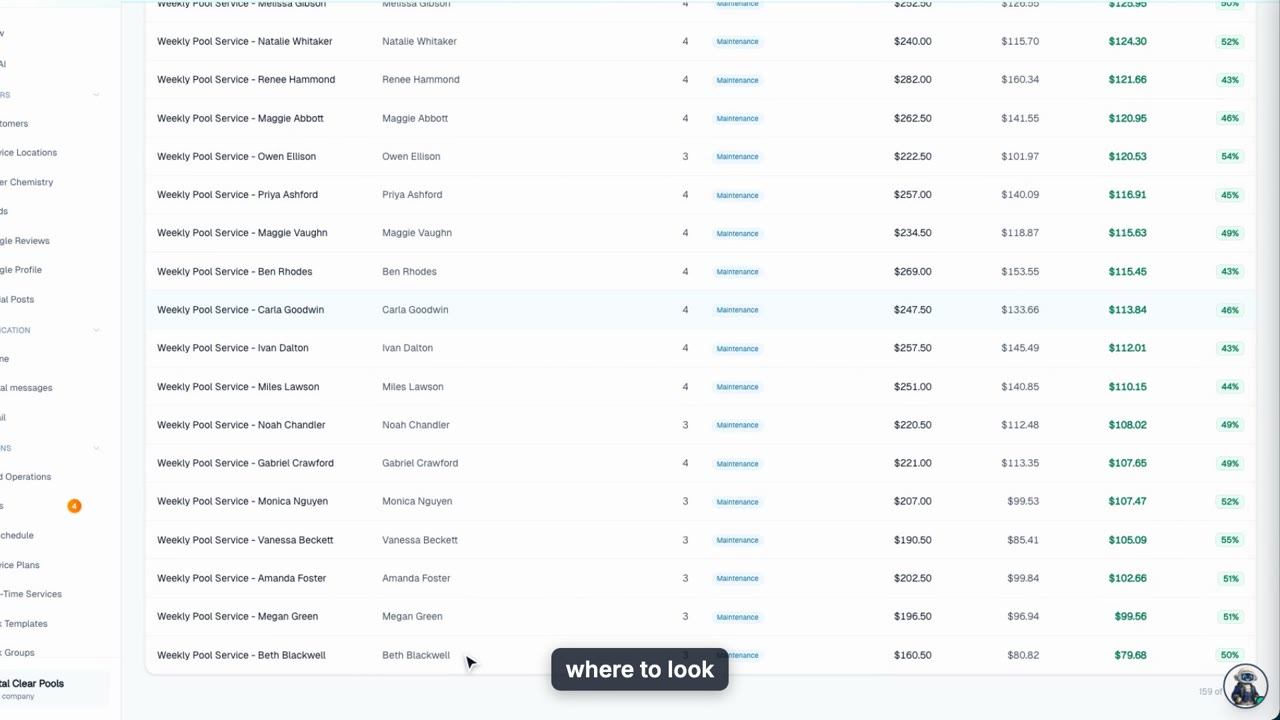
Profitability: Drill Into Jobs, Routes, and Chemicals
Rank every job, customer, route and tech by profit, click through to the exact visit or stop behind a number, and see chemical margins and recurring revenue.
Web